Skip to content
Argos Software

Argos for Distributors

From quote to picked order, from one stock record

Quotes, orders, prices, lots and locations share one record in the browser, so each order is priced from your price tables and filled from named lots and locations, and short lines can be reviewed before the order moves on.

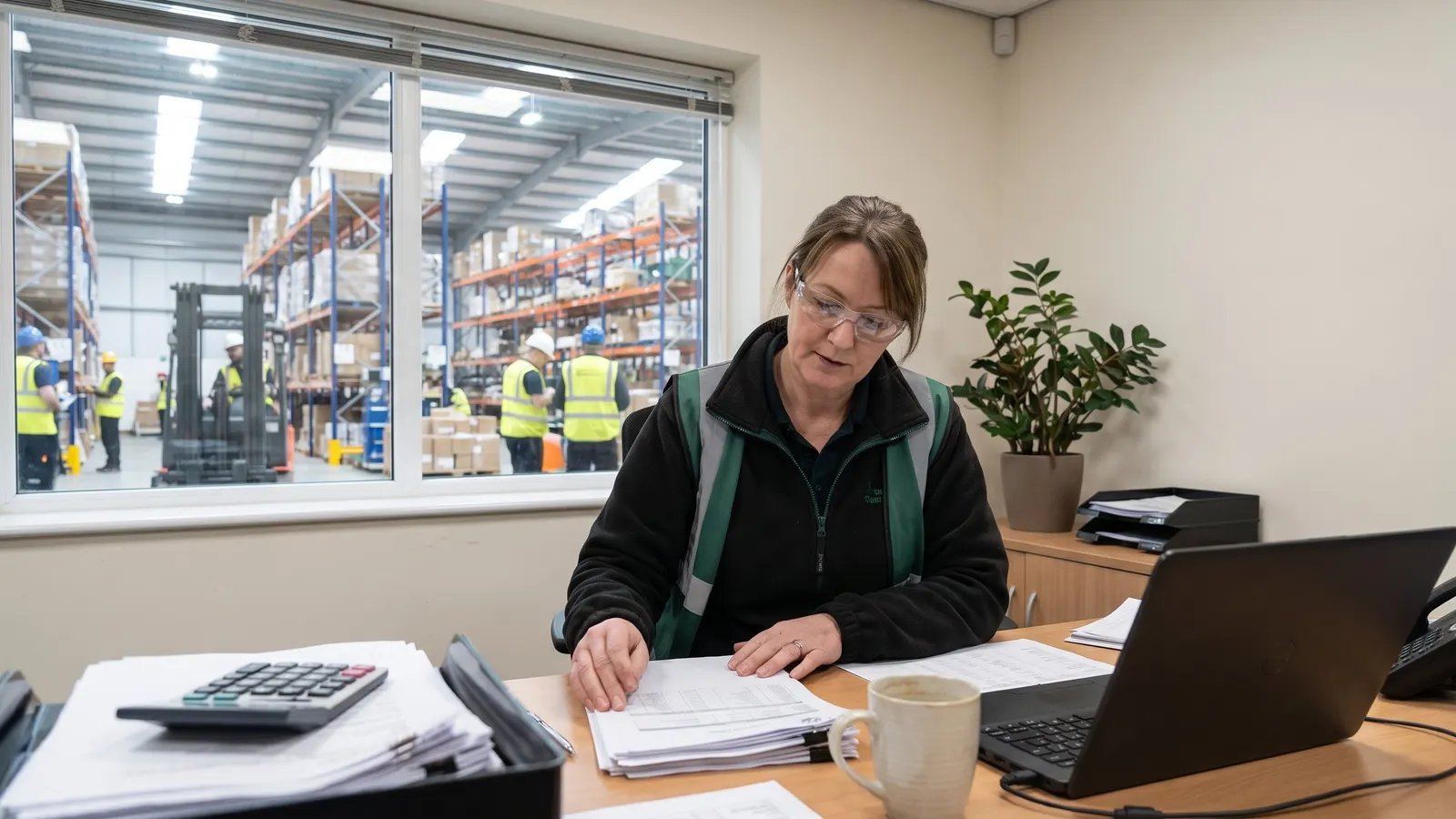
Warehouse workers picking orders in a distribution center

The problemWhen order entry, pricing and stock records live in different places, order takers quote without seeing what is on the shelf, and pickers learn about shortages at the rack.

From workaround to one record

Where distributors lose time today, and what changes.

  • Today

    When order entry, pricing and stock sit in different places, order takers quote without seeing what is on the shelf and pickers learn about shortages at the rack.

    Orders and customers

    Quotes and orders move from quote to shipped on one record, priced from your price tables and filled from the lots and locations set on each line.

  • Today

    When stock records lag behind the floor, staff walk the racks to find a lot, put inbound loads wherever there seems to be room, and count by hand without a clear record of the variances.

    Inventory

    Look up stock by item, lot, sublot or location and the free space in every location, so lots are found, held, moved and counted against one record.

  • Today

    When every report has to be requested from someone else, managers wait for the numbers they need, and the same questions get asked again every week.

    Insight and AI

    Standard warehouse and order reports run from the browser with your own filters, and dashboards your team builds put the daily numbers on one screen.

What Argos does for distributors

From any order line, order takers open the customer's past purchases and substitute items with their available stock, and the warehouse counts and looks up that same stock by item, lot and location.

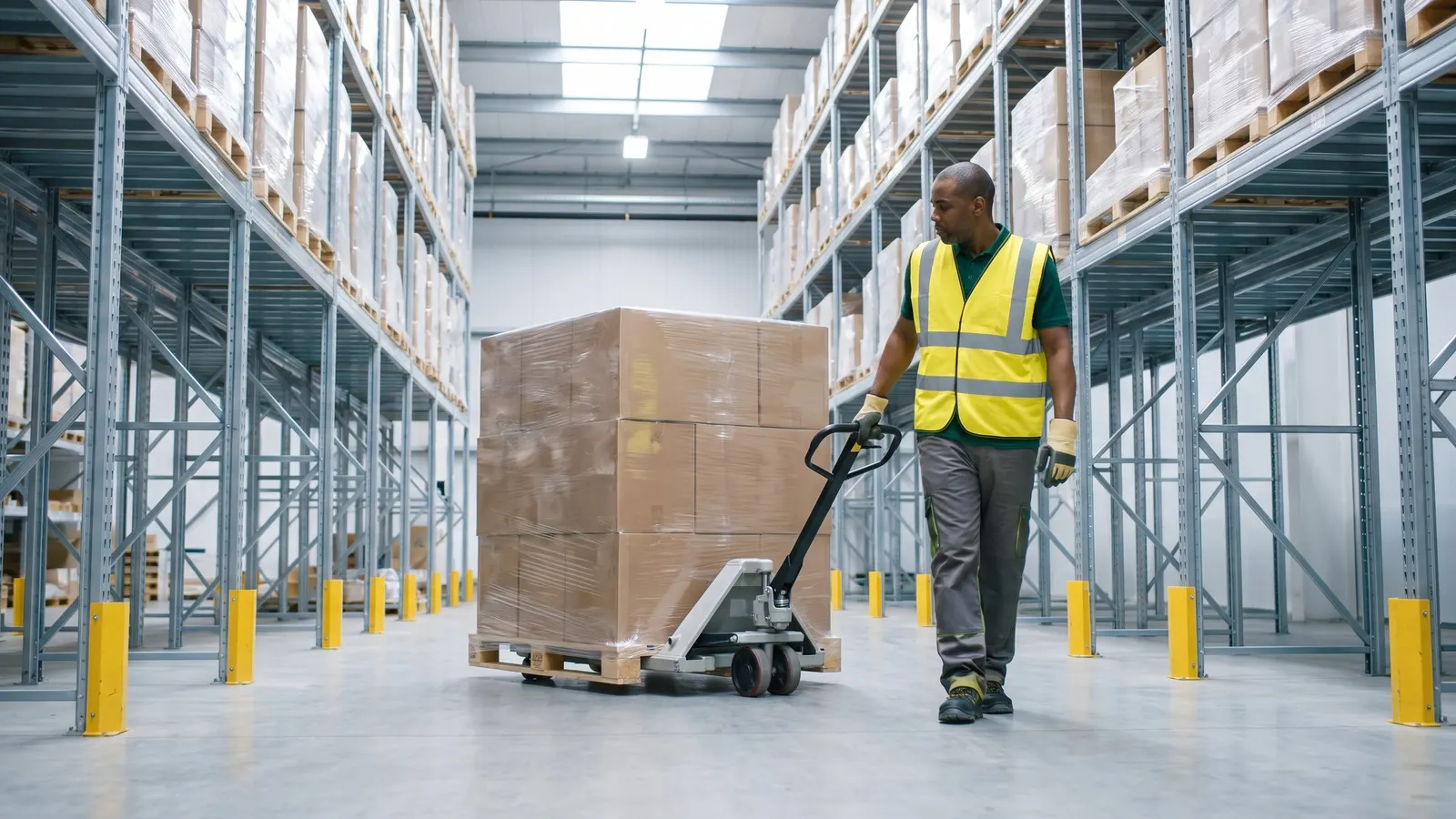
A warehouse worker moving a pallet with a pallet jack

Orders ship from the right lots and locations

Batch Order Processing

Update a whole batch of orders at once

Move a filtered group of orders to a new stage, reprice them, copy them or commit them in one run, with a count of what changed and a list of what failed.
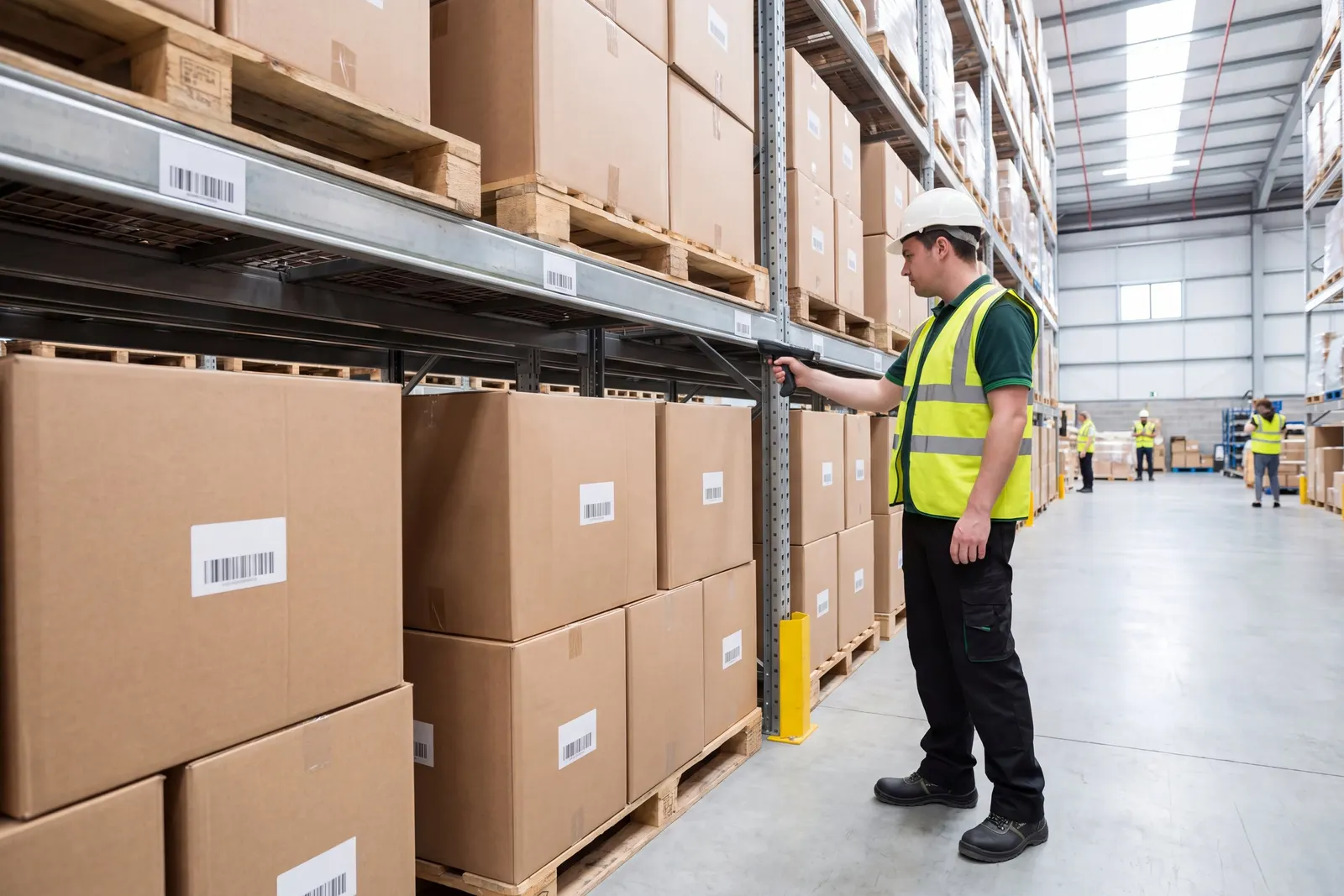
A warehouse worker counting stock in a rack aisle

Count, adjust and see stock by location

Inventory Transactions

Record receipts, usage and adjustments by location

Stock movements that are not customer orders, such as internal usage, returns, adjustments and damaged goods, are entered in the browser with the exact location, ready to commit to inventory.

Item Management View

See an item's stock, orders and history together

Buyers and inventory staff look up an item or lot and see its stock by location, open requisitions and purchase orders, receipts, order activity and transaction history from one screen.

An operations manager reviewing printed reports at a desk

Customer records and reports in the browser

Customers, Ship-Tos and Carriers

Keep customers, ship-tos and carriers in one place

Your team maintains customers, their ship-to addresses, carriers, warehouses and sales tax codes from the browser, so every order and shipment starts from the same, current record.

From customer quote to shipped order

Five steps on one shared record, from the customer quote to the shipped order.

  1. One record for customers, ship-tos and carriers

    Customers, their ship-to addresses and carriers are kept on one current record that every order starts from.

  2. Quotes and orders priced from your tables

    Each quote and order is priced from the customer's price level and your price tables, with discounts, fees and freight added on the order.

  3. Count, adjust and see stock by location

    The warehouse counts stock from selection through reviewed variances to count adjustments.

  4. Orders ship from the right lots and locations

    Lots and warehouse locations are set on each order line, by hand or automatically, so pickers know what to pull.

  5. Run order and stock reports from the browser

    Order and stock reports run with your own filters and come back as a PDF or a spreadsheet.

Proof, point by point

Each point is traced to the software and links to the capability behind it.

Questions distributors ask

Straight answers, drawn from what the software does today.

Can order takers check stock while they take an order?

Yes. From any order line, order takers open the customer's past purchases, substitute items with their available stock, or every open order for the same item or lot.

Are orders priced from our own price tables?

Yes. Each order is priced from the customer's price level and your price tables, an open order can be repriced when the tables change, and discounts, fees and freight are added on the order itself.

Can orders ship from specific lots and warehouse locations?

Yes. Lots and warehouse locations are set on each order line, by hand or automatically where the order profile allows it, so pickers know what to pull.

Can buyers see an item's stock, orders and history in one place?

Yes. Look up an item or lot and see its stock by location, open requisitions and purchase orders, receipts, order activity and transaction history from one screen.

How do we keep customer and ship-to records current?

Customers, their ship-to addresses, carriers, warehouses and sales tax codes are maintained in the browser, so every order and shipment starts from the same, current record.

How do physical counts work for a distributor?

Pick the inventory to count and preview it, generate count records, enter the results with a variance reason code, and generate the count adjustments once you have reviewed them.

Next step: book a guided walkthrough

See the whole flow with the Argos team, step by step, from the customer quote to the shipped order.