Skip to content
Argos Software

Reporting and Analytics

Run reports and dashboards from your browser

Standard warehouse and order reports run from the browser with your own filters, and dashboards your team builds put the daily numbers on one screen.

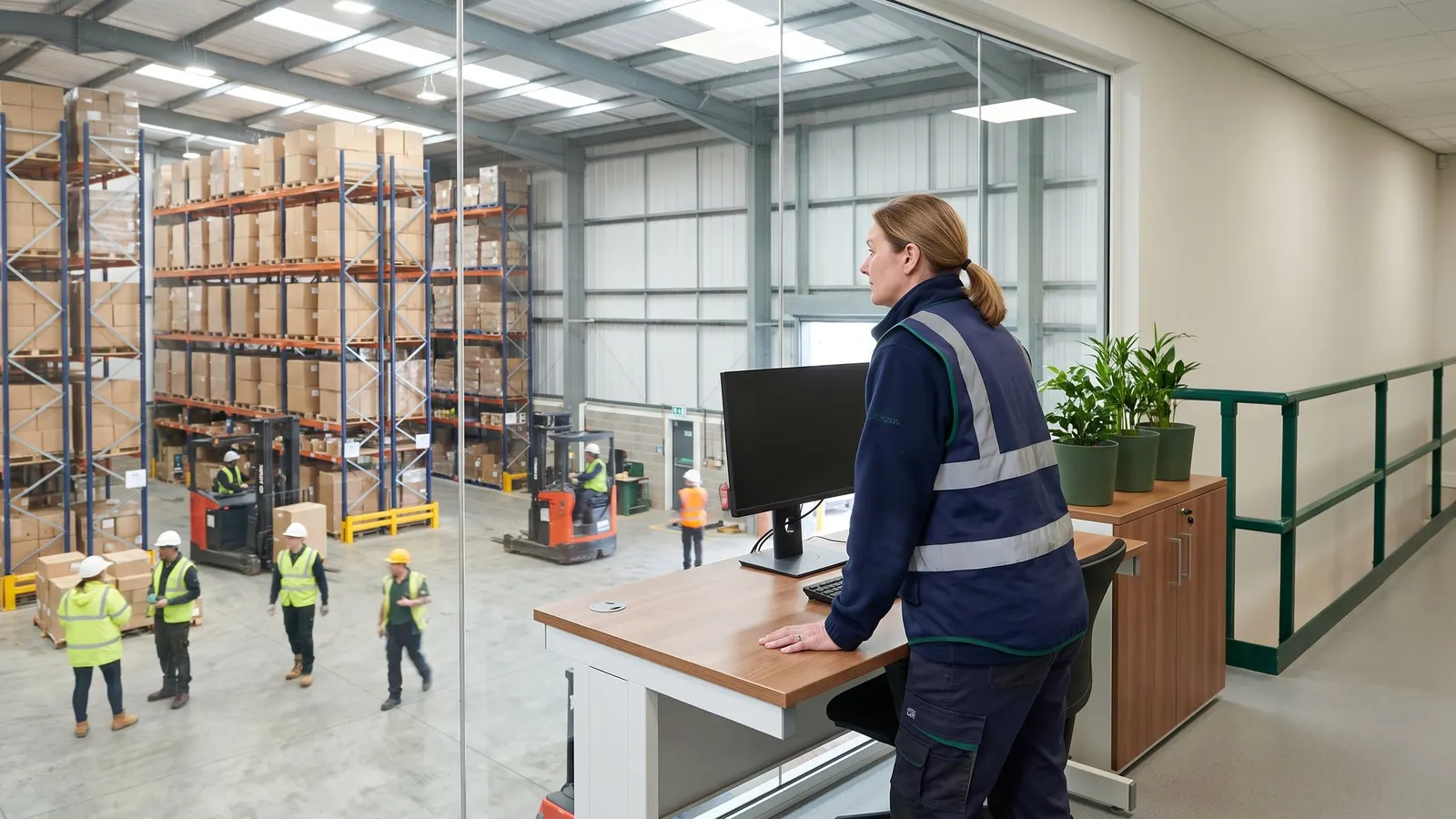
A manager at a standing desk overlooking the warehouse floor

The problem

When every report has to be requested from someone else, managers wait for the numbers they need, and the same questions get asked again every week.

With Argos

Reports come back as PDF or spreadsheet files, a saved filter set reruns a regular report with the same criteria, and quick query results export to Excel.

What insight and ai covers

8 capabilities, each with its own page.

Standard Report Library

Run standard warehouse reports from your browser

Warehouse and order reports run from the report menu with your own filters, and come back as a PDF or a spreadsheet file you can open in Excel. Pick a saved filter set to rerun a regular report with the same criteria.

  • A library of about 60 standard warehouse and order reports can be arranged into named groups on each module's report menu.
  • Filter any report by its own fields and its subreports' fields, then generate it as PDF, XLS, XLSX or CSV.
  • Pick a saved filter set (macro) to rerun a report with the same criteria.

Warehouse Reports

Report on stock, locations and activity

Run standard reports on what you hold, where it sits and what moved, from on-hand and availability by lot to location capacity, open orders and monthly activity.

AI Assistant for Warehouse Data

Ask about stock and shipments in plain English

Argos AI lets staff type a question such as "how much is left in lot A-200?" and get the on-hand and available quantities, a ship or receipt date, or the right report back in the chat, without hunting through screens.

Stock Turnover and Inventory Activity Analysis

Analyze stock turnover, activity and counts

See stock turnover and velocity, monthly inventory activity, location history, availability with unavailable reasons, count exceptions and labor, and run analysis grids over your transactions, items, lots and locations.

How it holds up

Each point is traced to the software and links to the capability behind it.

  • Filter any report by its own fields and generate it as PDF, XLS, XLSX or CSV

    Standard Report Library
  • Dashboards of charts and grids are built in a browser designer and placed on the menus of the modules and roles that use them

    Dashboards
  • Saved queries take prompts such as a date range, and results export to Excel

    Quick Query Dashboards

Where it fits in the day

From client rates to client invoices. The highlighted steps are covered on this page.

  1. Set each client's rates once

    Each client's charge codes and rate schedule are set once, with a new effective date when prices change.

  2. Orders and trucks arrive already planned

    Orders that arrive by EDI or as web orders are reviewed and converted into warehouse receipts and shipments with one action.

  3. Every receipt and shipment on one record

    Every receipt, shipment and adjustment is handled on one record, from planning through completion.

  4. Show each client the lots you hold for them

    Any item drills down to its lots and sublots with on hand and available quantities, and a whole lot can be put on hold.

  5. This area

    Report on stock and activity, filed by role

    Standard reports show what you hold, where it sits and what moved.

  6. Invoice every client from the charges captured

    Invoices for every client on a billing cycle are generated from the charges captured and previewed before you commit them.

Questions buyers ask

Straight answers, drawn from what the software does today.

Which file formats do reports come in?

Standard reports generate as PDF, XLS, XLSX or CSV files, filtered by the report's own fields and its subreports' fields.

Can we rerun a regular report with the same criteria?

Yes. Pick a saved filter set, called a macro, to rerun a report with the same criteria.
Who builds dashboards?

Your own team designs dashboards of charts and grids in a browser designer, on named data sources it defines. Each dashboard is placed on the menus of the modules and roles that use it, and users open it view only.

How do quick query dashboards work?

A power user saves a query once, with prompts such as a date range or customer. Users fill in the prompts, see the answer in a grid they can filter, sort and total, and export it to Excel.

Which warehouse reports are included?

Standard warehouse reports cover on-hand and availability by item, lot, sublot and location, location capacity and free volume, open receipts and shipments, monthly transaction activity and reorder levels.

Can dashboards be shared with another facility?

Yes. Copy dashboard layouts to your other facilities, or export them to a file and import them at another site.

See insight and ai on your own data

Book a guided walkthrough with the Argos team.