Skip to content
Argos Software

Freight Management and Dispatch

Dispatch, rate, bill and pay freight from one record

Orders become loads, loads become trips, and every trip is rated, billed and settled from the data dispatch already entered. Revenue, cost and margin show up by shipment and trip.

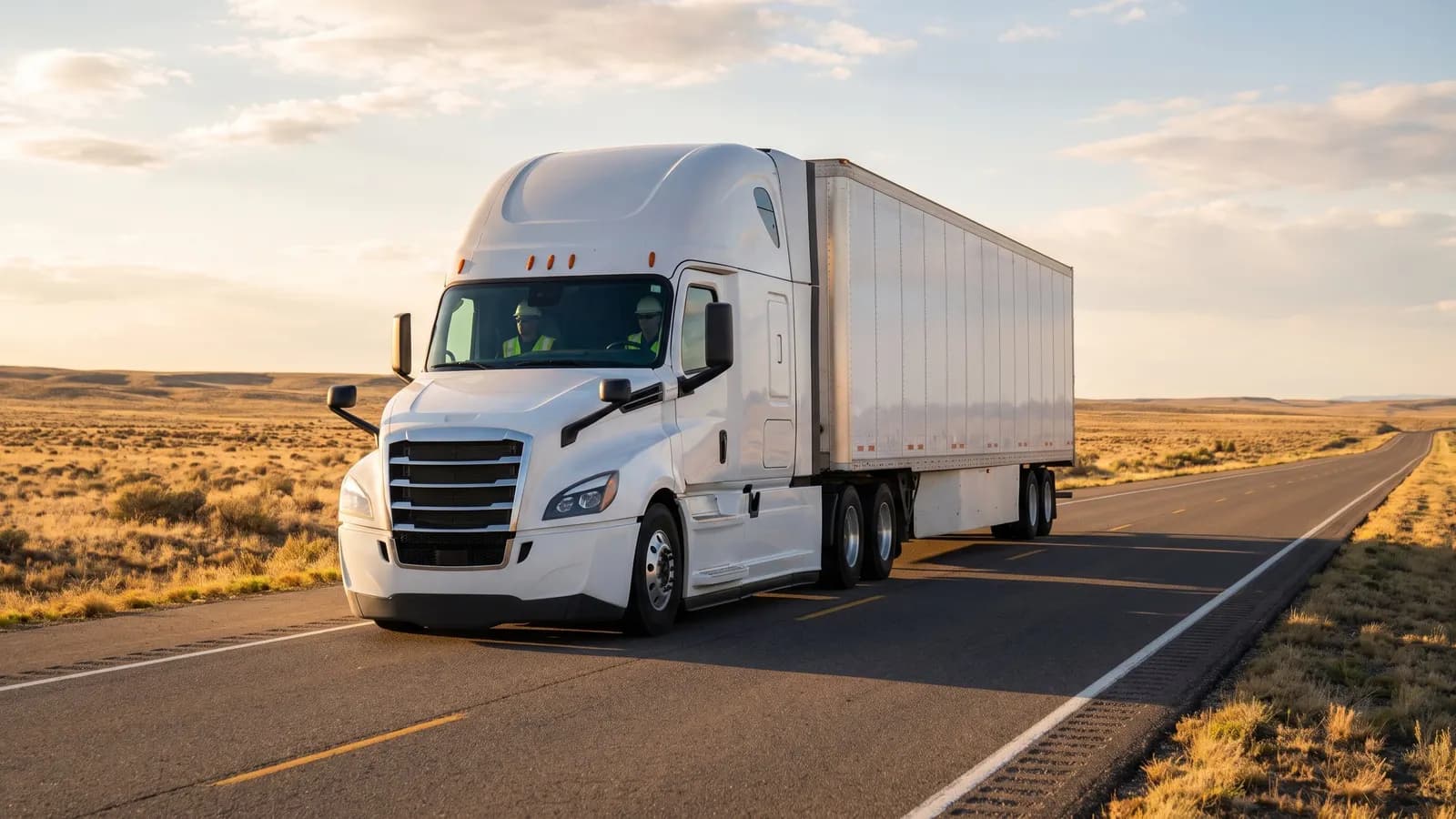
A semi-truck on an open highway at golden hour

The problem

A carrier keys the same load into dispatch, rating, billing and driver pay, so errors creep in at every handoff and nobody sees the margin on a trip until long after it ends.

With Argos

Dispatchers build trips from waiting loads, message drivers through your in-cab service and track proof of delivery, while billing rates freight from your own schedules and tariffs.

What freight and dispatch covers

11 capabilities, each with its own page.

Trip Planning and Dispatch

Plan trips and dispatch drivers, trucks and trailers

Build trips from waiting loads or orders, assign drivers, trucks and trailers, and work every pickup and delivery stop in order. Find the closest truck for a load, record miles by state, and close several trips at once.

  • Create a trip from selected loads or orders with a guided wizard, or add them to an existing trip
  • Assign drivers, trucks and trailers to each trip, and review every pickup and delivery stop
  • Find the closest available trucks for a load, or the closest loads for a truck
Shipper Load Entry and Tracking Portal

Let shippers enter and track loads online

Give shippers a web portal to enter shipment requests and freight orders, follow their loads on a map, search trips, and print labels and reports themselves.

Driver and Carrier Settlements

Pay drivers, owner operators and carriers per trip

Record what each driver, owner operator and carrier is owed on a trip by charge code, compare carriers by recent activity and pay, then commit trip payments and freight bill settlements so everyone gets paid.

Driver Messaging from Dispatch

Message drivers and trucks from dispatch

Send dispatch and free-form messages to drivers and trucks through your in-cab messaging service, read every reply, and let incoming messages update trips and loads by rules you set.

Freight Billing and Consolidated Invoices

Bill freight and consolidate invoices by customer

Create freight bills with charges and totals, find any current or past bill in one place, then commit them and group each customer's bills into consolidated invoices.

Trip and Shipment Profitability Reporting

Know the revenue, cost and margin on every trip

Analyze revenue, participant cost and margin by shipment, trip and broker, and print the freight documents drivers and shippers need: delivery receipts, manifests, driver instructions and load confirmations.

Shipment Tracking and Proof of Delivery

Track every shipment and prove delivery

Record carrier tracking numbers, pull in rail and terminal container events, and know whether proof of delivery is required, missing or received on every trip.

Freight Rate Tariffs by Class, Weight and Zone

Keep freight tariffs by class, weight, zone and zip

Keep rate tariffs with freight classes and rates per class and weight break, zone to zone tables, and point to point zip rates for each customer, plus rate and price tables for freight charges.

Freight Rate Quotes

Quote freight rates from your tariffs

Price a shipment against your rate tariffs, save the answer as a quote, and find, manage and print saved quotes whenever you need them.

How it holds up

Each point is traced to the software and links to the capability behind it.

Where it fits in the day

One flow from first order to final payment. The highlighted steps are covered on this page.

  1. This area

    Orders and shipper requests become loads

    Every customer move request becomes a freight order, and every order becomes loads ready to dispatch.

  2. This area

    Dispatch builds trips from waiting loads

    Dispatch builds trips from waiting loads and assigns drivers, trucks and trailers to every stop.

  3. This area

    Track every shipment through proof of delivery

    Every trip shows its tracking events and whether proof of delivery is required, missing or received.

  4. This area

    Rate, bill and pay from the trip record

    Freight bills are created with their charges, committed and grouped into consolidated invoices for each customer.

  5. This area

    See revenue, cost and margin by trip

    Revenue, participant cost and margin are reported by shipment, trip and broker.

Questions buyers ask

Straight answers, drawn from what the software does today.

Can dispatchers build trips from loads that are already waiting?

Yes. Select waiting loads or orders and create a trip with a guided wizard, or add them to an existing trip. Assign drivers, trucks and trailers, review every pickup and delivery stop, and find the closest available trucks for a load.

How is freight rated?

From your own rate schedules, with linehaul and accessorial charge codes, applied to a whole batch of orders or freight bills at once. Rate tariffs by freight class and weight break, zone to zone tables and point to point zip rates are kept alongside them.

Can we send one invoice per customer instead of one per load?

Yes. Committed freight bills for a customer are grouped into consolidated invoices, and consolidated invoices can be undone before they are committed.

How are drivers, owner operators and carriers paid?

Pay lines are entered per trip participant by charge code, then trip payments and freight bill settlements are committed so each participant can be paid.

Do messages reach drivers in the cab?

Yes, through your in-cab messaging service. Dispatch sends trip and free-form messages to selected vehicles, and incoming message types update trips and loads by rules you define.

Can we tell whether proof of delivery came back?

Yes. Every trip carries a proof of delivery status of required, missing or received, and scanned trip paperwork attaches to the matching order, trip or both.

See freight and dispatch on your own data

Book a guided walkthrough with the Argos team.