Skip to content
Argos Software

EDI and Integrations

Exchange EDI with every partner from one setup

Inbound EDI and files commit straight into your warehouse, order and inventory records, and outbound documents go to each partner on a schedule. Every message can be searched, fixed and resubmitted.

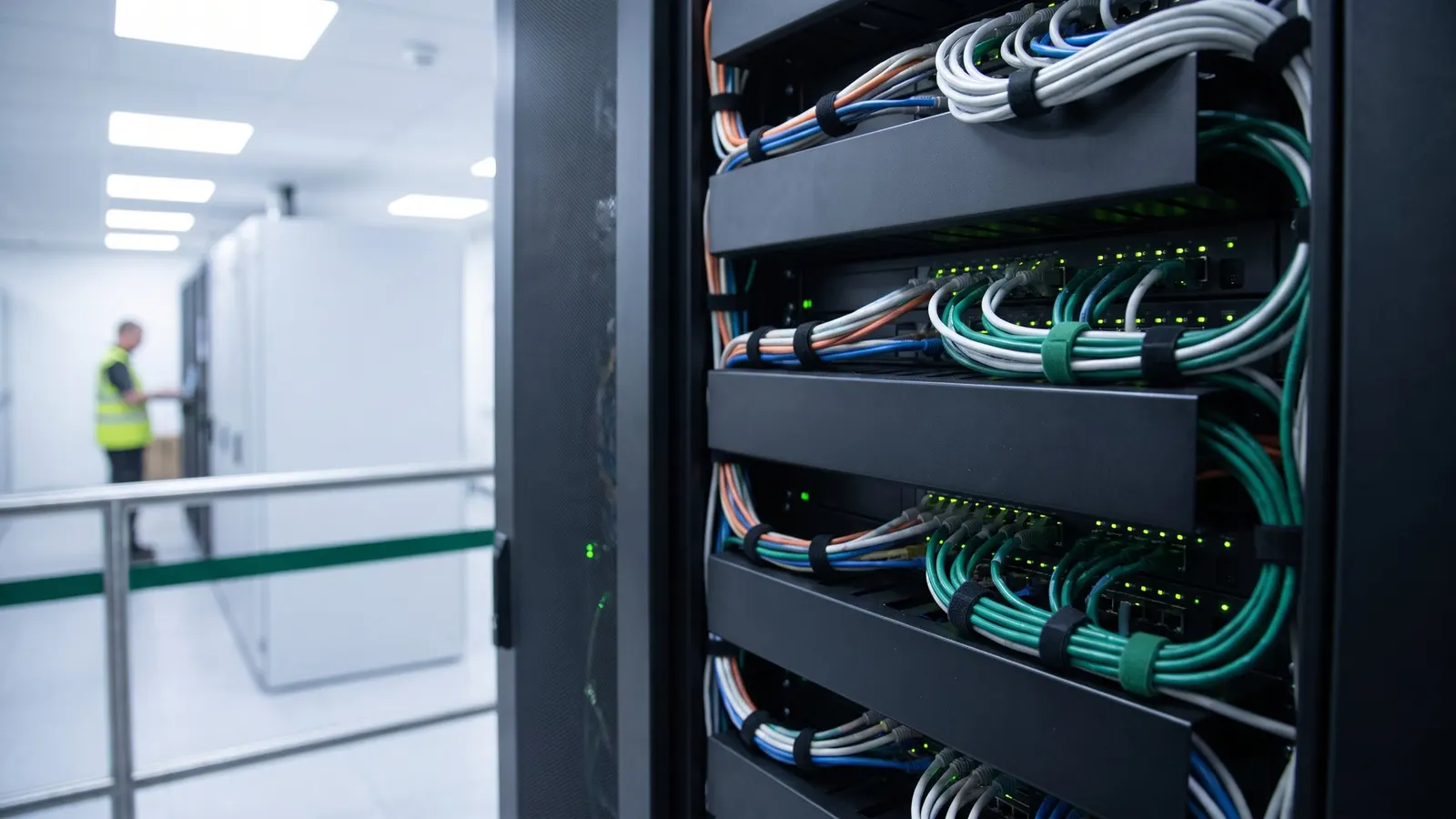
Network cabling in a server rack in a bright equipment room

The problem

Every customer, carrier and network sends its own EDI and files, so orders and ship notices get keyed again by hand, and a failed message goes unnoticed until a partner calls.

With Argos

Maps translate each partner's codes into yours, inbound 856 ship notices become warehouse receipts, and inbound 204 load tenders become dispatch orders.

What edi and integrations covers

8 capabilities, each with its own page.

EDI Trading Partner Setup

Set up trading partners, maps and connections

Link each customer, consignee and carrier to its EDI trading partner, with the ID codes that identify it in documents. Map inbound and outbound segments to your data for each transaction set, and exchange EDI with each partner or network on a schedule.

  • Assign the trading partner on customer, consignee and carrier records, with EDI ID and location codes on consignees
  • Map inbound and outbound segments and elements to your data for each transaction set
  • Exchange EDI with each partner on a schedule over FTP, email, shared folders or a network provider


Load Tender, Shipment Status and Rail EDI

Exchange load tender, status and rail EDI

Inbound 204 load tenders become dispatch orders with their pickup and delivery stops, and dispatch answers with 990 responses, 214 status and 322 terminal event messages.

Warehouse EDI for Receipts and Shipments

Exchange warehouse EDI with customers and carriers

Inbound 856 ship notices become warehouse receipts and inbound 940 shipping orders become warehouse transactions, with missing items and lots created from your defaults.

Automated EDI and File Exchange

Run partner EDI and file exchange automatically

Inbound EDI and flat files are picked up automatically, answered with 997 acknowledgements and committed straight into your warehouse, order and inventory records.

EDI and Flat File Mapping

Map partner EDI and flat files to your data

Build import and export maps for EDI and for delimited or fixed-width flat files, with lookups and translation tables that turn a partner's codes into yours.

EDI Message Monitoring and Resubmission

Track every partner message and fix failures

Search inbound and outbound EDI and flat file messages by partner, transaction set, status and date, and see where each EDI transaction set stopped: parse, mapping or commit.

How it holds up

Each point is traced to the software and links to the capability behind it.

Questions buyers ask

Straight answers, drawn from what the software does today.

How do we connect to each trading partner?

Assign the trading partner on customer, consignee and carrier records, with EDI ID and location codes on consignees, then exchange EDI with each partner on a schedule over FTP, email, shared folders or a network provider.

Which warehouse EDI documents are supported?

Inbound 856 advance ship notices become warehouse receipts and inbound 940 shipping orders become warehouse transactions. From a receipt or shipment you send 856, 861, 846, 944, 945 or 404 documents to each party's trading partner.

Can carriers exchange load tenders and status messages?

Yes. Inbound 204 load tenders become dispatch orders with their pickup and delivery stops, and dispatch answers with 990 tender responses, 214 shipment status and 322 terminal event messages. Freight invoices go out as 210 or 810 documents.

How do we map a new partner's files?

Build EDI and flat file import and export maps with lookups and translation tables, or set up a new inbound or outbound flow step by step with a wizard. Maps are assigned to each trading partner and delivery destination.

What happens when a message fails?

Search message history by partner, transaction set, status and date, and see whether an EDI transaction set stopped at parse, mapping or commit. Open the raw document and its 997, fix the cause and resubmit.

Are acknowledgements sent automatically?

Yes. Inbound EDI is picked up automatically, matched to the right trading partner and answered with 997 functional acknowledgements, and imports, exports and FTP transfers run as scheduled jobs.

See edi and integrations on your own data

Book a guided walkthrough with the Argos team.