
Skip to content
Argos Software

Batch Order Processing

Update a whole batch of orders at once

Move a filtered group of orders to a new stage, reprice them, copy them or commit them in one run, with a count of what changed and a list of what failed. Rebalance ordered quantities across open order lines from one screen when stock runs short.

A checklist beside a stack of orders

What it does

  • Move a filtered set of orders to a new stage in one run, with a count of orders and errors
  • Reprice a filtered set of orders at a chosen price level, with a preview and a count of orders changed and unchanged
  • Copy orders into new orders in a batch, and commit finished orders with a printable list of anything that failed
  • Reset ordered quantities on open order lines across orders on one screen, and fill any shortfall from another lot or item
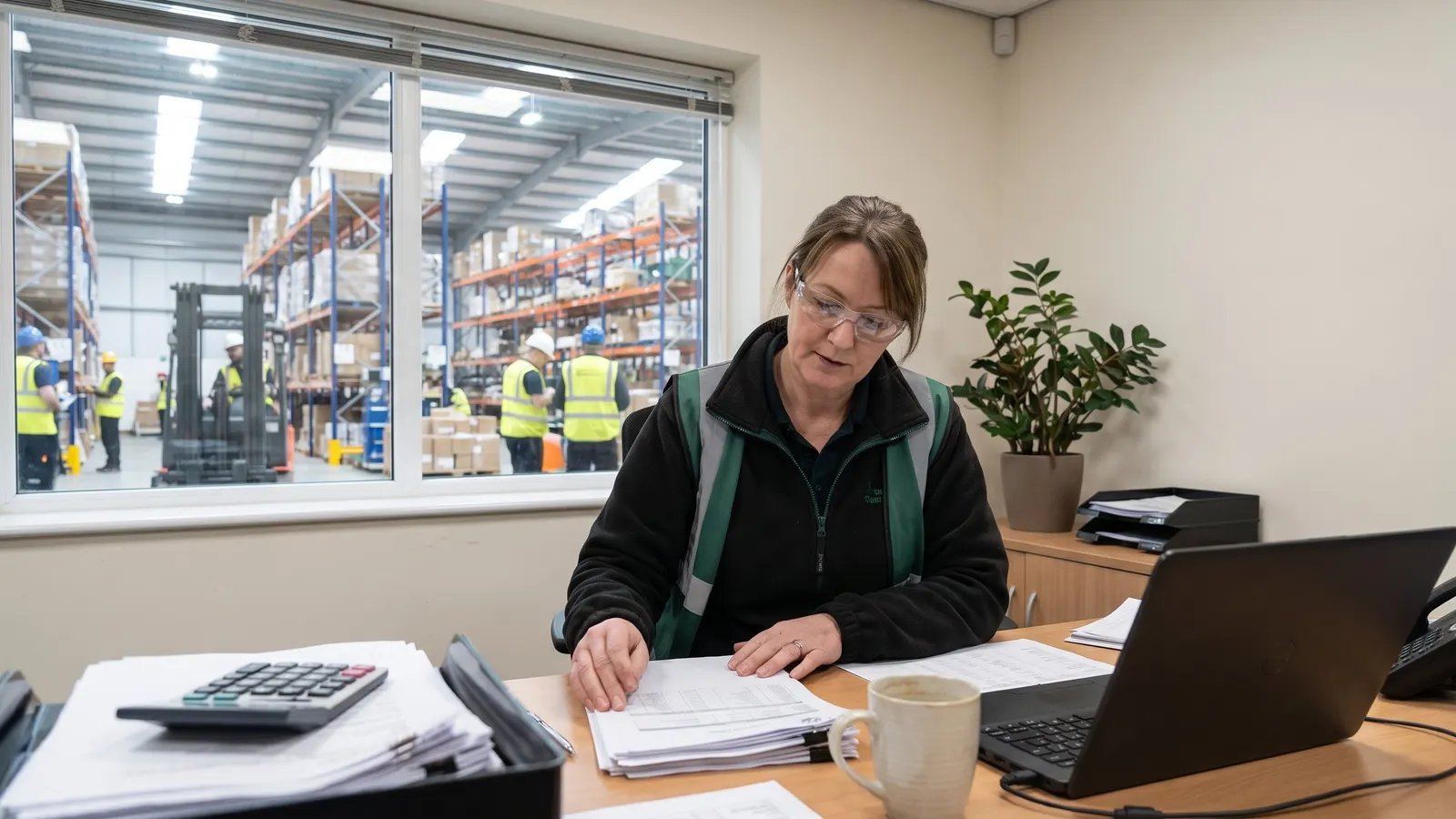
An operations manager reviewing printed reports at a desk

Where it fits

From customer quote to shipped order, for distributors.

  1. One record for customers, ship-tos and carriers

    Customers, their ship-to addresses and carriers are kept on one current record that every order starts from.

  2. Quotes and orders priced from your tables

    Each quote and order is priced from the customer's price level and your price tables, with discounts, fees and freight added on the order.

  3. Count, adjust and see stock by location

    The warehouse counts stock from selection through reviewed variances to count adjustments.

  4. This step

    Orders ship from the right lots and locations

    Lots and warehouse locations are set on each order line, by hand or automatically, so pickers know what to pull.

  5. Run order and stock reports from the browser

    Order and stock reports run with your own filters and come back as a PDF or a spreadsheet.

Questions about batch order processing

Straight answers, drawn from what the software does today.

Can we update many orders at once?

Yes. A filtered group of orders can be moved to a new stage, repriced, copied or committed in one run, with a count of what changed and a list of what failed.

Can we see which orders failed to commit?

Yes. Committing finished orders produces a printable list of anything that failed, and a stage change run reports a count of orders and errors.

What happens when stock runs short across open orders?

You rebalance ordered quantities on open order lines from one screen, and can fill a shortfall from another lot or item.

Related capabilities

Also in orders and customers.

Customers, Ship-Tos and Carriers

Keep customers, ship-tos and carriers in one place

Your team maintains customers, their ship-to addresses, carriers, warehouses and sales tax codes from the browser, so every order and shipment starts from the same, current record.

Part of the story forArgos for Distributors

See batch order processing in a walkthrough

Book a guided walkthrough with the Argos team.