

Skip to content
Argos Software

Order Lots and Locations

Pick the right lots and locations for every order

Set lots and warehouse locations on the order, by hand or automatically where the order profile allows it, so pickers know exactly what to pull. Where set up, short lines are listed for review before an order moves on, and serial numbers are captured on the lines that ship.

Location pins beside stacked boxes

What it does

  • Pick lots by hand, or, where the order profile allows it, let the system choose lots as an order moves to a shipping stage, and undo that selection
  • Assign each line's quantity to warehouse locations from the line's location grid
  • When set up for the order type, a stage change lists lines without enough available stock, with their assigned and available locations, for review
  • Swap one lot for another across order lines in a batch with a preview, and capture serial numbers on shipped and returned lines
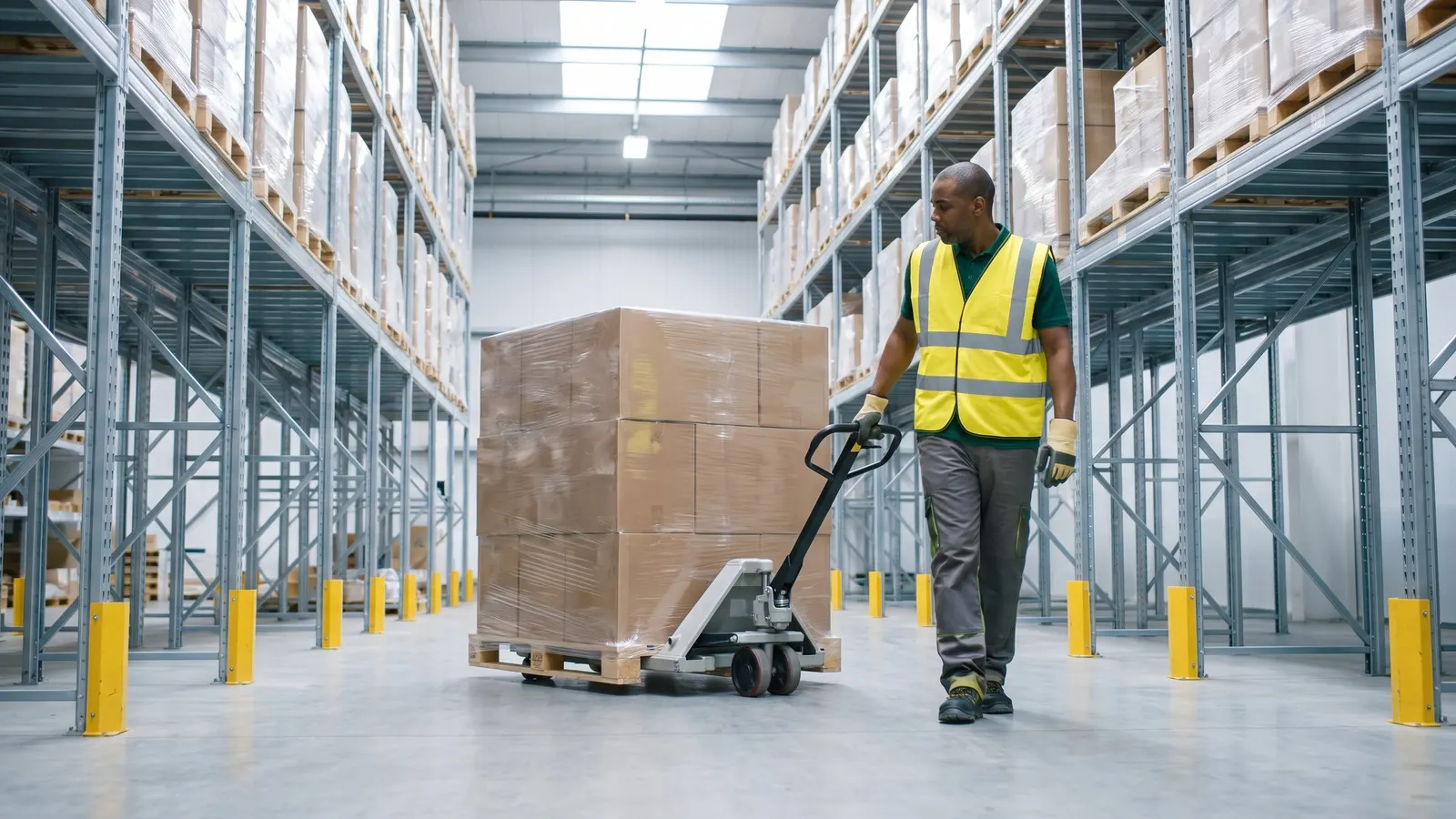
A warehouse worker moving a pallet with a pallet jack

Where it fits

From customer quote to shipped order, for distributors.

  1. One record for customers, ship-tos and carriers

    Customers, their ship-to addresses and carriers are kept on one current record that every order starts from.

  2. Quotes and orders priced from your tables

    Each quote and order is priced from the customer's price level and your price tables, with discounts, fees and freight added on the order.

  3. Count, adjust and see stock by location

    The warehouse counts stock from selection through reviewed variances to count adjustments.

  4. This step

    Orders ship from the right lots and locations

    Lots and warehouse locations are set on each order line, by hand or automatically, so pickers know what to pull.

  5. Run order and stock reports from the browser

    Order and stock reports run with your own filters and come back as a PDF or a spreadsheet.

Questions about order lots and locations

Straight answers, drawn from what the software does today.

Can we choose which lots and locations an order ships from?

Yes. Pick lots by hand or, where the order profile allows it, let the system choose lots as the order moves to a shipping stage, and assign each line's quantity to warehouse locations.

Can orders ship from specific lots and warehouse locations?

Yes. Lots and warehouse locations are set on each order line, by hand or automatically where the order profile allows it, so pickers know what to pull.

Can we swap one lot for another across order lines in a batch?

Yes. One lot is swapped for another across order lines in a batch, with a preview first, on lines that have no location assigned yet.

Related capabilities

Also in orders and customers.

Customers, Ship-Tos and Carriers

Keep customers, ship-tos and carriers in one place

Your team maintains customers, their ship-to addresses, carriers, warehouses and sales tax codes from the browser, so every order and shipment starts from the same, current record.

Batch Order Processing

Update a whole batch of orders at once

Move a filtered group of orders to a new stage, reprice them, copy them or commit them in one run, with a count of what changed and a list of what failed.

See order lots and locations in a walkthrough

Book a guided walkthrough with the Argos team.