Skip to content
Argos Software

Items, Lots and Locations

Manage items, lots, locations and kits online

Set up products, lots, sublots, kits and storage locations from the browser, and see each item's lots and stock locations on the item record itself.

Stacked boxes beside a location pin

What it does

  • Create and edit items with units of measure, handling, status and user defined fields, and see each item's lots and locations on the same record.
  • Create and edit lots and sublots, each with its own units of measure, status and location detail.
  • Build kits from component items, and preview then run a batch that recalculates kit component usage.
  • Maintain storage locations with dimensions and nearby locations, plus descriptive codes and item data profiles that prefill new items.
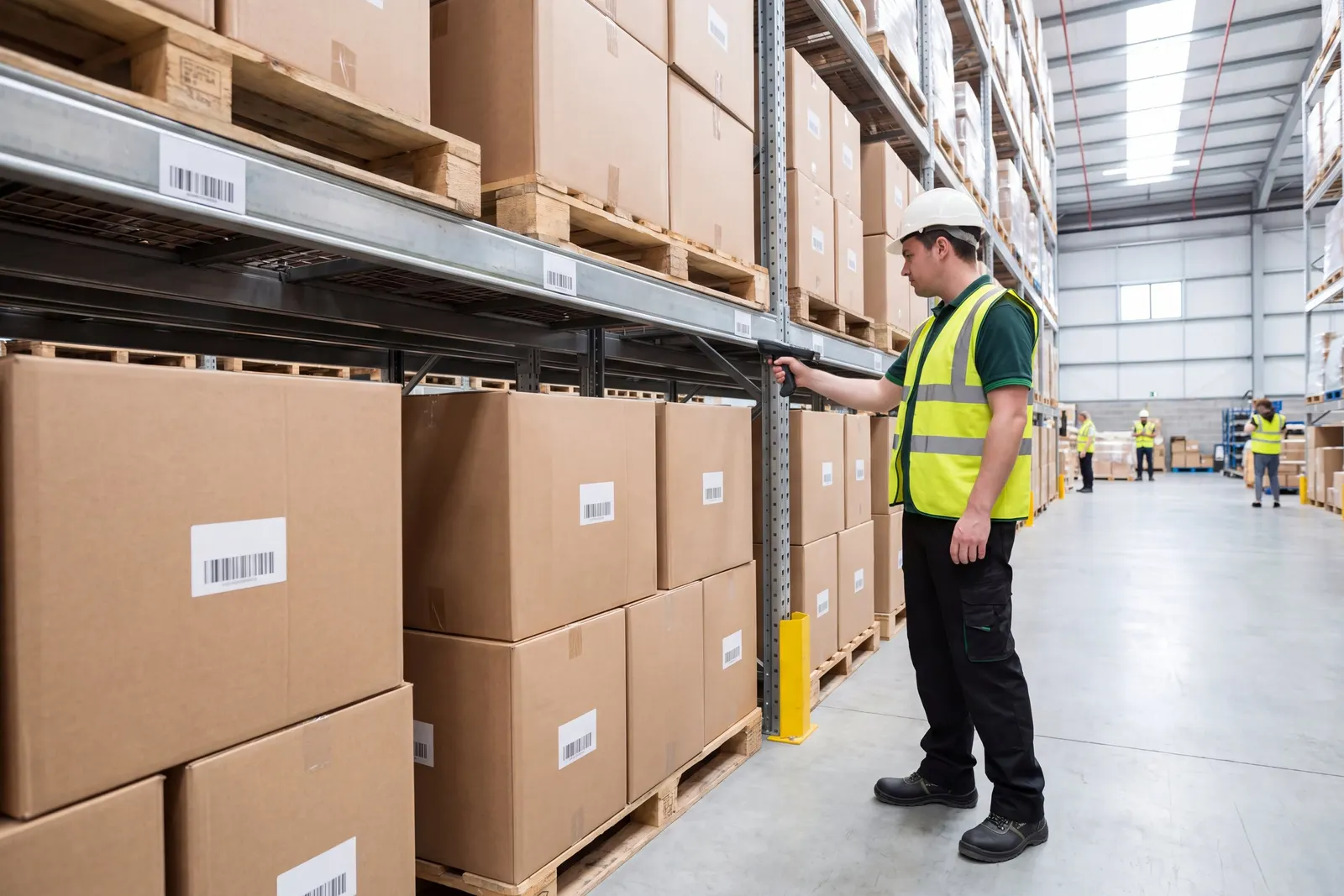
A warehouse worker counting stock in a rack aisle

Where it fits

From the inbound truck to the client invoice, for cold storage warehouses.

  1. This step

    Items, lots and locations set up once

    Products, lots, sublots, kits and storage locations are set up once, with each item's lots and locations on its record.

  2. Trucks booked in, paperwork ready to print

    Receiving appointments are booked and requested times are approved or rejected from one list.

  3. Record lots in and out, then find them again

    Receipts and shipments record which lots and sublots moved on each line, picked from current available quantities.

  4. Put any lot on hold, with a reason

    Any lot can be put on hold with a reason code when stock must be quarantined, and released later.

  5. Report on lots, locations and activity

    Standard reports show what you hold, where it sits and what moved.

  6. Bill each storage client from rates set once

    Storage billing runs for every client on its cycle, and every proposed charge is reviewed before it is applied.

Related capabilities

Also in inventory.

Inventory Transactions

Record receipts, usage and adjustments by location

Stock movements that are not customer orders, such as internal usage, returns, adjustments and damaged goods, are entered in the browser with the exact location, ready to commit to inventory.

Item Management View

See an item's stock, orders and history together

Buyers and inventory staff look up an item or lot and see its stock by location, open requisitions and purchase orders, receipts, order activity and transaction history from one screen.

See items, lots and locations in a walkthrough

Book a guided walkthrough with the Argos team.