

Skip to content
Argos Software

Inventory Reports

Inventory reports for stock, value, reorders and counts

Run the standard inventory reports from the browser, from stock by location and valuation to reorder lists, count sheets and barcodes, and download them as PDF, Excel or CSV files. Analysis reports over items, lots, locations and transactions sit alongside them.

A report chart beside stacked boxes

What it does

  • Stock by location and by item, including unused items by location
  • Inventory valuation, plus reorder and replenishment lists by item and lot
  • Count worksheets by location or by item, printed count records and a list of missing counts
  • Item and item/lot barcode reports, plus transaction history and recap reports
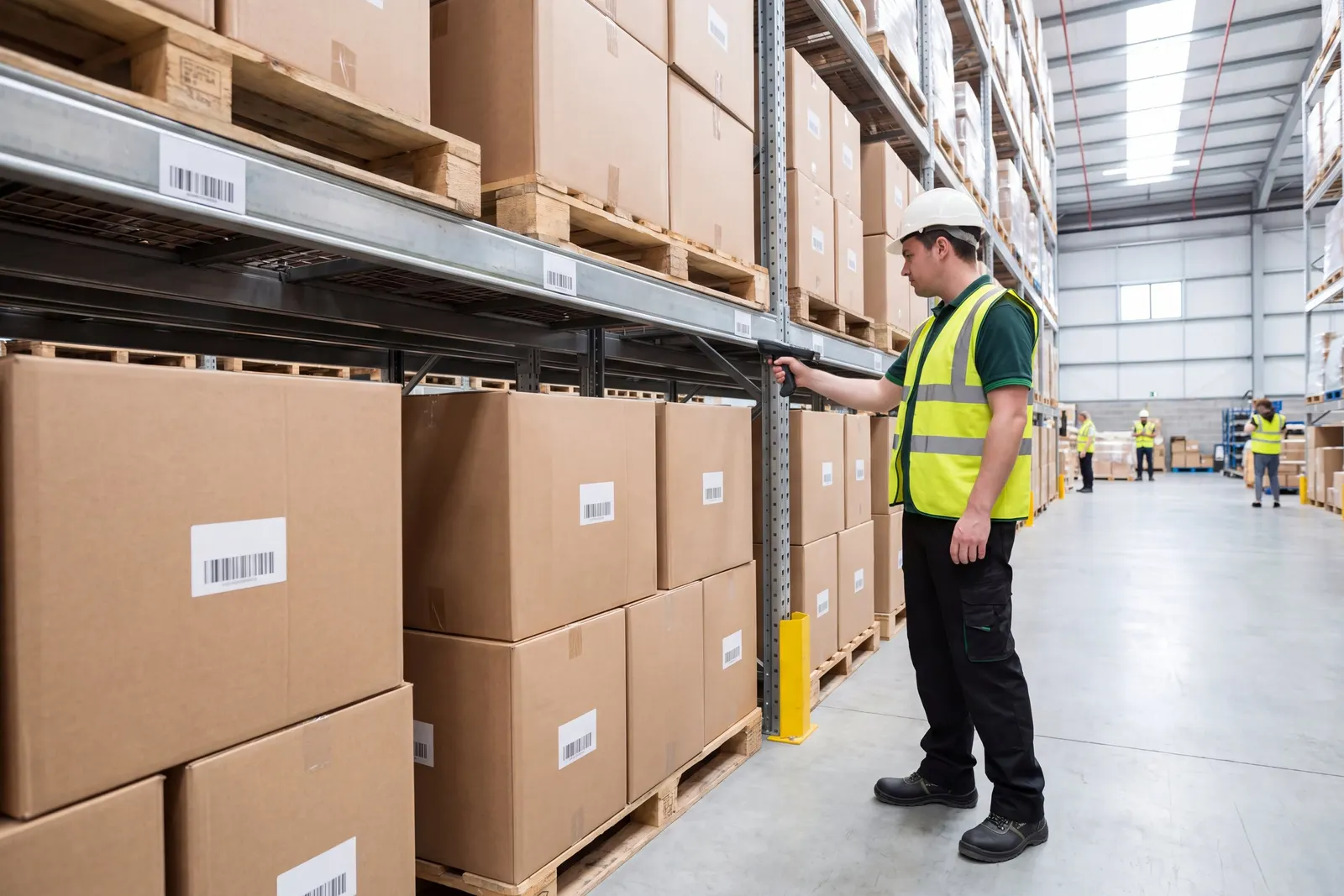
A warehouse worker counting stock in a rack aisle

Questions about inventory reports

Straight answers, drawn from what the software does today.

Which inventory reports are included?

Standard reports cover stock by location and by item, inventory valuation, reorder and replenishment lists, count worksheets and item barcodes, run from the browser as PDF, Excel or CSV files.

Can we print item barcodes from a report?

Yes. Item and item and lot barcode reports generate a file you can print.

Can we list items that are not being used?

Yes. Stock reports run by location and by item, including unused items by location.

Related capabilities

Also in inventory.

Inventory Transactions

Record receipts, usage and adjustments by location

Stock movements that are not customer orders, such as internal usage, returns, adjustments and damaged goods, are entered in the browser with the exact location, ready to commit to inventory.

Item Management View

See an item's stock, orders and history together

Buyers and inventory staff look up an item or lot and see its stock by location, open requisitions and purchase orders, receipts, order activity and transaction history from one screen.

See inventory reports in a walkthrough

Book a guided walkthrough with the Argos team.