

Skip to content
Argos Software

Warehouse Invoicing

Turn warehouse charges into client invoices in batches

Generate invoices for every client on a billing cycle, preview them before you commit, and undo a filtered set of invoices if something is wrong. Invoice lines can still be corrected after the run.

Charges batched into client invoices

What it does

  • Generate invoices in a batch by billing frequency, with your own invoice date and title
  • Choose whether to generate $0 invoices
  • Preview before you commit or undo, and undo applies to every invoice matching your filter
  • Search invoices by client, number or date, and add, change or delete invoice lines
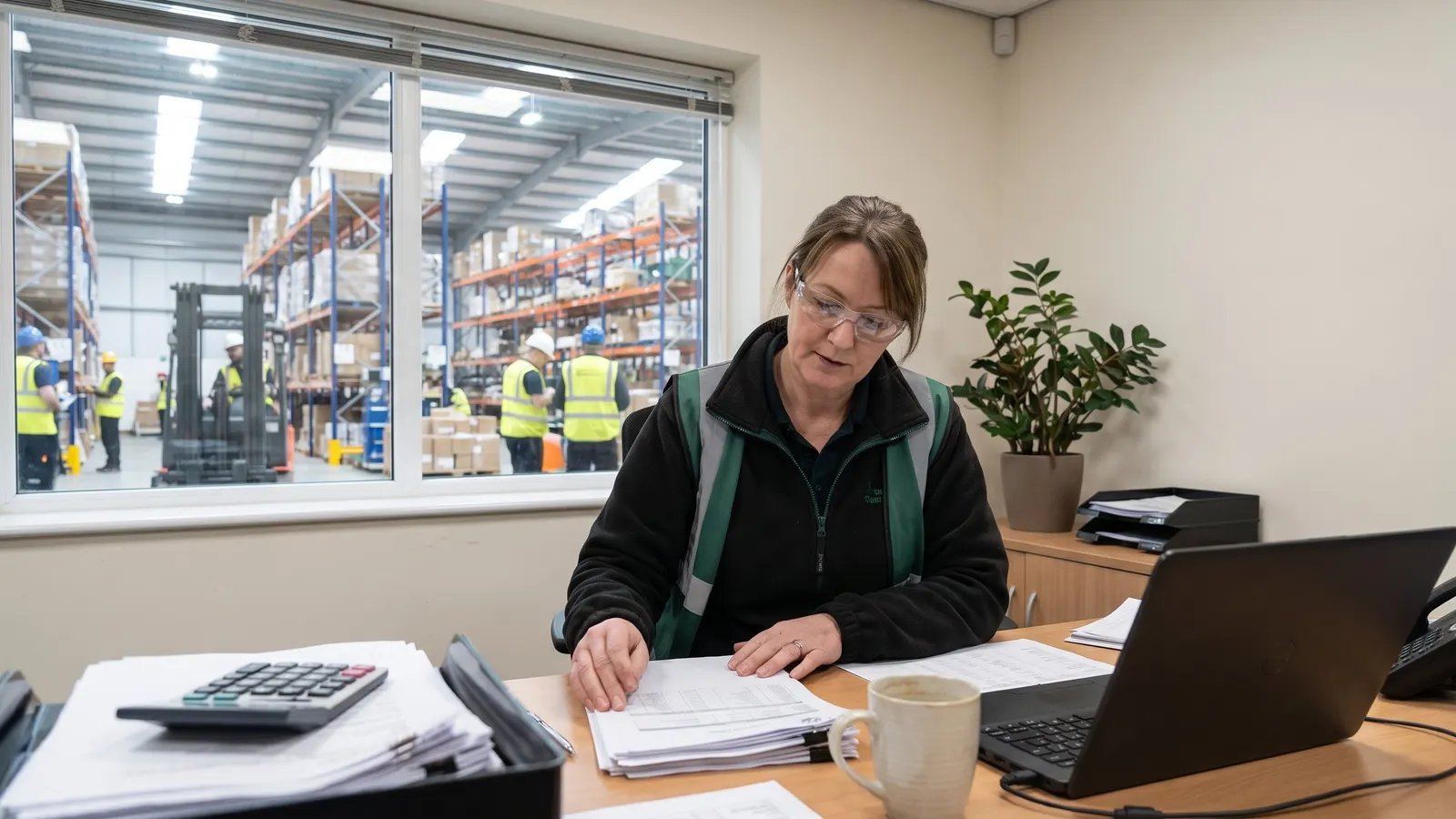
An operations manager reviewing printed reports at a desk

Where it fits

From client rates to client invoices, for 3PL warehouses.

  1. Set each client's rates once

    Each client's charge codes and rate schedule are set once, with a new effective date when prices change.

  2. Orders and trucks arrive already planned

    Orders that arrive by EDI or as web orders are reviewed and converted into warehouse receipts and shipments with one action.

  3. Every receipt and shipment on one record

    Every receipt, shipment and adjustment is handled on one record, from planning through completion.

  4. Show each client the lots you hold for them

    Any item drills down to its lots and sublots with on hand and available quantities, and a whole lot can be put on hold.

  5. Report on stock and activity, filed by role

    Standard reports show what you hold, where it sits and what moved.

  6. This step

    Invoice every client from the charges captured

    Invoices for every client on a billing cycle are generated from the charges captured and previewed before you commit them.

Questions about warehouse invoicing

Straight answers, drawn from what the software does today.

Can we check invoices before they are final?

Yes. Invoices are generated in a batch by billing frequency, with your own invoice date and title, and you can preview before you commit or undo. Undo applies to every invoice that matches your filter, and invoice lines can still be added, changed or deleted after the run.

Can we skip zero-value invoices?

Yes. Each invoicing run lets you choose whether to generate $0 invoices.

Can one system bill many 3PL clients on different rates?

Yes. Each client's charges and dated rate periods are set once in a rate schedule, storage billing runs by cycle with a preview of every proposed charge, and invoices for every client are generated in a batch.

Can a public cold store bill each client for storage and handling?

Yes. Each client's charge codes and dated rate periods are set in a rate schedule, storage billing runs on a weekly, monthly or semi-monthly cycle with a preview of every proposed charge, and invoices for every client are generated in batches.

Related capabilities

Also in warehouse billing.

Warehouse Activity Charges

Capture one-off service charges for any client

Record the extra work you do for a client, such as labeling, rework or special handling, as a charge against that client, starting from a saved charge profile, so it is ready to bill when you run invoicing.
See warehouse invoicing in a walkthrough

Book a guided walkthrough with the Argos team.