
Dock Door Scheduling
Book dock appointments and auto-assign a free door
Schedule a receipt or shipment into an offered time slot and Argos assigns the first free dock door for the chosen start time automatically.
Connect and insight
Receiving, Shipping and Adjustments
Your team handles every receipt, shipment and adjustment in one web screen, from planning through completion. Follow-up work, like capturing a signature or copying a transaction, happens right on the record.
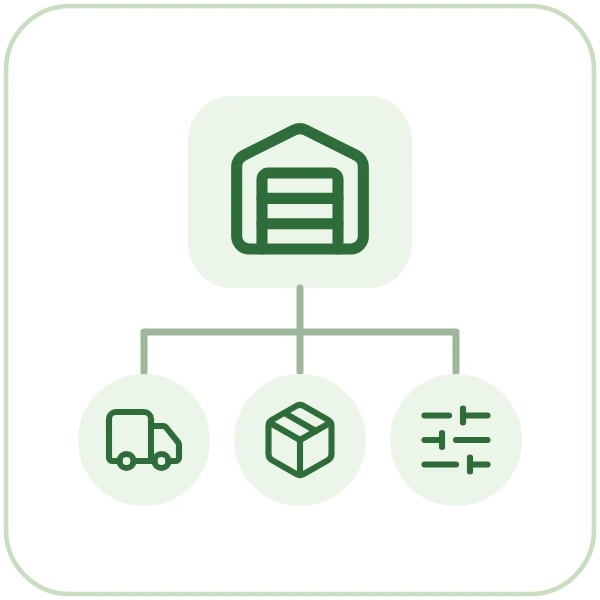

From client rates to client invoices, for 3PL warehouses.
Each client's charge codes and rate schedule are set once, with a new effective date when prices change.
Orders that arrive by EDI or as web orders are reviewed and converted into warehouse receipts and shipments with one action.
Every receipt, shipment and adjustment is handled on one record, from planning through completion.
Any item drills down to its lots and sublots with on hand and available quantities, and a whole lot can be put on hold.
Standard reports show what you hold, where it sits and what moved.
Invoices for every client on a billing cycle are generated from the charges captured and previewed before you commit them.
Straight answers, drawn from what the software does today.
Yes. One web screen covers receipts, shipments and adjustments, with scheduling, transportation, labor and, once a transaction is completed, charges tabs. Each transaction moves through Plan, Future, Pending, Ready and Completed stages.
Yes. A signature is captured on screen and saved to the transaction, right on the record.
Yes. A transaction can be copied one or more times in a single step.
Also in receiving and shipping.
Dock Door Scheduling
Schedule a receipt or shipment into an offered time slot and Argos assigns the first free dock door for the chosen start time automatically.
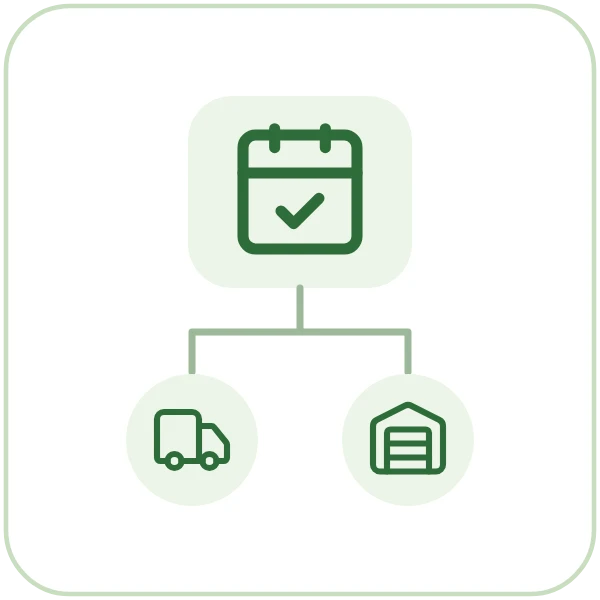
Dock Appointment Approval
Book receiving appointments and adjust existing inbound and outbound times, then approve or reject requested times from one list.

Batch Posting of Receipts and Shipments
Supervisors filter the transactions they want, preview which ones the run will include, then commit them to inventory or move them to a new stage in one run.
Book a guided walkthrough with the Argos team.