

Quick Query Dashboards
Run saved queries with prompts and export to Excel
Your team saves the questions people ask every week as quick query dashboards.
Connect and insight
Dashboards
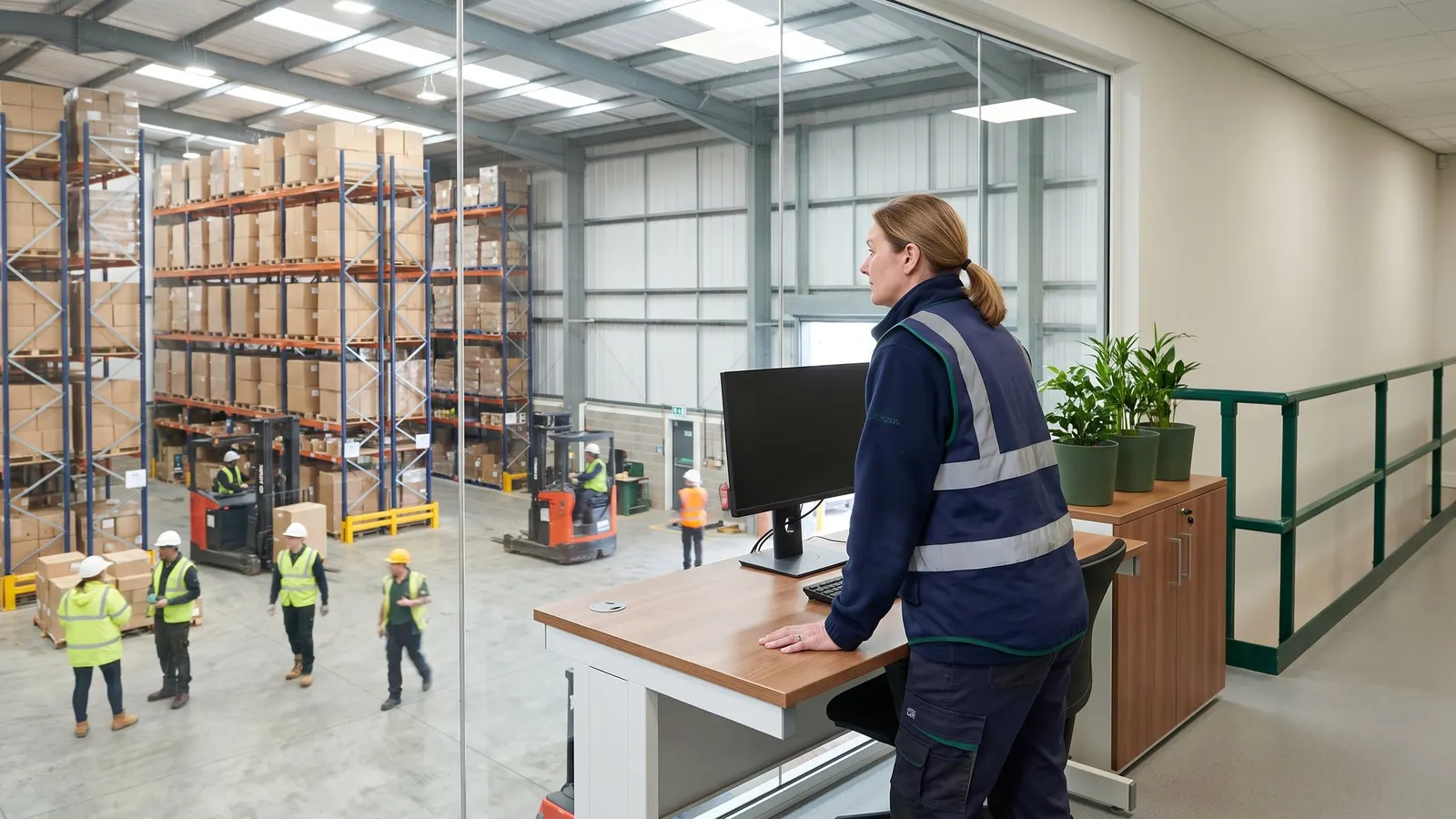
Managers get the numbers they watch every day on one screen, designed in the browser by your own team. Each dashboard appears in the Dashboard folder of the modules and roles that use it.

From client rates to client invoices, for 3PL warehouses.
Each client's charge codes and rate schedule are set once, with a new effective date when prices change.
Orders that arrive by EDI or as web orders are reviewed and converted into warehouse receipts and shipments with one action.
Every receipt, shipment and adjustment is handled on one record, from planning through completion.
Any item drills down to its lots and sublots with on hand and available quantities, and a whole lot can be put on hold.
Standard reports show what you hold, where it sits and what moved.
Invoices for every client on a billing cycle are generated from the charges captured and previewed before you commit them.
Straight answers, drawn from what the software does today.
Your own team designs dashboards of charts and grids in a browser designer, on named data sources it defines. Each dashboard is placed on the menus of the modules and roles that use it, and users open it view only.
Yes. Copy dashboard layouts to your other facilities, or export them to a file and import them at another site.
Standard reports on on-hand and availability by lot and location, location capacity, open receipts and shipments and monthly activity, plus dashboards your own team designs in the browser and places on the menus of the roles that use them.
Standard reports on on-hand and availability by item, lot and sublot and by location, location capacity, open receipts and shipments and monthly activity, plus dashboards your own team designs in the browser.
Also in insight and ai.
Quick Query Dashboards
Your team saves the questions people ask every week as quick query dashboards.

Standard Report Library
Warehouse and order reports run from the report menu with your own filters, and come back as a PDF or a spreadsheet file you can open in Excel.
Warehouse Reports
Run standard reports on what you hold, where it sits and what moved, from on-hand and availability by lot to location capacity, open orders and monthly activity.
Book a guided walkthrough with the Argos team.