
Skip to content
Argos Software

Argos for Growers and Nurseries

Growers solution: nursery and greenhouse management software

Argos is agribusiness software for plant nurseries, growers and greenhouses. Each crop runs as a tracked crop lot from its program, crews record work as it happens, and finished plants reach inventory with their cost.

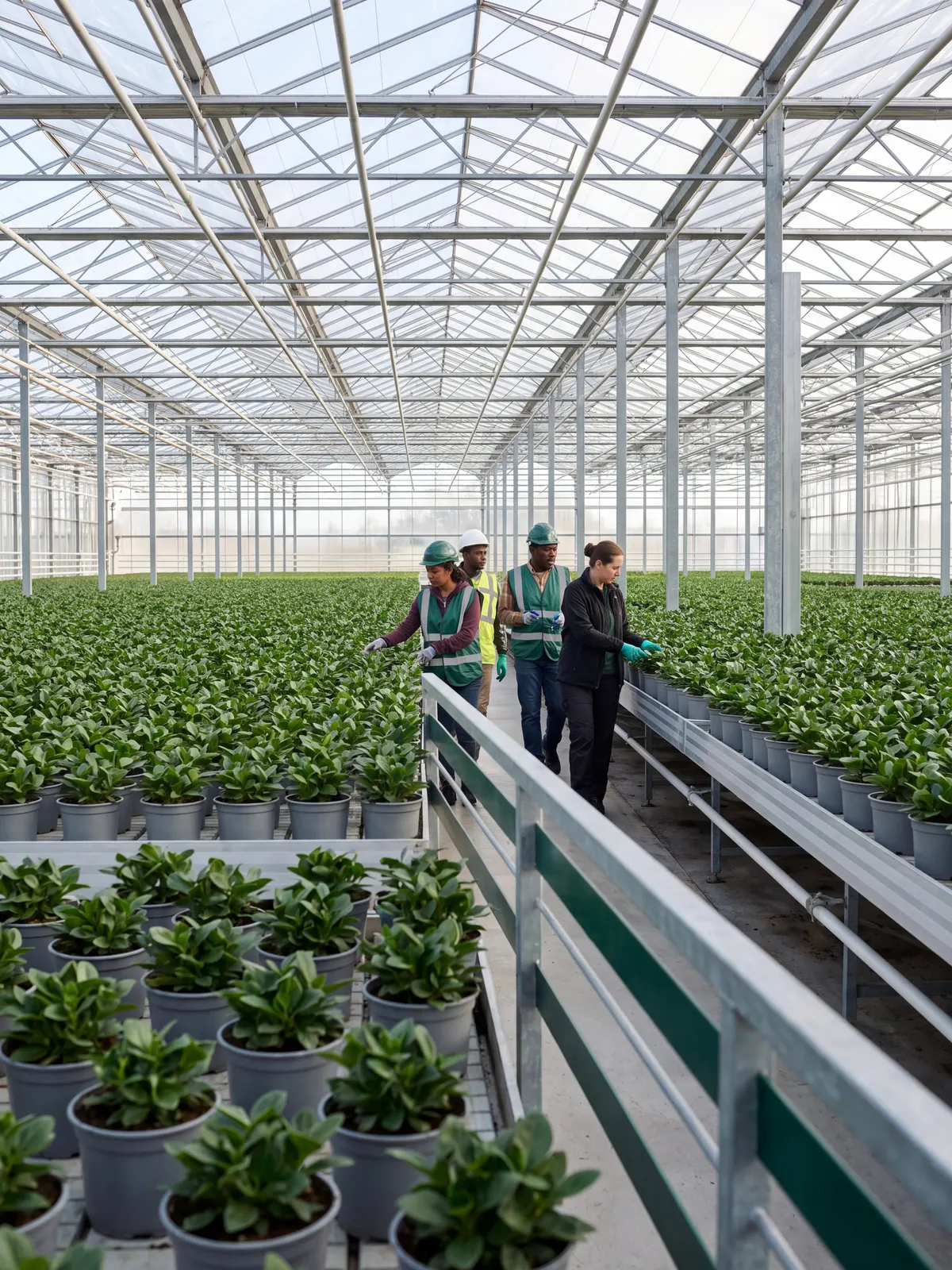
Rows of potted plants in a commercial greenhouse

The problemCrop plans live in spreadsheets and crop work is tracked on paper, so growing space runs short, shrink goes unrecorded, and sales cannot see what will be ready or what it cost to grow.

From workaround to one record

Where growers and nurseries lose time today, and what changes.

  • Today

    Crop plans live in spreadsheets and crop work is tracked on paper, so growing space runs short, shrink goes unrecorded and sales cannot see what will be ready.

    Grow and sell

    Every planting starts from a reusable program as a tracked crop lot, crews record work as it happens, and finished plants are released into inventory.

  • Today

    When order entry, pricing and stock sit in different places, order takers quote without seeing what is on the shelf and pickers learn about shortages at the rack.

    Orders and customers

    Quotes and orders move from quote to shipped on one record, priced from your price tables and filled from the lots and locations set on each line.

  • Today

    When every report has to be requested from someone else, managers wait for the numbers they need, and the same questions get asked again every week.

    Insight and AI

    Standard warehouse and order reports run from the browser with your own filters, and dashboards your team builds put the daily numbers on one screen.

What Argos does for growers and nurseries

Each crop's program, lots, crew work, growing cost and finished plants sit on one shared record, so sales can see what is ready to sell and what it cost to grow.

A customer choosing potted plants at a garden center

Know what is ready to sell and what it cost
Finished Plant Availability

Release finished plants into sellable inventory

Record finished output from each crop and release sales items and grades into on hand inventory, while every lot keeps an up to date view of what it is expected to produce.

Growing Stock Costing

Value growing stock and post its cost

Select crop lots, review the cost of the stock still growing, and create the accounting entries for it from the same screen, so the value of growing stock reaches your books.
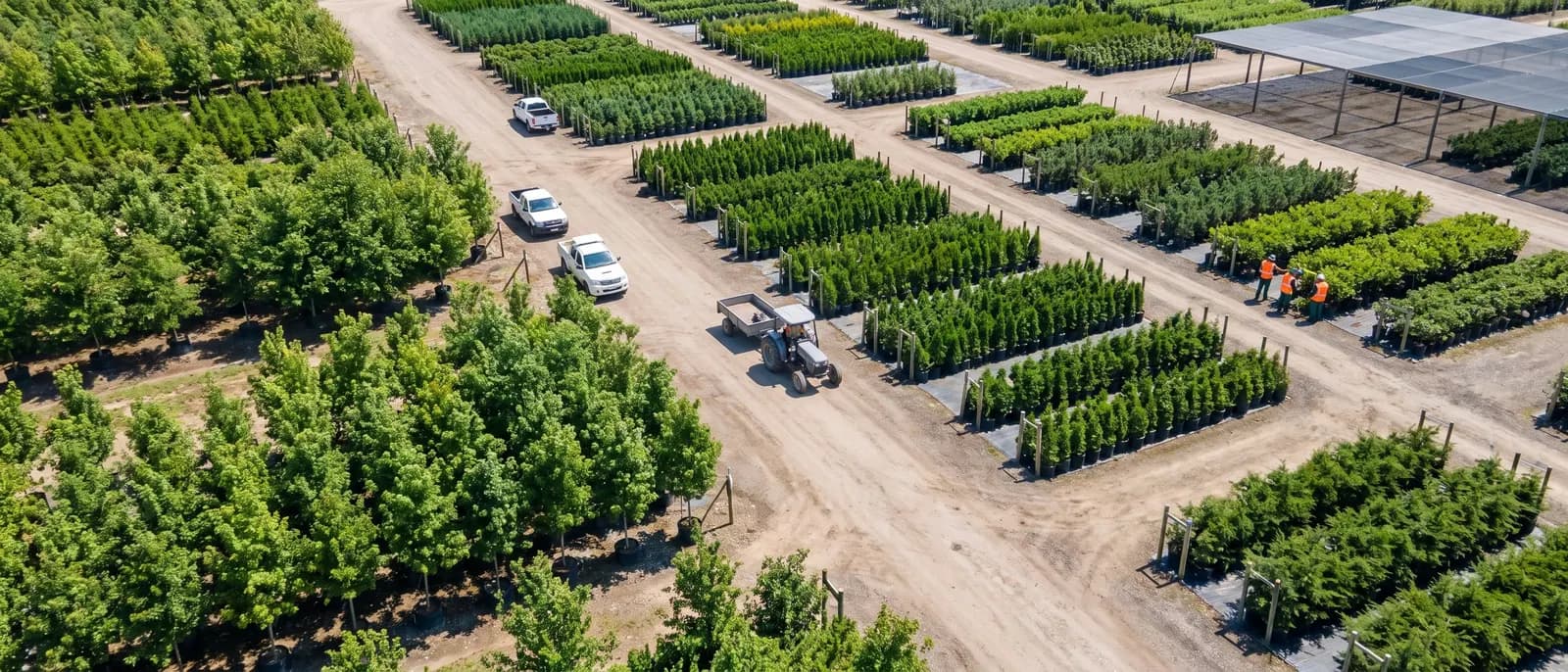
Aerial view of a tree farm

Grow to the order book and the space you have

Growing Capacity Planning

Check growing space against planned production

Define greenhouse space, beds, zones and equipment as capacity, set what is available each planning period, and see where planned crops will run short before the space is needed.

Young seedlings in pots on a greenhouse bench

Start every planting from a proven program

Crop Programs

Turn each crop into a reusable growing program

Set up each crop and variety once as a growing program with its stages, timing, expected loss, inputs and outputs, then start every new planting from it instead of from a blank sheet.

Crop Lots

Track every planting from first stage to finish

Create each planting as a crop lot from its program in one screen, with its stages, inputs, outputs, dates and quantities built for you, then run it from a single management view.

Crop Stage Tracking

Move crops through each stage in bulk

See every open stage across your crop lots, move ready crops to the next stage, add stages and close finished lots in one pass instead of one record at a time.

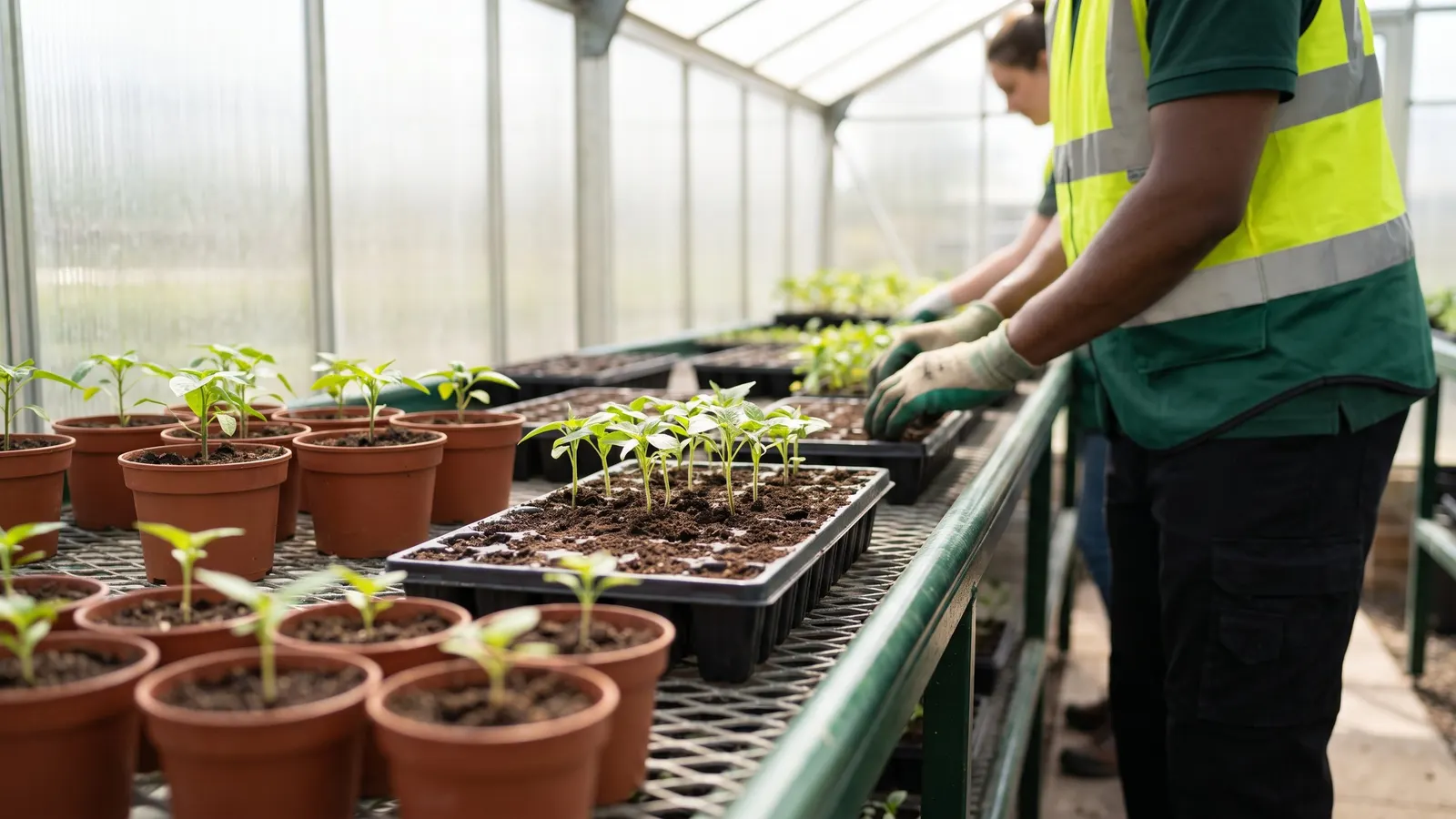
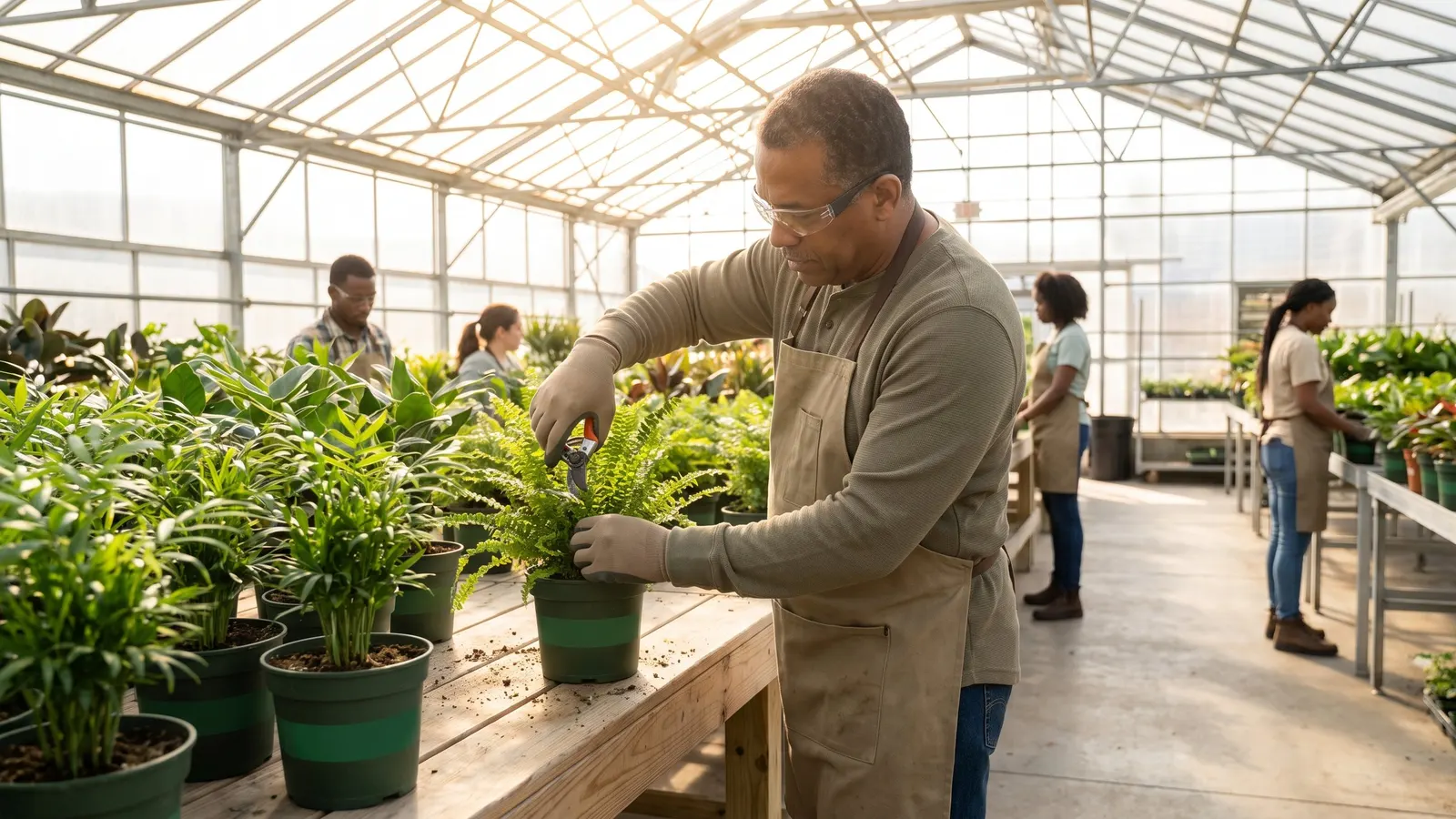
A nursery worker trimming plants in a greenhouse

Crews record the work where it happens

Crew Work Orders

Give growing crews clear work orders

Build crew work orders from crop lots, from growing locations or from activities already planned, and plan the days ahead from on screen planting and transplanting worksheets.

From crop plan to shipped order

Six steps on one shared record, from the crop plan to the shipped order.

  1. Grow to the order book and the space you have

    A customer's sales order becomes a production plan and released crop lots in one action.

  2. Start every planting from a proven program

    Each crop and variety is set up once as a growing program, and every new planting starts from it.

  3. Crews record the work where it happens

    Each day's work on a crop is recorded with the inputs, quantities and locations used.

  4. Know what is ready to sell and what it cost

    Finished output from each crop is recorded and released into on hand inventory as sales items and grades.

  5. Ship orders from the right lots

    Lots and warehouse locations are set on each order line, by hand or automatically, so pickers know what to pull.

  6. Build the dashboards your managers watch

    Managers get the numbers they watch every day on dashboards designed in the browser and filed by role.

Proof, point by point

Each point is traced to the software and links to the capability behind it.

Questions growers and nurseries ask

Straight answers, drawn from what the software does today.

Can growers plan production from the order book?

Yes. One action on a sales order creates a production plan and releases crop lots for its lines, so what is grown is tied to what was sold.

How do we check growing space against planned crops?

Define greenhouse space, beds, zones and equipment as capacity, set what is available each period, and see where planned crops will run short before the space is needed.

How are crop work and shrink recorded?

Crews record each day's work on a crop with the inputs used, quantities and locations, and log shrink, dumps, recounts and moves so growing stock stays true.

When do finished plants become sellable inventory?

Output activities release finished sales items and grades into on hand inventory, and each crop lot keeps its pending output up to date as its plan or quantities change.

Can we see what growing stock cost?

Yes. Select crop lots, review the cost of the stock still growing, and create the accounting entries for it from the same screen.

Is Argos a fit for a commercial growing business looking for a greenhouse inventory management system that handles production tracking?

Yes. Each crop runs as a tracked crop lot from its program. Crews record each day's work, shrink and moves on the crop as it happens, so growing stock stays true, and output activities release finished sales items and grades into on hand inventory.

Next step: book a guided walkthrough

See the whole flow with the Argos team, step by step, from the crop plan to the shipped order.