

Crew Work Orders
Give growing crews clear work orders
Build crew work orders from crop lots, from growing locations or from activities already planned, and plan the days ahead from on screen planting and transplanting worksheets.
Connect and insight
Crop Stage Tracking
See every open stage across your crop lots, move ready crops to the next stage, add stages and close finished lots in one pass instead of one record at a time.
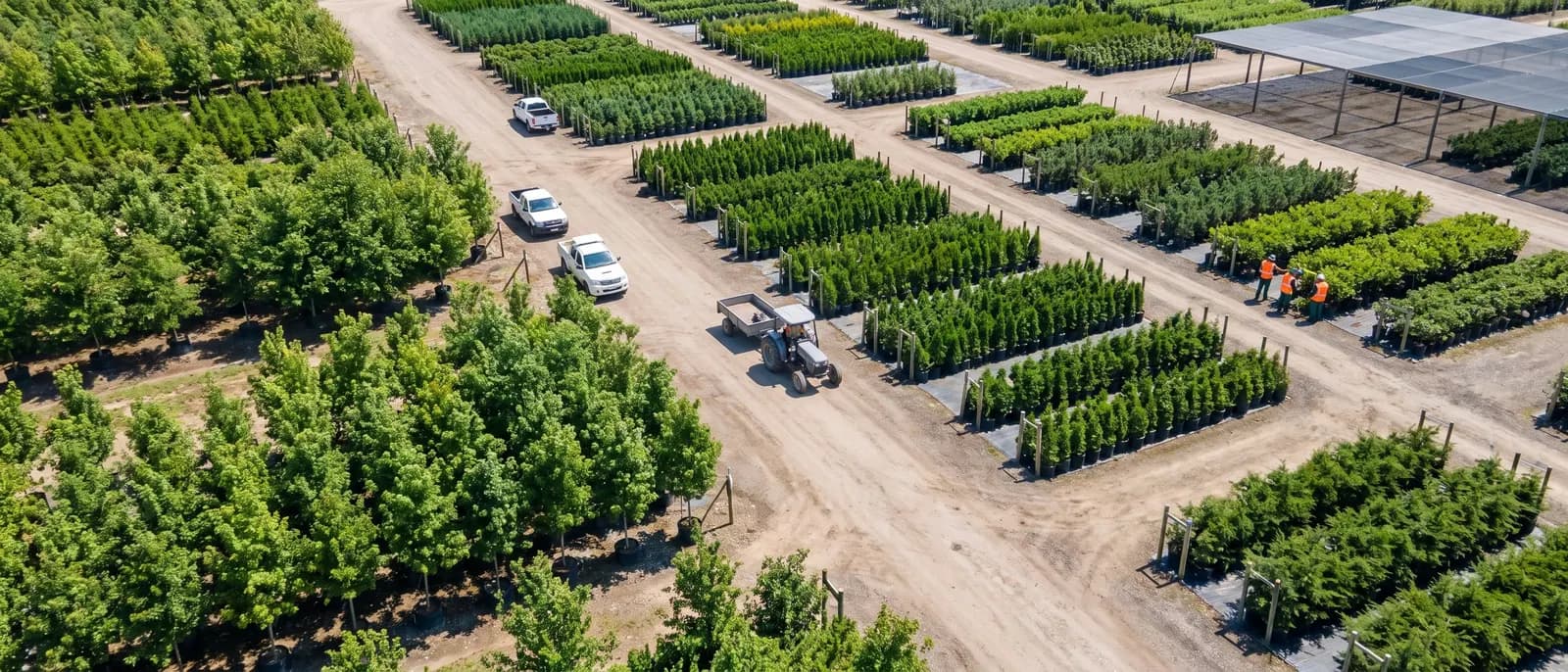
From crop plan to shipped order, for growers and nurseries.
A customer's sales order becomes a production plan and released crop lots in one action.
Each crop and variety is set up once as a growing program, and every new planting starts from it.
Each day's work on a crop is recorded with the inputs, quantities and locations used.
Finished output from each crop is recorded and released into on hand inventory as sales items and grades.
Lots and warehouse locations are set on each order line, by hand or automatically, so pickers know what to pull.
Managers get the numbers they watch every day on dashboards designed in the browser and filed by role.
Also in grow and sell.
Crew Work Orders
Build crew work orders from crop lots, from growing locations or from activities already planned, and plan the days ahead from on screen planting and transplanting worksheets.
Crop Lots
Create each planting as a crop lot from its program in one screen, with its stages, inputs, outputs, dates and quantities built for you, then run it from a single management view.

Crop Programs
Set up each crop and variety once as a growing program with its stages, timing, expected loss, inputs and outputs, then start every new planting from it instead of from a blank sheet.
Book a guided walkthrough with the Argos team.