Skip to content
Argos Software

Argos for Warehouses

Run your own warehouse from dock door to reorder

Receipts, shipments, lots and locations share one warehouse record in the browser, so your team sees stock and free space by location. Counts end in reviewed variances, and reorders start from on-hand stock.

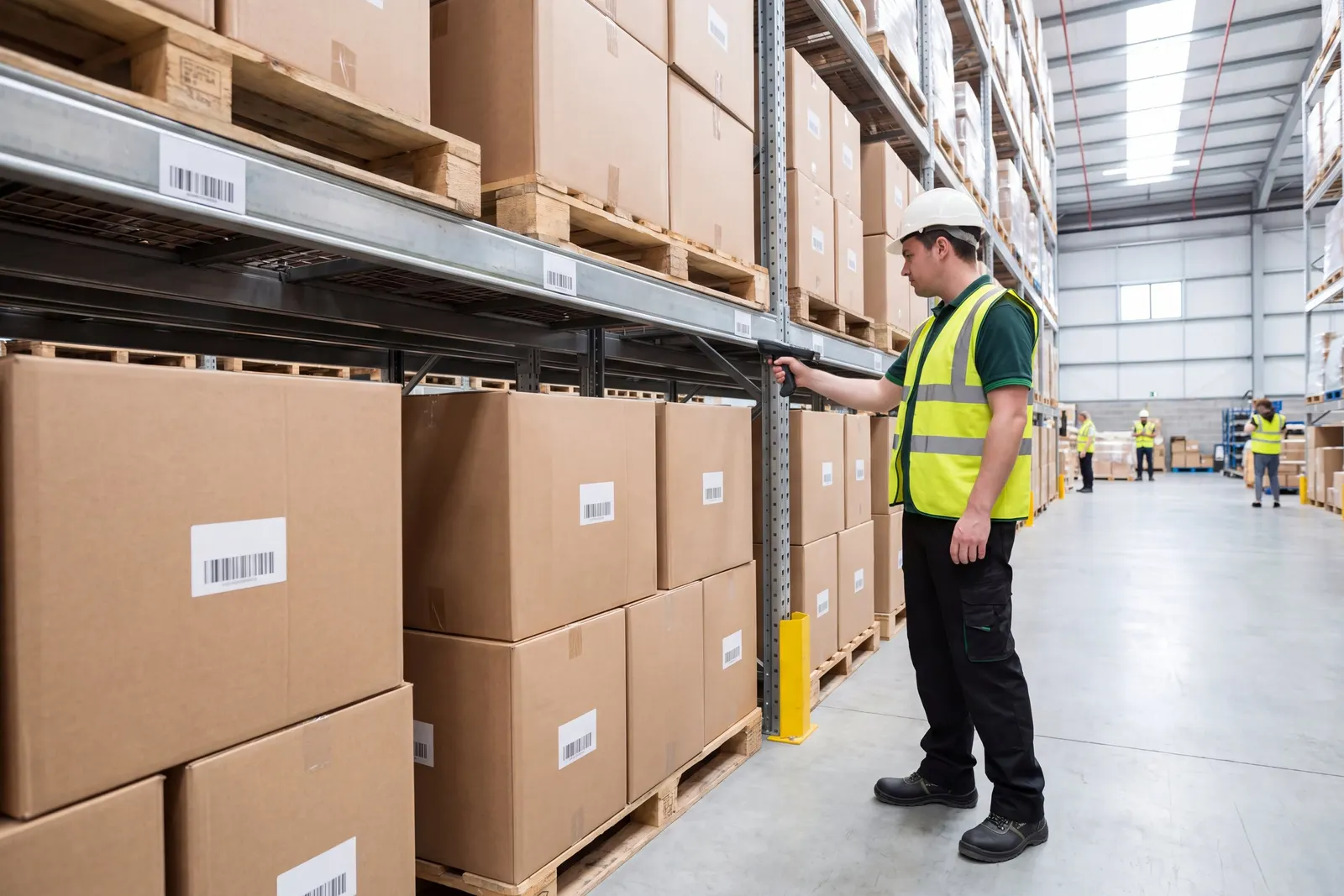
Warehouse workers picking orders in a distribution center

The problemWhen receipts, locations and counts live on paper and in spreadsheets, nobody is sure what is on the shelf or where until a shortage turns up at the rack.

From workaround to one record

Where warehouses lose time today, and what changes.

  • Today

    When stock records lag behind the floor, staff walk the racks to find a lot, put inbound loads wherever there seems to be room, and count by hand without a clear record of the variances.

    Inventory

    Look up stock by item, lot, sublot or location and the free space in every location, so lots are found, held, moved and counted against one record.

  • Today

    When every report has to be requested from someone else, managers wait for the numbers they need, and the same questions get asked again every week.

    Insight and AI

    Standard warehouse and order reports run from the browser with your own filters, and dashboards your team builds put the daily numbers on one screen.

  • Today

    When receiving, shipping, dock times and paperwork sit in separate tools, clerks key the same transaction more than once and supervisors cannot see what is ready to commit.

    Receiving and shipping

    Receipts, shipments and adjustments move through clear stages on one screen, with lots, serials, dock times and shipping documents on the same record.

What Argos does for warehouses

Receipts, shipments, lots, locations, counts and labor hours share one warehouse record, so your team finds, counts, ships and reorders stock from the browser.

A warehouse worker counting stock in a rack aisle

Know what you hold, where, and count it
Warehouse Location Visibility

See stock and free capacity in every location

Look up stock by item, lot, sublot or location, and check free volume and percent available in each location when you need somewhere to put an inbound load.
Inventory Moves and Reclassification

Move, re-item and set aside stock in bulk

Consolidate sublots into another lot, relabel lots or sublots as a different item, and move quantity between available and unavailable without keying adjustments by hand.
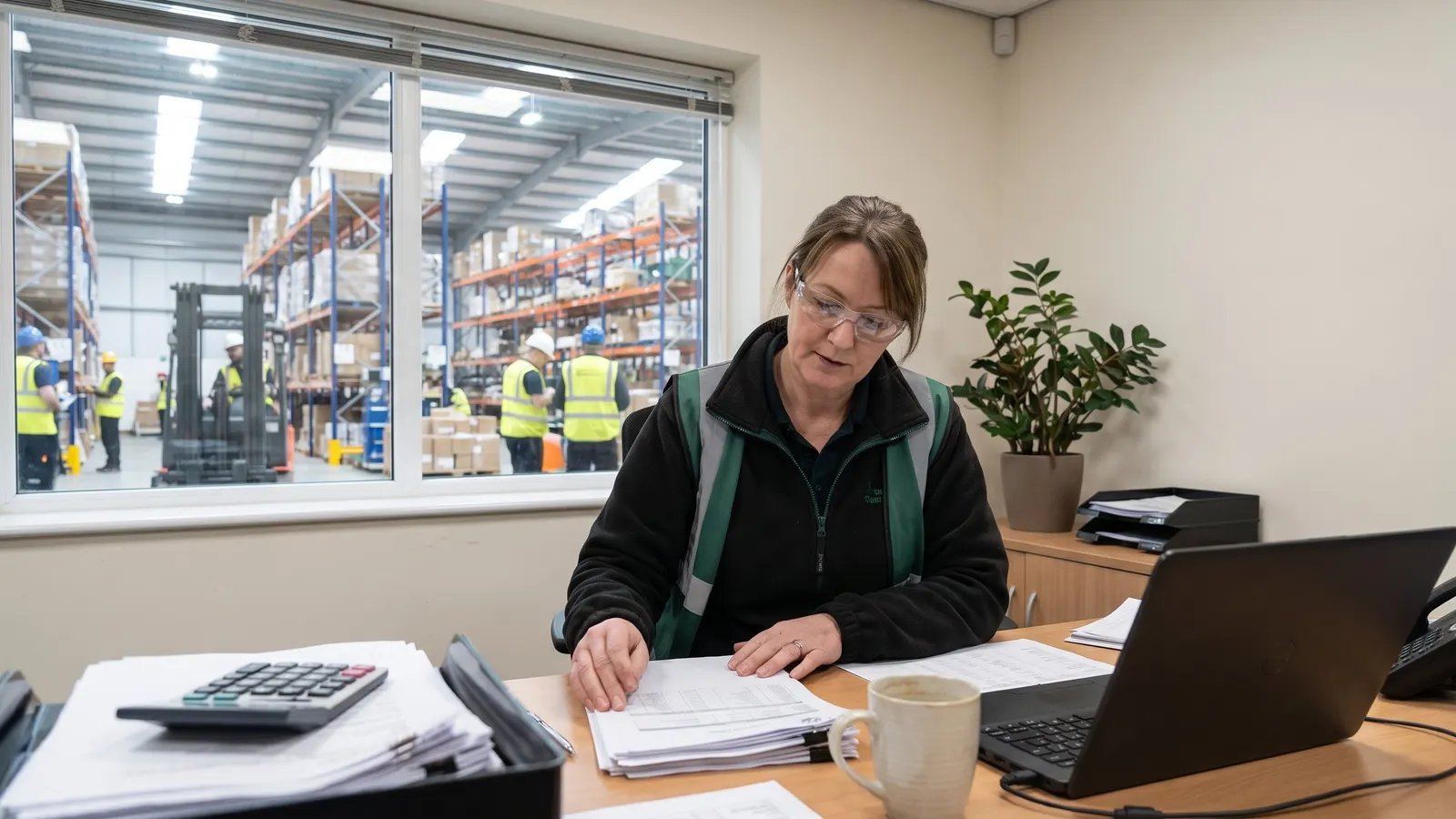
An operations manager reviewing printed reports at a desk

Reorder and report from the same stock

Reorder and Purchase Order Generation

Turn reorder suggestions into purchase orders

Select items, lots or vendor cross-references by criteria, preview what each needs against on-hand and available stock, adjust the lines and create the purchase requisitions or purchase orders in one step.

Warehouse Reports

Report on stock, locations and activity

Run standard reports on what you hold, where it sits and what moved, from on-hand and availability by lot to location capacity, open orders and monthly activity.

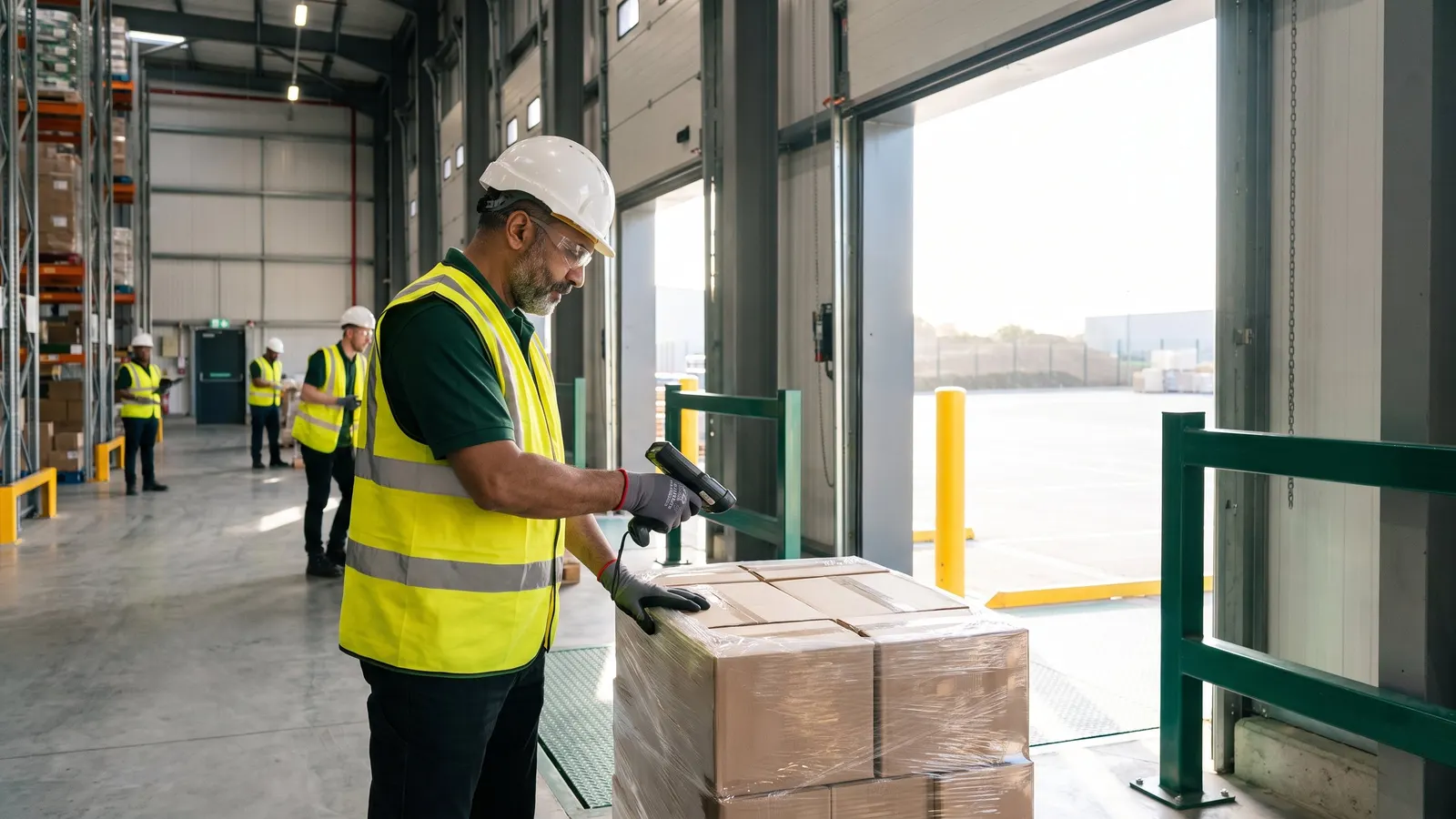
A receiver checking an inbound pallet with a handheld scanner

Every receipt and shipment on one record

From the dock door to the reorder

Seven steps on one warehouse record, from the inbound truck to the next reorder.

  1. Inbound trucks booked and approved

    Receiving appointments are booked and requested times are approved or rejected from one list.

  2. Every receipt and shipment on one record

    Every receipt, shipment and adjustment is handled on one record, from planning through completion.

  3. Find stock by location and move it on record

    Stock is found by item, lot or location, with the free space in each location shown for the next inbound load.

  4. Warehouse hours on record, not on paper

    Each worker's activity and time are recorded against the work, so warehouse hours are on record instead of on paper.

  5. Count stock and review every variance

    The warehouse counts stock from selection through reviewed variances to count adjustments.

  6. Reorder from the stock you have

    Items are checked against on hand and available stock and turned into purchase requisitions or orders in one run.

  7. Report on stock, locations and activity

    Standard reports show what you hold, where it sits and what moved.

Proof, point by point

Each point is traced to the software and links to the capability behind it.

Questions warehouses ask

Straight answers, drawn from what the software does today.

Can we see what is stored in every warehouse location?

Yes. Search location quantities by item, lot, sublot or location, check free volume and percent available in each location, and click a location on the warehouse map to list what is stored there.

How do physical counts work in Argos?

Filter and preview the inventory to count, generate count records, optionally as tasks assigned to a worker, enter the results with a variance reason code, and preview the count adjustments before generating them.

Can we track lots and serial numbers on receipts and shipments?

Yes. Receipts and shipments record which lots, sublots and serial numbers moved on each line, and quantity can be moved between available and unavailable with a reason code when stock must be set aside.

What shipping paperwork can we print?

Bills of lading, receipt put-away documents, consolidated picking slips with locations, barcode labels carrying SSCC numbers and UCC shipping labels, with up to four documents printed straight from the entry screen.

Can we record warehouse labor hours?

Yes. Each labor entry records the worker, activity and work units, with time entered as start and end date and time or as elapsed hours and minutes, all in the browser.

How does reordering work?

Preview reorder suggestions with on-hand, available and suggested quantities, adjust the quantity to order, and create the purchase requisitions or purchase orders in one step, with a summary of what was created.

Next step: book a guided walkthrough

See the whole flow with the Argos team, step by step, from the inbound truck to the next reorder.