
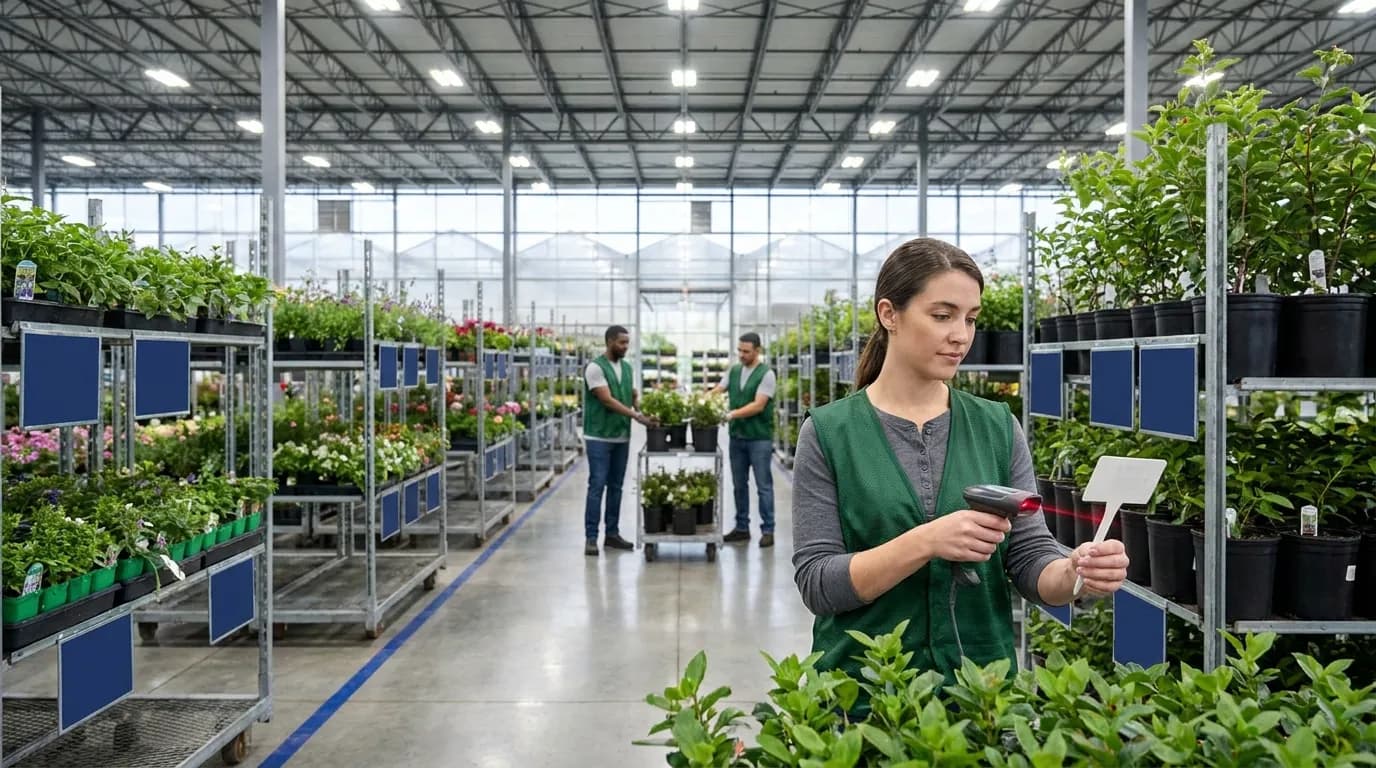
Why Nursery Inventory Breaks Without Barcode Scanning
Nursery inventory software barcode scanning exists to solve a timing problem that systems built for static goods never had to face. Those systems assume an item stays the same from receipt to sale. Yours does not. Plants grow, get graded, move into new containers and travel across your operation. When those changes live on paper or in a spreadsheet updated at the end of the week, your availability numbers drift away from what is physically sitting in each house.
The damage shows up in three places: availability you cannot trust, orders pulled from the wrong location or size, and shrink you only find at physical count. Scanning at the bench addresses all three. Instead of recording yesterday's activity from memory, crews capture what is happening now, and each scan writes directly to the record for that lot.
Living Inventory: Crop Lots That Change Size, Stage and Location
A crop lot is a group of plants of one variety, started together and managed as a unit. Over its life, a single lot may split into several sizes. It may move from propagation to a finishing house to an outdoor growing yard, and different benches may reach their ready dates weeks apart. Every one of those changes affects what you can sell and when you can ship it.
In a mid-sized or large operation with multiple houses and thousands of SKUs, hundreds of lots might change in a typical week. Tracking that by hand means someone has to notice the change, write it down, carry the note to the office and key it in. Every handoff is another chance for the record to fall behind or go wrong. Multiply that by every grower, mover and grader on staff, and the paper trail grows faster than anyone can keep up with.
What Clipboards and Spreadsheets Really Cost You
Manual tracking rarely fails all at once. It fails quietly, one missed update at a time. Consider a few ordinary days:
- A lot gets shifted to make room for a new crop, and nobody writes down the new bench.
- A grader culls, say, 15 percent of a lot, but the spreadsheet still shows the original count.
- A size change goes on a clipboard that rides around in a truck for three days.
Those small gaps compound. Sales passes bad availability on to customers. Pullers walk to the wrong house or grab the wrong size. Shipments wait while crews hunt for product, and losses stay invisible until the next full count. Labor takes a hit too: your most experienced people spend hours reconciling records when they should be growing and shipping plants.
Barcode Scanning as the System of Record at the Bench
Scanning changes where data gets captured. The office stops being the source of truth, and the bench takes its place. When a crew member scans a crop-lot tag and then a location tag during a move, the software records the lot's new position as part of that same task. When a grader scans a lot and enters an updated size and quantity, that adjustment flows into availability without waiting for someone to retype it later.
The handheld device is only one piece. What makes this work is the combination of three things: a scannable identity on every lot and every location, a device that holds up in wet, bright and dusty growing conditions, and software that understands what each scan means for the lot it touches. Get those three right, and your counts reflect the greenhouse floor instead of last Friday's paperwork. The rest of this article covers the specific moments in a lot's life where a scan belongs.
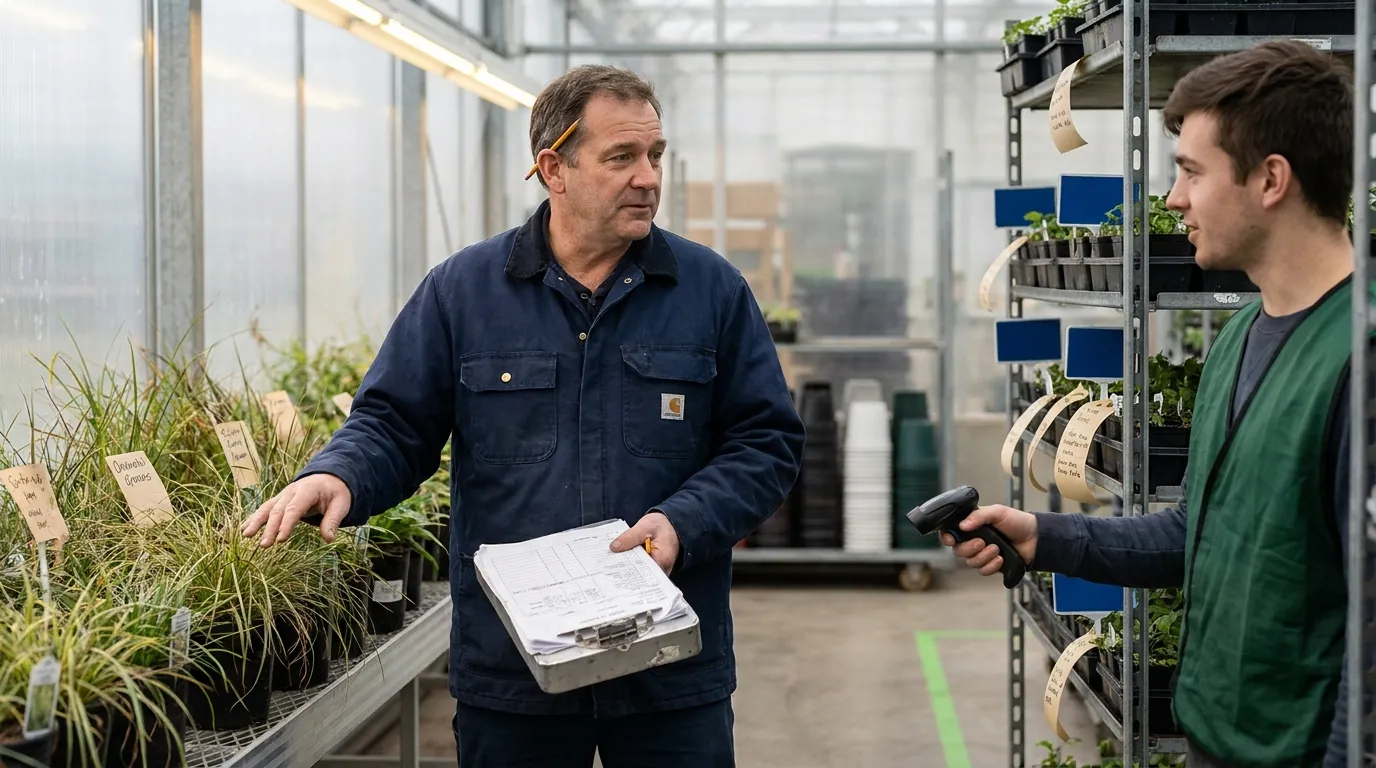
Nursery Inventory Software Barcode Scanning: The Crop-Lot Workflow, Step by Step
Follow one crop lot, say 2,000 liners potted into one-gallon containers, from the day it is created until the last plant ships. It passes six scan points, and at each one three things matter: what gets scanned, what changes in the system and which device suits the job. Some growers add more, such as spray or treatment records, but these six are the minimum for keeping availability, locations and counts accurate across the full plant lifecycle. For wider selection criteria when comparing systems, see our comparison of plant nursery inventory tools.
Scan Point 1: Tagging Crop Lots at Creation
Crews scan the new lot tag and the starting house or bench location. The record captures variety, container size, starting quantity, start date, expected ready date and location, and every later event attaches to that lot ID. This is the step that makes the rest possible. A lot that leaves the potting line untagged is invisible to every step after it, so print and attach tags as part of potting or sticking, not as a separate job someone gets to on Friday. Tag design and printing are covered in our guide to nursery plant label software. Headhouses usually have steady Wi-Fi and a roof overhead, so a phone, tablet or dedicated scanner all work.
Scan Point 2: Scanning on Receipt
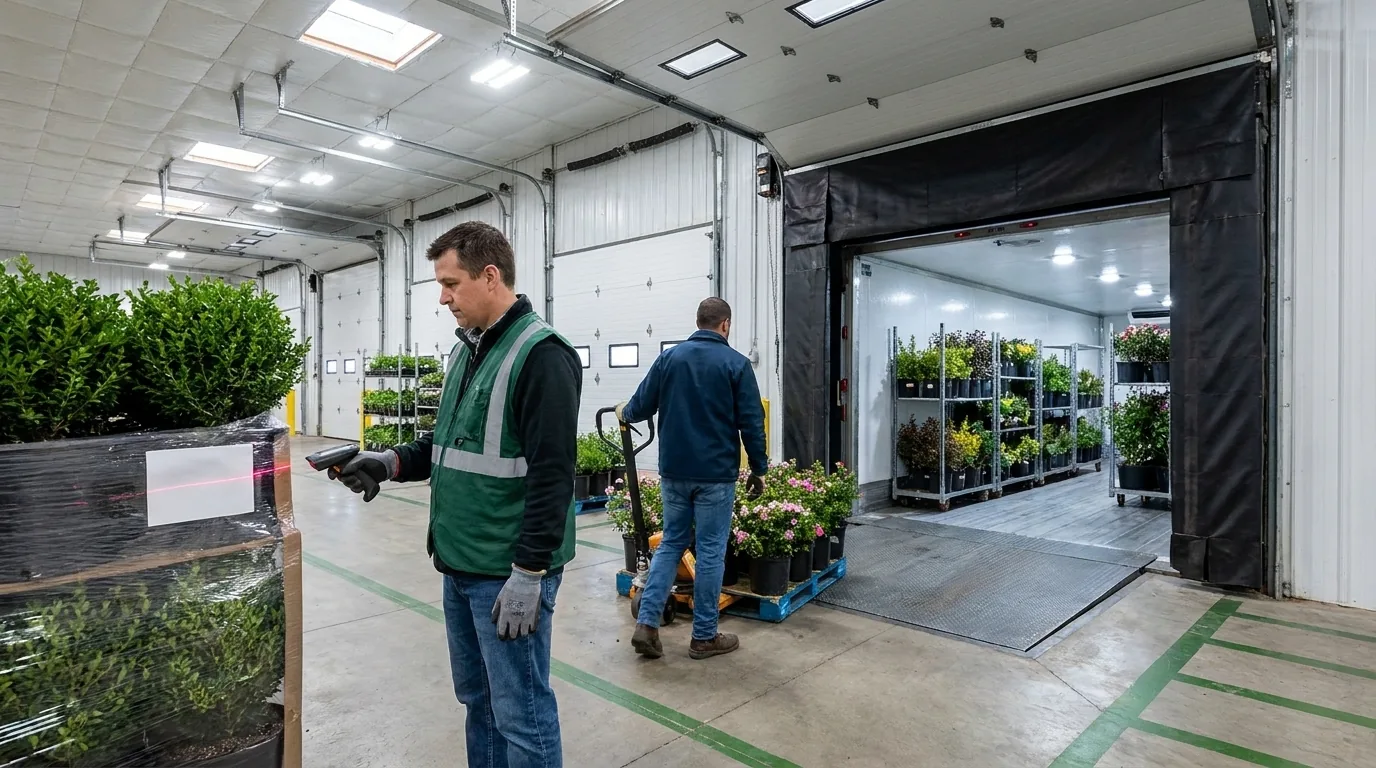
At the dock, scan the purchase order reference, each incoming tray or rack and the putaway location. Received quantities post against the order, and shorts or substitutions surface while the driver and paperwork are still there, not weeks later on a bench. Bought-in liners, plugs and finished material arrive in mixed quantities and scatter across benches within hours, which is why receiving is where many nurseries first lose accuracy. Linking each tray to a lot and a location the instant it lands keeps that material traceable from day one. For busy, dusty docks, a handheld barcode scanner or RF terminal with a comfortable grip and long battery life outlasts a phone.
Scan Point 3: Moves Between Houses or Benches
Two scans do the job: the lot tag and the destination bench, bay or yard row. Scanning the origin is optional if the system already knows where the lot sits. The location updates, and a partial move splits the quantity across both spots. Moves happen more often than any other event and get forgotten more often too. Spacing, consolidating, hardening off outdoors and clearing houses for the next crop all shift inventory, and a move recorded on paper often never gets recorded at all. Outdoor yards may have weak Wi-Fi, so pick a device that queues scans offline and syncs later, and that reads tags from arm's length so crews are not bending over every bed.
Scan Point 4: Stage and Size Changes
After scanning the lot, the grader enters the new stage or size, the quantity affected and any culls. Stages advance (rooted to finished, or growing to ready), quantities by size adjust, culls post as shrink and ready dates feed sales availability. This is where plant inventory differs most from warehouse stock. A grader walking one bench might find most of the lot saleable, some plants needing a few more weeks and a handful to cull. Capturing that split on the spot keeps your availability list honest. Because this step mixes scanning with data entry, a sunlight-readable screen and keys or a touchscreen that work with gloved or damp hands matter more than raw scan speed.
Scan Point 5: Picking and Shipping
Pullers scan the order, then the lot and location for each line, then the cart, rack or truck being loaded. The device confirms the right lot and size before a plant goes on the cart, decrements the correct location, flags shorts and substitutions before loading and passes shipped quantities to invoicing. Scan-confirmed picking is where mis-picks tend to drop, because the check happens at the bench instead of at the customer's receiving door. If retail customers require labels that follow GS1 barcode standards, this is also a natural moment to verify them. Long spring days push crews from first light until the last truck leaves, with hundreds of scans per shift, often outdoors, so a rugged handheld or RF unit with an all-day or hot-swappable battery beats a phone.
Scan Point 6: Cycle Counts
Counters scan a location tag, then each lot found there with a quantity. Variances go to review, and approved adjustments update availability. Small, regular counts of selected houses, benches or high-value lots replace the disruptive annual count, so the operation never has to stop for a weekend of counting. Because each count starts with a location scan, it catches lots sitting in the wrong place, not just wrong quantities. Any device type works if it handles offline areas and reads weathered, wet or leaf-covered tags. Done consistently, scanning at all six points keeps the record matched to what is actually growing.
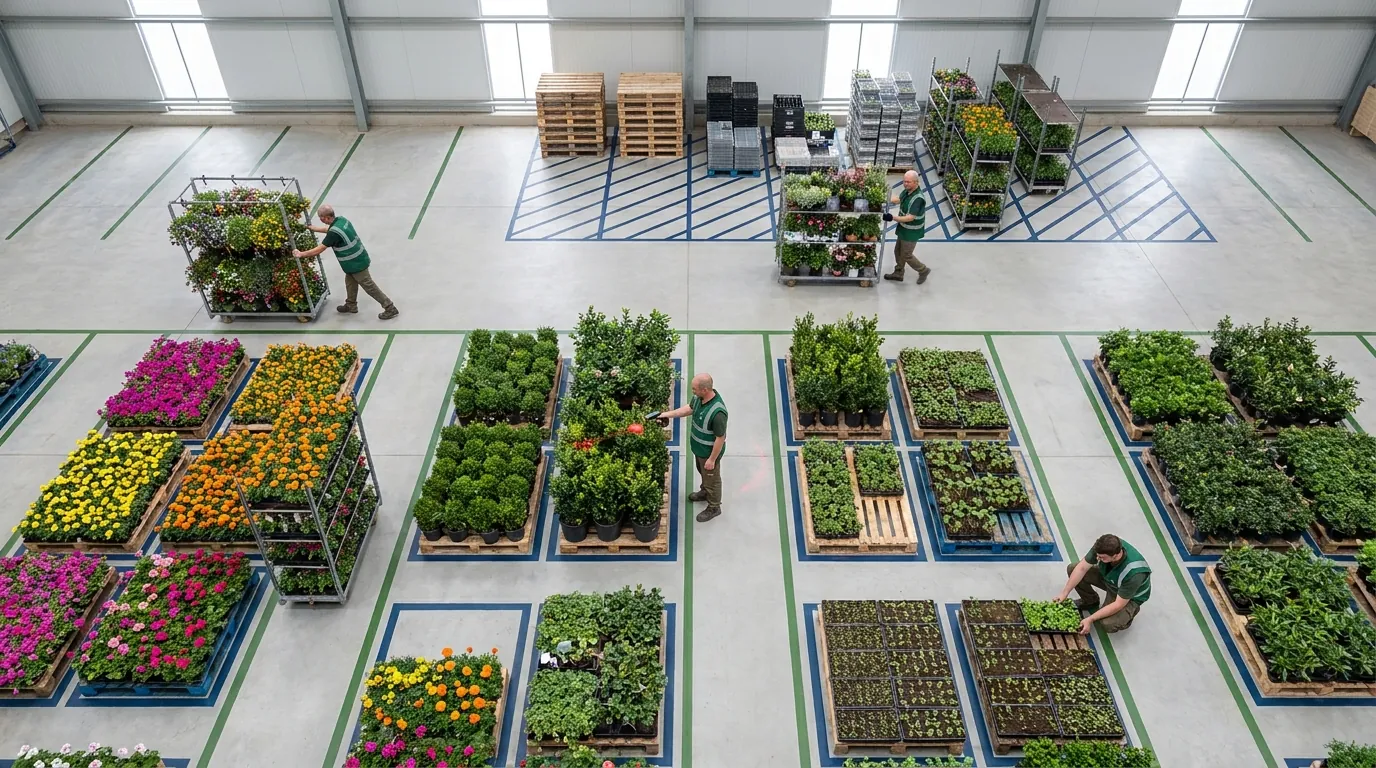
Choosing a Barcode Scanner for Inventory in a Nursery
Most buyer's guides assume a clean, climate-controlled stockroom. Your floor looks nothing like that: irrigation water, soil on every surface, glare off glazing and poly, long walks between houses and corners where Wi-Fi never reaches. Matching device type to scan point matters more than brand. Three broad options exist: camera scanning on a phone or tablet, a dedicated rugged handheld, and RF terminals that combine a scan engine with a computer and a wireless connection. Many operations settle on a mix, with phones for supervisors and light tasks and dedicated hardware for receiving and shipping crews. For the software side of that decision, our roundup of inventory management software for plant nurseries compares options.
Smartphone or Tablet Camera Scanning
A phone or tablet is the lowest-barrier starting point. Growers and supervisors already carry one, and the large screen makes grading entry easy. The trade-offs appear at volume: camera reads are usually slower than a dedicated scan engine across hundreds of tags in a row, struggle with glare and damaged labels, and work best up close. Consumer devices rarely survive repeated drops onto concrete or constant water, so plan on a protective case if you go this route.
Best fit: tagging, occasional moves, grower walks for stage and size, manager spot checks.
Rugged Handheld Barcode Scanner
These combine a purpose-built scan engine with a sealed housing built for drops, dust and water. Pistol-grip and brick shapes are easier to hold in gloves and faster to aim again and again. They typically read dirty or faded tags more reliably than a camera and run longer or take swappable batteries. Some models read at extended range, which helps when tags sit at the back of a wide bench or on tall material in a yard.
Best fit: receiving, high-volume moves, order picking, shipping and yard-wide counts.
RF Terminals
RF terminals are handheld or vehicle-mounted computers with a built-in scanner that post each scan over a wireless network. They are the traditional choice for warehouse-style work where every scan should reach the system immediately. Their strength is real-time confirmation: the puller scans, the system validates and the screen responds before the next pick. Their weakness on a growing operation is coverage. If the network does not reach the far end of a yard or the back houses, add access points along key routes, or confirm how the device and software handle dropped connections.
Best fit: docks, receiving and busy picking zones with reliable wireless.
1D vs 2D Codes on Nursery Tags
Linear (1D) barcodes are the familiar stripes, widely supported and fine for a lot or location ID. 2D codes such as QR or Data Matrix hold more data in less space and often still read when partly scratched or soiled, a plus on small stakes and tags that stay outdoors for months. Settle the code type before buying hardware, and confirm every device on your shortlist reads it reliably. Most camera-based scanning and many modern scan engines handle both, but older linear-only scanners cannot read 2D.
Nursery Conditions to Test Before You Buy
Test on your own benches, not in a showroom:
- Moisture: does it keep working after overhead irrigation or rain? Check for a published IP rating suited to wet outdoor work.
- Dirt and drops: drop it on concrete and gravel, wipe it with a muddy glove, keep scanning.
- Glare: can you read tag and screen under full sun, under poly and near glazing?
- Range: can crews reach tags at the back of a bench without stepping onto the bed?
- Gloves: can crews trigger scans and key quantities wearing the gloves they actually use?
- Battery: does it last a full spring shipping day, or swap mid-shift?
- Connectivity: outside Wi-Fi range, do scans queue and sync, or disappear?
Scan-Point-by-Device Comparison Table
Ratings reflect typical device traits in nursery conditions, not any specific product.
| Scan point | Smartphone camera | Rugged handheld | RF terminal |
|---|---|---|---|
| Tagging lots at creation | Good: low volume, covered area | Good | Good if headhouse has coverage |
| Receiving | Fair: slow at volume | Strong: fast, durable | Strong: real-time validation |
| Moves | Fair: short range, check offline mode | Strong: range and toughness | Good; plan for yard gaps |
| Grading | Strong: big display for entry | Good: check display in sun | Good |
| Pick and ship | Fair: battery, speed | Strong: all-day battery | Strong: live pick confirmation |
| Counting | Spot counts | Full house or yard counts | Good with coverage |
Key conditions to weigh: moisture, dirt, glare, outdoor range, gloves and Wi-Fi gaps across growing yards.
How a WMS Connects Scanning to Crop-Lot Inventory
Hardware reads the code. Software decides what the scan means. When a crew member scans a lot tag and then a bench tag, the system should record a move. A scan during picking should reduce the quantity on the correct lot, and a scan during a grade walk should update stage, size and availability. None of that logic lives inside the scanner. It lives in the inventory system the scanner reports to, which is why scanning is mostly a software decision rather than a hardware one.
A warehouse management system built for nursery work can supply the workflow layer that ties each scan to a crop lot, typically through mobile scanning and RF scanning. The subsections below map those general capabilities to the six scan points covered earlier, so you know what to look for in the platform you evaluate. For context on how inventory fits into wider nursery operations, see our overview of inventory systems for agribusiness nurseries.
Mobile Scanning With the Argos Mobile Inventory App
The mobile inventory app puts inventory tasks on handheld devices, so crews record activity where the plants actually sit instead of writing notes on a clipboard and keying them in at the office later. That shift matters in a nursery because most changes happen far from a desk: in a hoop house, along a row of benches or out in a container yard.
In workflow terms, mobile scanning of this kind suits the walking tasks in growing areas: lot moves, grading updates and counts. Picture a supervisor working through a propagation house on a Monday morning, scanning each lot as it gets spaced out or bumped up, so the paperwork no longer piles up for someone to key in at the end of the day. Before you design a crew process around the app, check its feature page for the exact transactions and device behavior it lists, including how it handles parts of the property with weak coverage.
When evaluating any mobile tool, ask how many taps a common transaction takes, whether screens stay legible outdoors and what happens to a scan recorded in a dead zone. Those three answers usually predict whether crews keep scanning after the first month.
RF Scanning for High-Volume Tasks
Receiving, picking and shipping push the most transactions through the fewest people in the shortest window. For this work, a WMS that supports RF scanning can fit the scan points where speed and immediate validation matter most: confirming receipts at the dock as liners and supplies arrive, and scan-confirming picks so the correct lot and container size go onto the cart before an order leaves.
A nursery mis-pick is rarely a completely wrong item. More often it is the correct variety in the wrong container size, or a lot that has not reached saleable condition yet. Scanning the lot tag at the moment of picking catches those near misses while the cart is still in the yard, not after a customer calls about it.
When comparing systems, ask what the RF screen shows when a scan does not match the order, and whether a supervisor override gets logged. Clear mismatch messages keep pullers moving instead of guessing.
Crop-Lot Records as the Anchor for Every Scan
Scanning keeps availability accurate only when every scan lands on the right record. In a nursery-focused WMS, that record is usually the crop lot. Tagging at creation can establish the lot, and later scans for moves, stage changes, picks and counts can attach to it, so the lot's location, quantity and status reflect what has actually happened in the growing areas.
Mapped to the workflow: Scan Point 1 creates the lot. Points 2 through 5 change where it sits, how many plants it holds and what stage it has reached as material is received, moved, graded and picked. Point 6, the cycle count, verifies that the record still matches what sits on the bench. If a count turns up a gap, a lot history lets you see which earlier scan to question.
A lot record is only as reachable as the tag carrying its barcode, so tag durability deserves the same attention as the software. A faded or torn tag turns a two-second scan into a manual lookup.
Rollout Tips and Common Mistakes
When a scanning project disappoints, the cause is usually the rollout rather than the hardware. Crews hang on to a clipboard just in case, tags land in a different spot on each bench, or counts fade away after the first busy season. A staged, deliberate rollout heads off each of those problems.
These tips assume you have already picked your software and device mix, a decision covered in our nursery inventory management software guide. They hold up whether your crews start on phones or on rugged handhelds.
Pilot One House or One Workflow First
Choose a contained starting point: a single house, one growing yard or one workflow such as moves or order picking. Tag every lot and bench in that area, record every transaction there by scan for a few weeks, then compare system quantities against a physical count at the end.
A pilot exposes practical issues while they are still cheap to fix. Tags may fade in full sun, Wi-Fi may drop out at the edge of a range, or one step may take too many taps. Solve those before expanding, and ask the pilot crew to coach the next area, since they have already worked through the rough spots.
Standardize Where Tags and Labels Go
Scanning goes fastest when crews know exactly where to aim. Set one placement rule for crop-lot tags (for example, the front-left corner of each lot, facing the aisle) and another for location tags (for example, the aisle end of each bench or yard row). Then apply both rules in every house.
Inconsistent placement is a frequent reason scanning feels slow. If a puller has to hunt around a bench for the tag, skipped scans follow soon after. Tag material matters as well: a tag that curls, fades or slips down into the pot defeats even a perfect placement rule.
Train Crews on the Why, Not Just the Trigger
Showing someone which button to press takes a few minutes. Explaining why each scan matters takes a little longer and pays off far more. A mover who understands that a missed location scan sends the next puller to the wrong house is much more likely to scan consistently.
Keep sessions short and hands-on: at the bench, with the actual devices crews will carry. Include seasonal and bilingual workers, and run a refresher before peak shipping season starts.
Set a Cycle-Count Cadence
Before go-live, decide which areas or lots get counted and how often. A common approach is to count fast-moving and high-value lots more frequently and slower movers less often, so each location is covered within a fixed period.
Put the schedule on the calendar and assign it to named people. Counts are the first task to slip when trucks are loading, which is exactly when accurate availability matters most. Review variances weekly and trace each one back to the step that caused it, whether that is a skipped move scan, a stage change recorded late or a short pick.
Avoid Mixing Manual and Scanned Processes
Nothing undermines a scanning program faster than allowing two ways to record the same event. If some moves are scanned while others go on a clipboard to be keyed in later, the system is always partly out of date, and nobody trusts it.
Once an area or workflow goes live, retire its paper process. Reserve manual entry for genuine exceptions, such as a damaged or unreadable tag, and require a replacement tag to be printed the same day. Request a Demo to see how Argos Software approaches nursery inventory.