
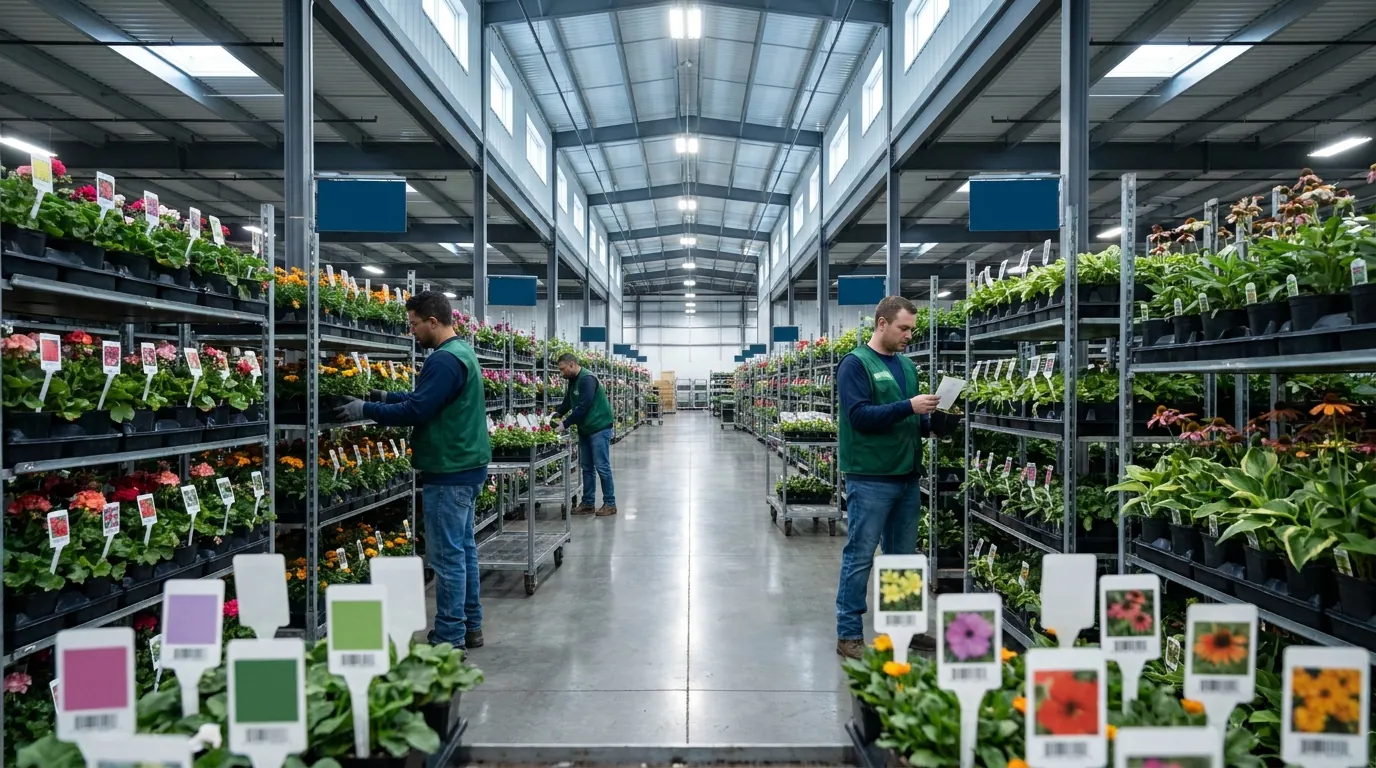
Why Plant Tags Break Down at Commercial Volume
At a few hundred flats, mistakes with plant tags get caught on the bench by someone who knows every crop. At hundreds of thousands of units spread across several retailer programs, they get caught at the store or by a buyer's compliance team, long after anyone can fix them cheaply. The failure points are predictable:
- Wrong variety tags: a 'Wave Purple' tag ends up in a flat of 'Wave Pink' because two lots were spaced side by side and the tag boxes were staged together.
- Late tag orders: pre-printed stock arrives after the crop is ready, so finished goods either sit in the house or leave untagged.
- UPC and price mismatches: the retailer changed a price point or item number, but nobody updated the tag file.
- Reprints: rush printing at premium cost, plus the labor to pull old tags and re-tag.
- Chargebacks: retailer deductions for missing or non-compliant tags that can wipe out the margin on a program.
Almost every one of these starts as a data disconnect. The growing schedule, the order book, and whoever orders or prints tags are each working from a different version of the truth.
Plant Tags vs. Plant Labels in a Grower Context
Growers use these terms loosely, and that is fine. In practice, "tags" usually means the stake or hang tag inserted in the container, often pre-printed with variety and care details. "Labels" is the broader term: it covers tags, pot labels, price stickers, and the retail-ready, branded labeling a program calls for. Retail-facing labels also have to meet a buyer's written specifications. This guide uses "plant tags" for all of them and treats every one as data that has to match the crop and the order.
The Real Cost of a Wrong Tag
A wrong tag rarely costs just the tag. Add the crew hours to pull and replace it, the delayed truck, the rush print run, the possible deduction, and the shopper who buys a shade plant labeled full sun and comes back unhappy. Treat tag accuracy the way you treat plant quality: as part of the product you ship.
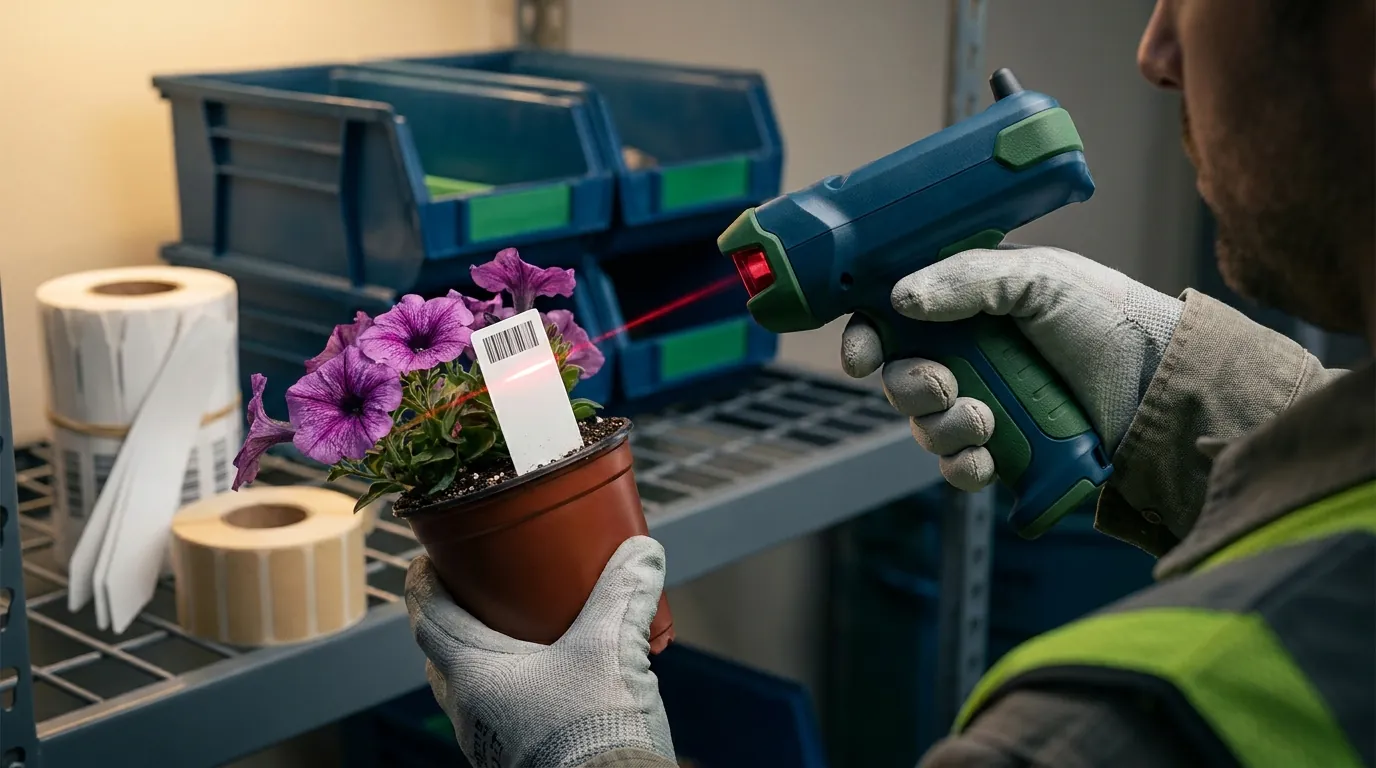
What Professional Plant Labels Must Carry: A Field-by-Field Checklist
Before deciding when to print or which tool to use, pin down the content. Retail program labels share a common set of fields, though each buyer layers on its own rules. Use the list below to audit every SKU in your current tag library. If the source of a field is "someone remembers," that field is your risk.
Identity Fields: Variety, Names, and Container Size
- Common name and variety or cultivar name, spelled exactly as it appears in your item master
- Botanical name (genus, species, cultivar), formatted according to International Code of Nomenclature for Cultivated Plants conventions, such as single quotes around cultivar names
- Container size, for example 4.5-inch, 1-gallon, or 6-inch hanging basket
- Series or color, where the program sells by color
These fields must agree with the crop in the container. If your item master and your tag file disagree, the tag will eventually be wrong.
Care and Growing Information
- Light requirement (full sun, part shade, shade)
- Water needs
- Mature height and spread
- Hardiness zone, typically referenced to the USDA Plant Hardiness Zone Map, or an annual/perennial designation
- Bloom time, where relevant
Care details usually live on pre-printed stock, so confirm them before ordering quantities for the season. A typo here gets printed thousands of times.
Commercial Fields: Price, Retailer UPC, and Barcode
- Retail price, or a blank price area if stores price on site
- Retailer-specific UPC or item number for each program SKU
- A scannable barcode that matches the retailer's item file; most retail barcodes follow GS1 standards, so print quality and symbol size matter as much as the digits
- Lot or production code, if you or the buyer use one
These fields change most often and drive most chargebacks. Keep them tied to the customer order rather than hard-coded into a static design file.
Branding and Retailer Program Requirements
- Your brand or the retailer's private brand, per program rules
- Required tag type, size, and placement (stake, hang tag, pot label)
- Program-specific logos, icons, or messaging
- Due dates for tag approval and delivery
Document each retailer's requirements per program so a new shipping lead does not have to rediscover them in April.
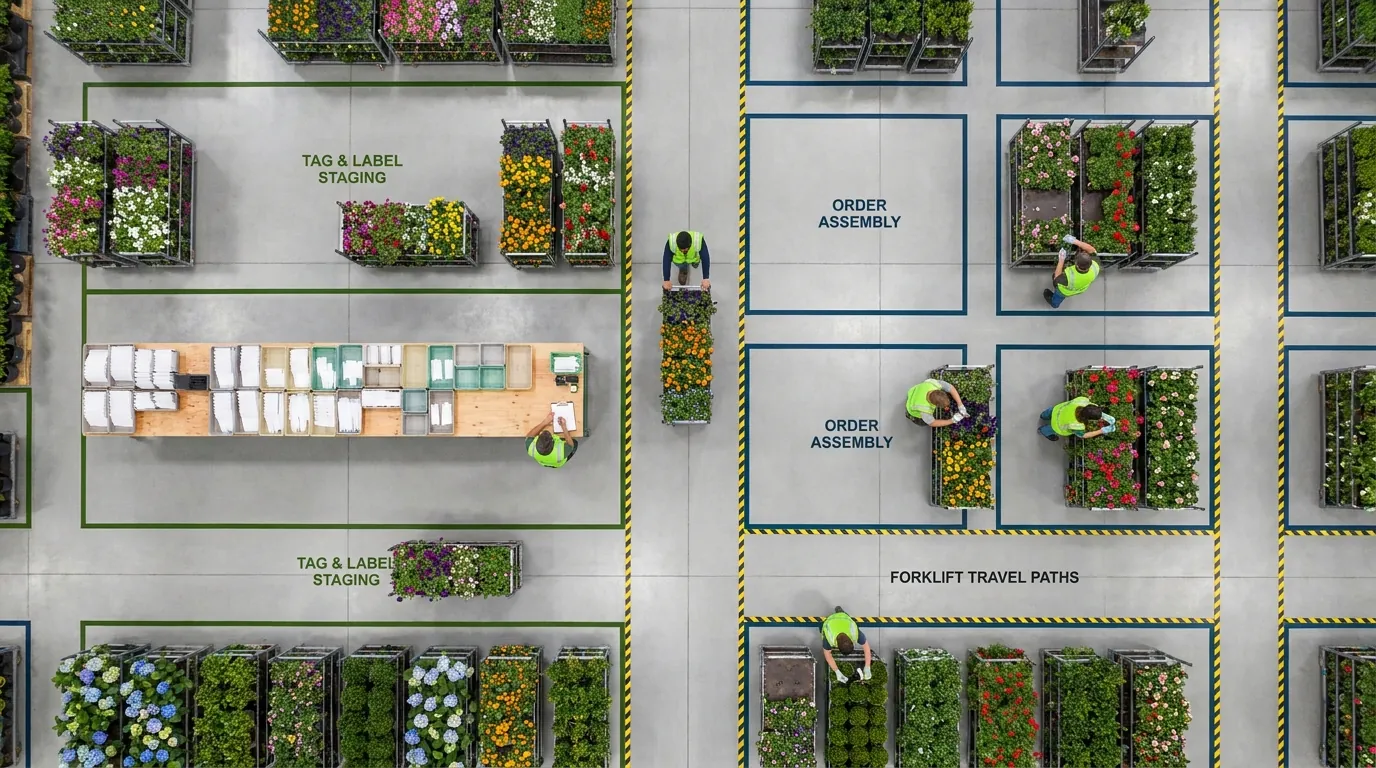
When to Plan and Print Plant Tags in the Production Cycle
Tag timing should follow your production plan, not lead it. The most common timing mistake is treating tags as a shipping task when much of the work has to happen before seed is sown or cuttings are stuck.
Think of tagging on two tracks. Static content such as variety, care information, and branding is known early and often goes on pre-printed stock with long supplier lead times. Variable content such as price, retailer UPC, and final quantities may not be confirmed until orders firm up near the ready date.
Forecasting Tag Quantities From the Production Plan
Your growing plan already states how many units of each variety and container size you intend to finish, and when. Tag quantities should come from that same plan plus a shrink allowance, not from last year's tag order. If a 4.5-inch annual program is planned at 40,000 units across six varieties, the tag forecast should break out the same way: by variety and by size. As a hypothetical example, if one of those six varieties is cut from 8,000 to 5,000 units in January, the tag order for that variety should drop at the same time, before the supplier prints it.
Pre-Printed Stock vs. Print-Near-Ship
- Order pre-printed stock ahead of sow and stick dates, allowing for supplier lead times, so it is on hand when crews start tagging.
- Print or apply variable data (price, UPC, store-specific details) closer to ready and ship dates, once orders are confirmed.
- For liners and finished goods sold to landscapers, simpler labels can often be printed at pick time.
Match the method to how stable each field is. Fields that rarely change belong on stock ordered early; fields that change with the order belong as close to shipping as practical.
Handling Late Order Changes
Retailers change quantities, prices, and item numbers. Set a cutoff date. After it, every change routes through one person who updates the order, the tag data, and the print queue together. A change made in only one of those three places is how mismatched tags reach store shelves.
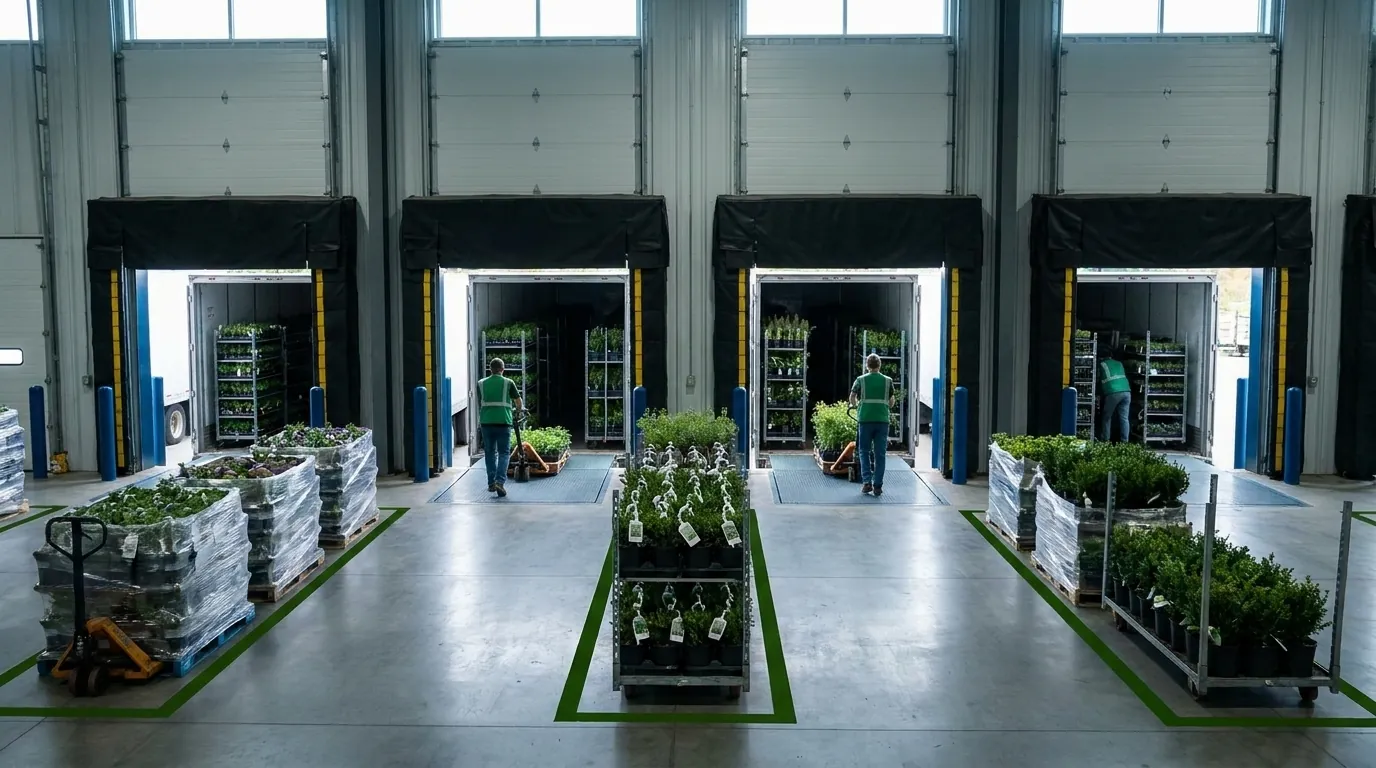
Keeping Plant Labels Matched to Crop Lots and Orders
Once volume grows, the question is not whether the right tags exist somewhere in the building. It is whether the correct tags are with the correct crop, in the correct count, for the correct order. That requires one connection among three things: the lot being grown, the customer order it will fill, and the tag content and count that order requires.
Tie Tag Counts to Crop Lots
Each lot carries a variety, container size, start date, quantity, and expected ready date. Tag counts should be calculated from those lots rather than estimated in a separate file. When a lot is adjusted for shrink, spacing, or a failed crop, its tag requirement should change with it. Tracking production by lot, as described on Argos Software's crop lots page, gives you the quantities a tag forecast depends on.
Tie Tag Content to Customer Orders
The same 4.5-inch petunia may ship to three customers with three different tag requirements: a big-box program with a retailer UPC and price, an independent garden center with your branded tag, and a landscaper who wants no retail tag at all. Tag content should come from the order and its program, so a price change for one retailer does not touch the other two.
Use Production Documents as the Hand-Off
Bench crews need clear instructions: which lot, which tag, how many, and by when. Production paperwork is where that hand-off happens. Argos Software includes production documents in its plant production management offering; check that page for the specific document types available. The principle holds regardless of system: tagging instructions should print from the same data as the growing schedule, not be retyped by hand. For a wider view of how production records and fulfillment connect, the guide for commercial plant growers covers the broader workflow.
Choosing Tools and Process for Professional Plant Labels
Most operations start with a spreadsheet for tag counts and a standalone design or label tool for printing. That works until the number of programs, SKUs, and late changes outgrows the people maintaining it. If you are comparing label software specifically, see our roundup of nursery plant label software. The decision covered here is different: whether your tag data should live alongside your production and order data.
Signs Spreadsheets and Standalone Label Tools Have Stopped Scaling
- Tag counts are re-keyed from the growing plan into a separate file
- Retailer UPCs and prices are updated in more than one place
- Only one person knows where the current tag files live
- Reprints and rush orders are a routine part of every spring
- Nobody can quickly answer which lots still need tags for next week's orders
If three or more apply, the problem is process and data, not label stock. Better printers will not fix it.
Where Argos Software Fits
Argos Software offers plant production management for growers, including crop lot tracking and production documents. Its role in tagging is upstream: keeping production, lots, and orders in one place so the data behind your tags comes from a single source. Review the feature pages for specifics and evaluate how that connects to the label tool and tag suppliers you already use. If inventory visibility is part of the same evaluation, our overview of plant nursery inventory software is a useful companion. Request a Demo to see how Argos Software handles production planning for growers.