
Shipper Load Entry and Tracking Portal
Let shippers enter and track loads online
Give shippers a web portal to enter shipment requests and freight orders, follow their loads on a map, search trips, and print labels and reports themselves.
Connect and insight
Driver and Carrier Settlements
Record what each driver, owner operator and carrier is owed on a trip by charge code, compare carriers by recent activity and pay, then commit trip payments and freight bill settlements so everyone gets paid.
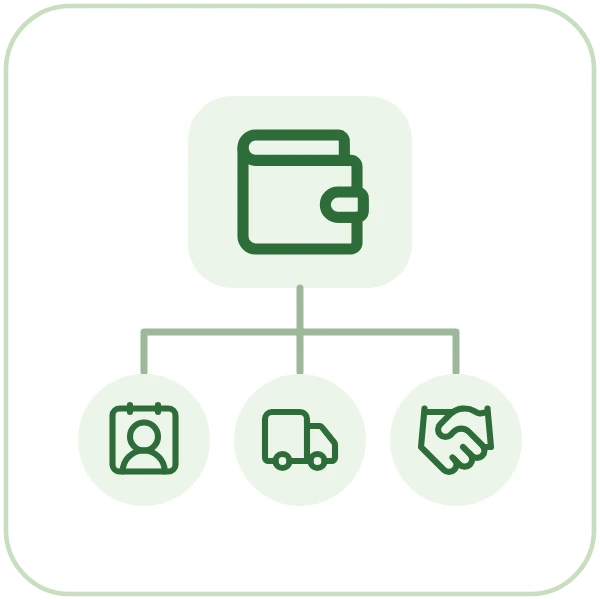

One flow from first order to final payment, for trucking carriers.
Every customer move request becomes a freight order, and every order becomes loads ready to dispatch.
Dispatch builds trips from waiting loads and assigns drivers, trucks and trailers to every stop.
Every trip shows its tracking events and whether proof of delivery is required, missing or received.
Freight bills are created with their charges, committed and grouped into consolidated invoices for each customer.
Revenue, participant cost and margin are reported by shipment, trip and broker.
Straight answers, drawn from what the software does today.
Pay lines are entered per trip participant by charge code, then trip payments and freight bill settlements are committed so each participant can be paid.
Yes. Compare candidate carriers by recent activity and freight bill pay amounts, right from the trip.
Yes. Pay lines for each driver, owner operator or carrier are entered on the trip by charge code, then trip payments are committed so they can be paid.
Also in freight and dispatch.
Shipper Load Entry and Tracking Portal
Give shippers a web portal to enter shipment requests and freight orders, follow their loads on a map, search trips, and print labels and reports themselves.

Driver Messaging from Dispatch
Send dispatch and free-form messages to drivers and trucks through your in-cab messaging service, read every reply, and let incoming messages update trips and loads by rules you set.
Freight Billing and Consolidated Invoices
Create freight bills with charges and totals, find any current or past bill in one place, then commit them and group each customer's bills into consolidated invoices.
Book a guided walkthrough with the Argos team.