

Crop Programs
Turn each crop into a reusable growing program
Set up each crop and variety once as a growing program with its stages, timing, expected loss, inputs and outputs, then start every new planting from it instead of from a blank sheet.
Connect and insight
Argos for Growers and Nurseries
Nursery and greenhouse management software for nurseries, greenhouses and growers. Book a guided walkthrough with the Argos team, from the crop plan to the shipped order.
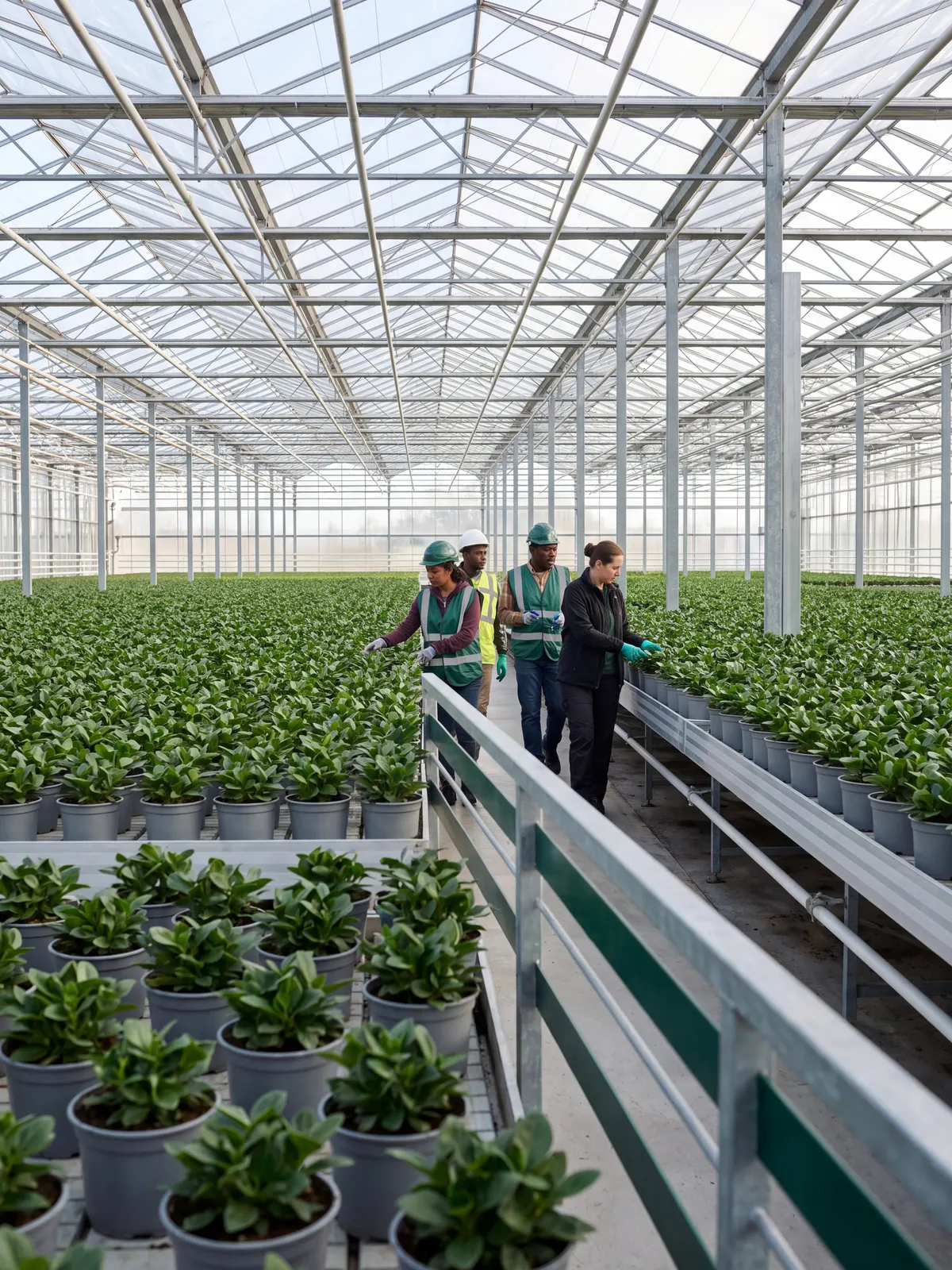
The problemCrop plans live in spreadsheets and crop work is tracked on paper, so growing space runs short, shrink goes unrecorded, and sales cannot see what will be ready or what it cost to grow.
Fill out the form and tell us about your nursery, greenhouse or growing operation.
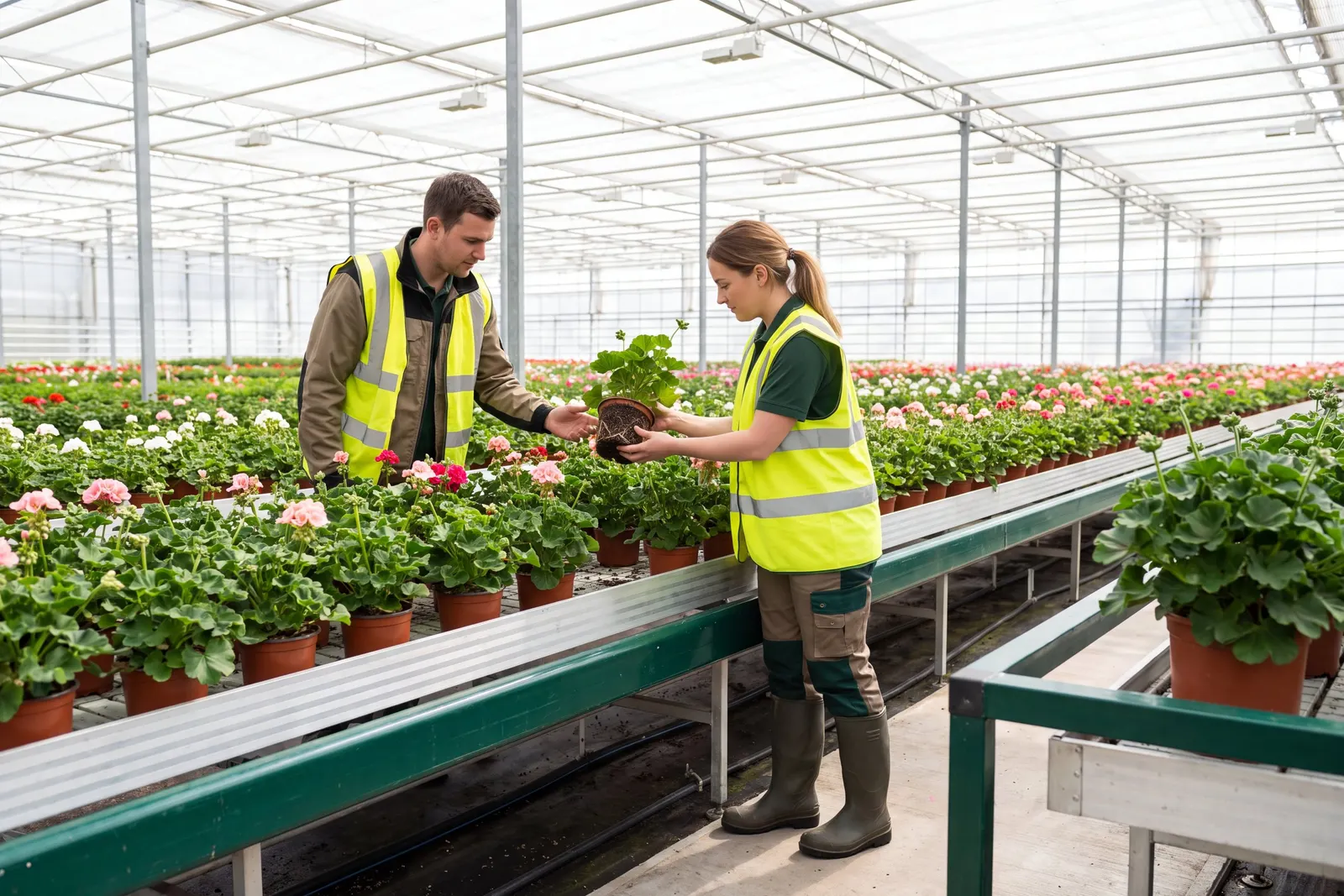
Six steps on one shared record, from the crop plan to the shipped order.
A customer's sales order becomes a production plan and released crop lots in one action.
Each crop and variety is set up once as a growing program, and every new planting starts from it.
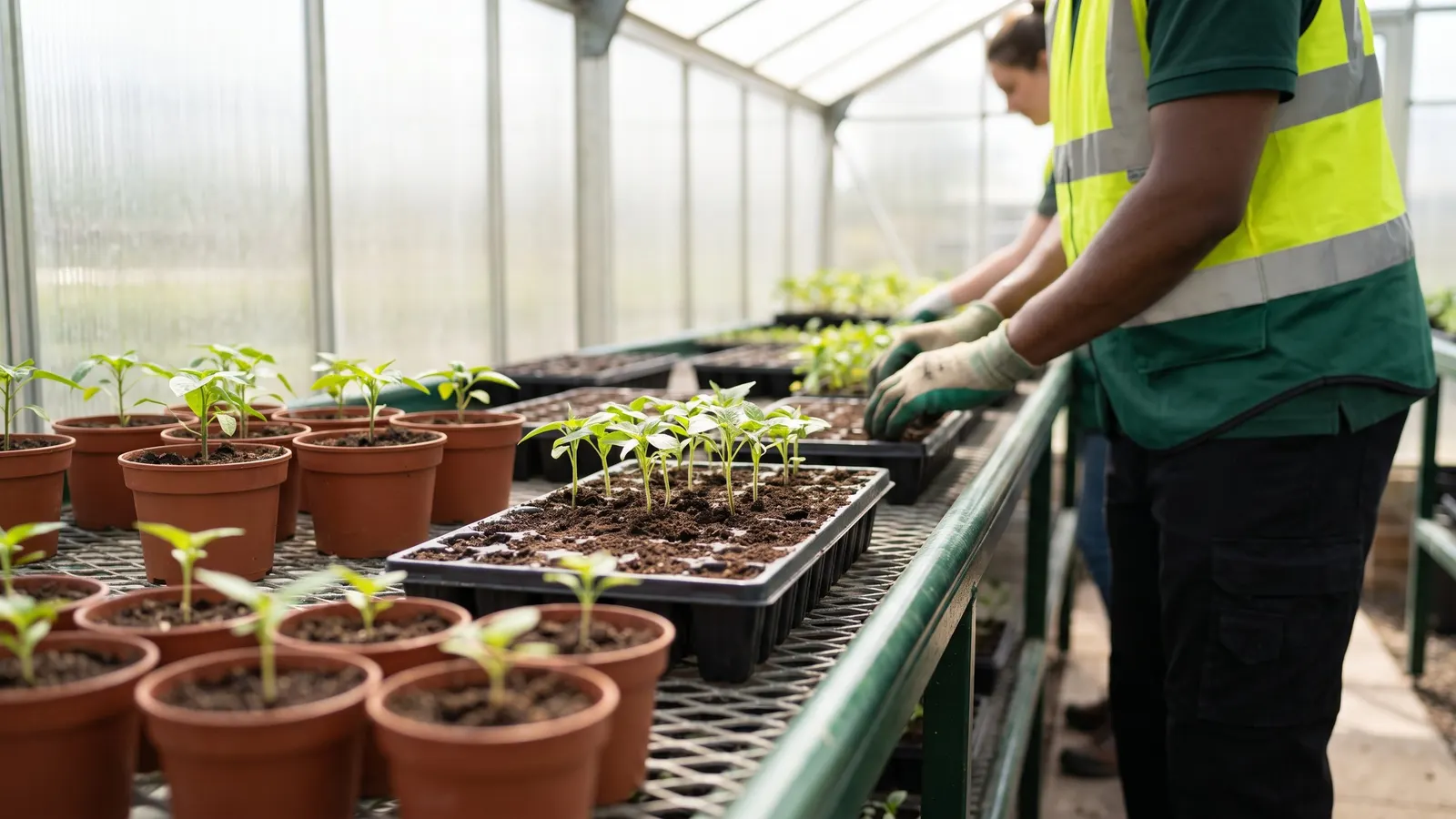
Each day's work on a crop is recorded with the inputs, quantities and locations used.
Finished output from each crop is recorded and released into on hand inventory as sales items and grades.
Lots and warehouse locations are set on each order line, by hand or automatically, so pickers know what to pull.
Managers get the numbers they watch every day on dashboards designed in the browser and filed by role.
Crop Programs
Set up each crop and variety once as a growing program with its stages, timing, expected loss, inputs and outputs, then start every new planting from it instead of from a blank sheet.
Grow to Order
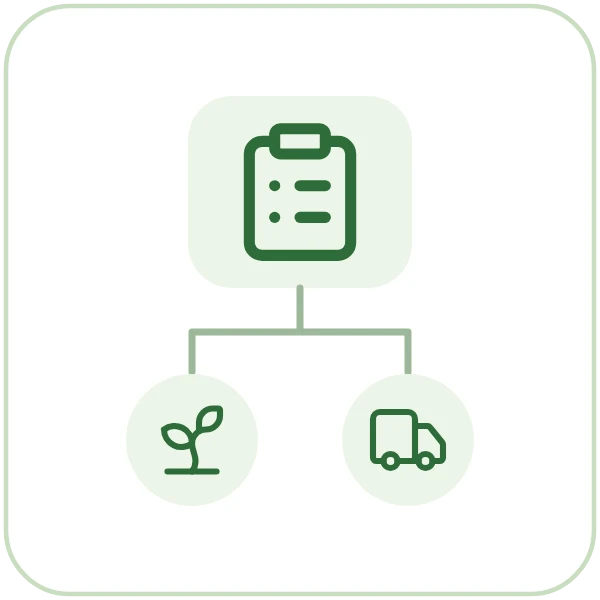
Turn a customer's sales order into a production plan and released crop lots in one action, so what you grow is tied to what you sold.

Growing Capacity Planning
Define greenhouse space, beds, zones and equipment as capacity, set what is available each planning period, and see where planned crops will run short before the space is needed.