
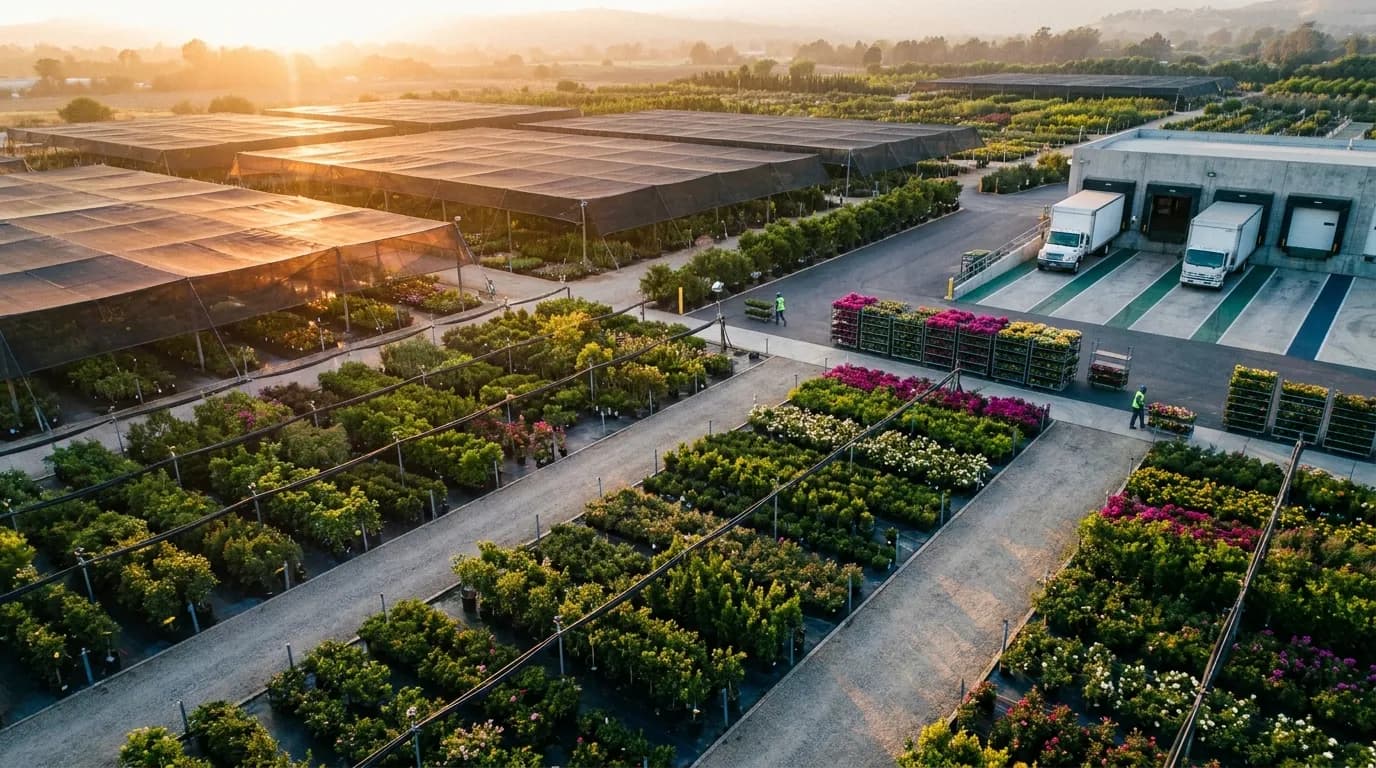
Why a Modern Greenhouse System Still Leaks Profit Without a Greenhouse ERP
Climate controls, automated irrigation and well-designed benches solve the biology problem. They do not solve the business problem. A crop can finish exactly on schedule and still lose money if it is oversold, shipped without the right tags, delivered late or priced without anyone knowing what it really cost to produce.
In many mid-size and multi-site operations, the commercial side runs on a patchwork. The head grower owns a production spreadsheet. Sales keeps its own availability file. The accounting package sees invoices and little else. Out on the dock, pickers work from paper tickets. Each tool does its job in isolation, but together they create blind spots, and those gaps widen with every new customer, house and SKU.
What Is Greenhouse ERP?
An enterprise resource planning (ERP) system built for greenhouses is industry-specific business software that links production planning, crop and lot tracking, ready inventory, sales orders, EDI, picking, shipping and accounting in one system. It turns what you grow into accurate availability, on-time orders and true cost per unit.
Think of it as the commercial counterpart to your environmental controls. One watches temperature and moisture. The other tracks plants as products moving toward a customer, from sticking and spacing through the truck leaving your yard.
The Four Profit Leaks Growers Feel Every Spring
Without a connected business layer, the same problems come back season after season:
- Inaccurate ready inventory. Counts happen weekly at best, and often less during peak. By Thursday, sales may be promising flats of petunias that were dumped for disease on Tuesday, shrank below salable size, or were already committed to another account.
- Overselling and shrink. When availability is a guess, growers swing between two bad outcomes. They oversell and short a key customer, or they hold back out of caution and compost crop that could have gone out at full price.
- Spring-rush order errors. Manual pick lists and handwritten tags hold up fine in February. They fall apart when order volume triples in the span of a few weeks. The result is wrong varieties on carts, missing or mismatched care tags, and chargebacks from retailers who expect compliant shipments on every delivery.
- Unknown cost per unit. Labor, growing media, containers and bench space are rarely assigned to a specific crop. When a buyer pushes back on price, the conversation rests on gut feel and last year's price list instead of real production numbers.
None of these leaks comes from poor growing. They come from information that lives in too many places and moves too slowly between the greenhouse floor, the sales desk and the back office. A grower might know exactly how many hanging baskets are ready in House 4, but if that knowledge never reaches the person taking orders, the business still pays for the gap in shorted orders, wasted plants and margins nobody can explain.
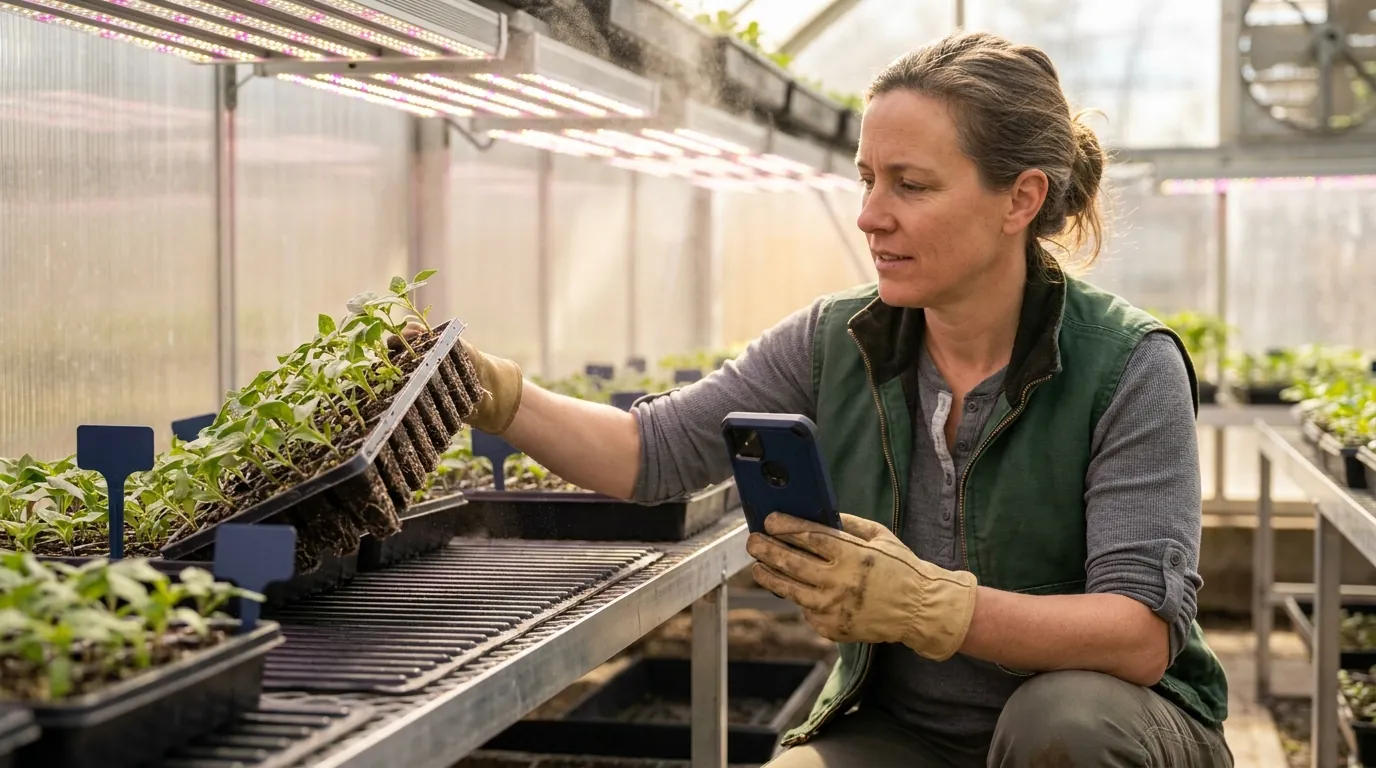
What a Complete Greenhouse System Really Includes
Search for "greenhouse system" and most results cover glazing, heating, ventilation and thermal storage. That covers only half the picture. For a commercial grower, a complete operation has two layers that have to work together: the physical environment that produces the crop, and the business platform that turns that crop into revenue.
Treating these as separate projects explains why so many growers run world-class houses alongside a fragile order-to-cash process. Once you view them as one system, the way you evaluate greenhouse solutions changes. You stop asking only "will this grow a better plant?" and start asking "will this help us sell, ship and bill that plant accurately?"
Layer One: The Physical Growing Environment
Most growers already know this layer well:
- Climate control for temperature, humidity, CO2, venting, and shade or energy curtains.
- Irrigation and fertigation through ebb-and-flood benches, drip lines or booms, paired with nutrient dosing.
- Supplemental lighting, including HPS and LED programs tuned to hit crop timing.
- Automation such as transplanters, spacing robots, conveyors and environmental sensors.
Together, this equipment optimizes plant growth and produces a constant stream of data about conditions in every zone.
Layer Two: The Business System
The second layer plans, tracks, sells and ships whatever the houses produce. Its scope includes production scheduling by ship week, crop and lot records, ready inventory, customer orders and EDI, picking and loading, delivery routes, invoicing and cost accounting.
This is what a greenhouse ERP provides. Without one, the questions owners and controllers care about most (what is sellable today, what is already committed, what each crop actually costs) either go unanswered or live in a single person's spreadsheet. If that person is out during spring shipping, the whole operation feels it. For a closer look at the planning side of this layer, read this deep dive on greenhouse production management software.
Where the Two Layers Should Connect
The payoff comes when information moves between layers instead of stopping at the greenhouse door. Consider a few practical cases:
- A cool, cloudy stretch slows finishing on a poinsettia block. The grower updates expected ready dates, and sales sees revised availability before promising product that will not be there.
- Crop schedules drive space plans, so the head grower knows which houses must be cleared, and by what date, to make room for the next turn.
- Labor hours and inputs recorded against a crop lot flow straight into cost per tray, giving controllers real margins instead of estimates.
Integration depth differs by environment and vendor. When you compare platforms, ask specifically how growth data, readiness updates and production events reach the business side, and whether that happens automatically or through manual re-entry.
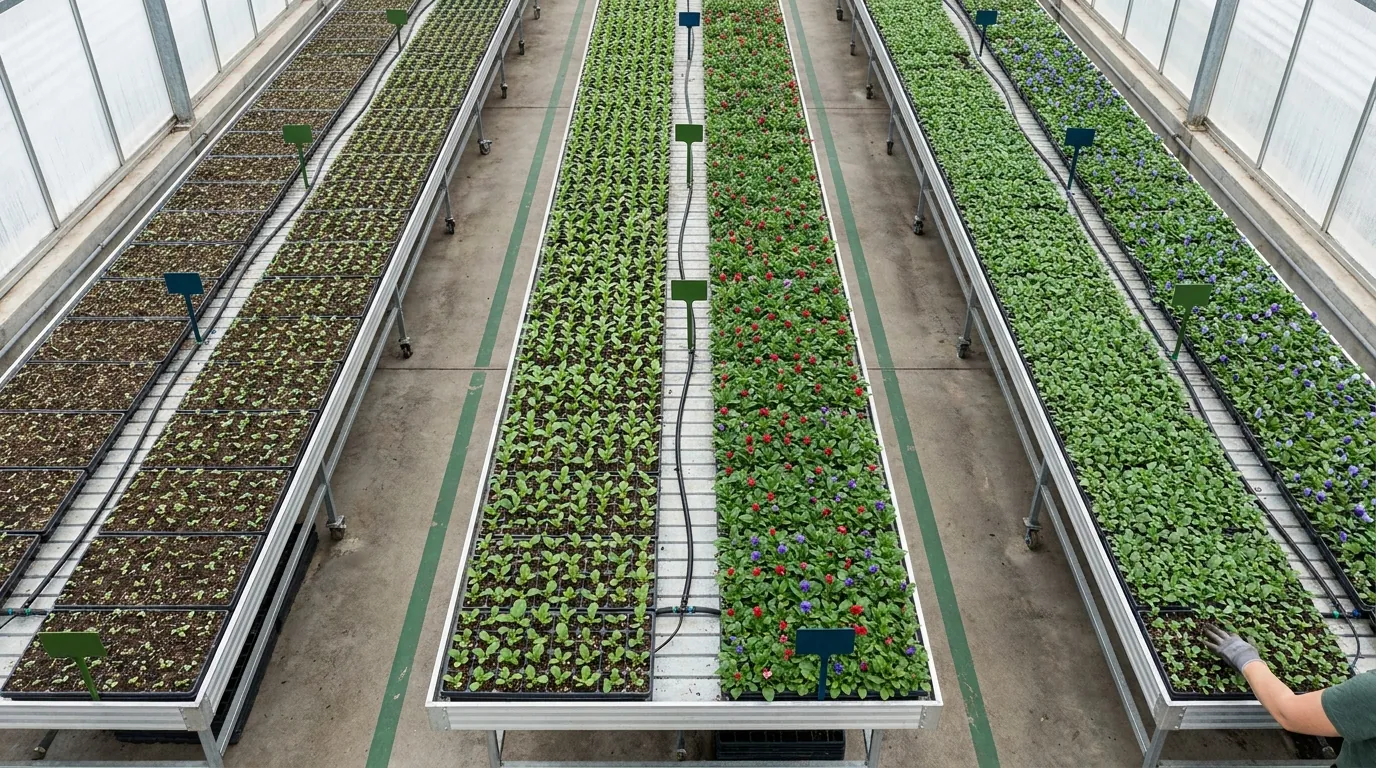
Core Capabilities of a Greenhouse ERP, From Seed to Ship
A greenhouse ERP should follow a crop from the day you place a plug or seed order until the customer pays the invoice. Generic business software usually covers the back half (orders and accounting) but stumbles on the living inventory up front. Treat the capabilities below as the minimum for a commercial greenhouse or wholesale nursery, and as a lens for every software demo you attend. For a broader view of the category, see this overview of greenhouse management software.
The Seed-to-Ship Workflow Map: Where Data Breaks Down
Walk your operation through these eight steps and mark every spot where information gets re-keyed, emailed, or guessed:
- Production scheduling: sow dates, sticks, and finish weeks sit in one grower's spreadsheet.
- Crop and lot tracking: lots lose identity after transplant or spacing.
- Ready inventory: counts happen weekly, on paper.
- Availability lists: sales builds them by hand and emails PDFs that are stale on arrival.
- Order entry: EDI orders get printed and retyped.
- Pick, pack, and load: crews work from paper and match tags manually.
- Invoicing: billing waits on corrected load sheets.
- Costing: labor and inputs never reach the crop level.
Each break is a handoff that shared, real-time data can replace.
Production Planning and Crop Scheduling
Plan backward from ship week. The system should calculate sow, stick, transplant, and spacing dates by crop and variety, forecast bench and house space, and generate young-plant orders. When forecasts shift, schedules adjust automatically instead of being rebuilt.
Lot and Crop Tracking
Every lot carries its history: source, sow date, location moves, treatments, and losses. That record supports food-crop traceability, pesticide application logs, and honest yield analysis by variety and house.
Real-Time Ready Inventory and Availability Lists
Most growers feel the impact here first. Mobile counts and grading in the bays make inventory reflect what is truly sellable, net of committed orders. Availability lists then generate on demand by customer, price level, or week, so sales stops quoting yesterday's numbers.
Order Management and EDI for Retail and Wholesale
Big-box and chain programs demand electronic data interchange purchase orders, advance ship notices, and invoices in strict formats, along with store-level allocation and pre-pricing. A capable system processes EDI natively next to phone, email, and web orders from independent garden centers and landscapers, applying substitution and short-ship rules consistently.
Mobile Barcode Picking, Tagging, and Loading
Handheld scanners direct crews to the correct house and bench, confirm variety and quantity, and print or verify UPC tags and price stickers. Loads are built cart by cart against each order, so the truck leaves carrying exactly what was invoiced. Picture a hypothetical grower switching from paper picks to scan-confirmed picking before spring rush: fewer mis-picks would mean fewer credits and retailer chargebacks.
Shipping and Route Management
Plan routes and stops by ship date, assign carts and racks, track returnable equipment such as Danish carts, and produce bills of lading and manifests. Drivers and dispatchers share one set of order records rather than a side spreadsheet.
Cost Accounting and Financials
Integrated general ledger, payables, receivables, and payroll tie every transaction to a crop, house, or customer. Allocating labor, media, containers, fertilizer, and space by lot yields a defensible cost per pot or tray. An operation might learn, for example, that a hanging basket program it considered a top seller barely breaks even once labor and bench weeks are counted.
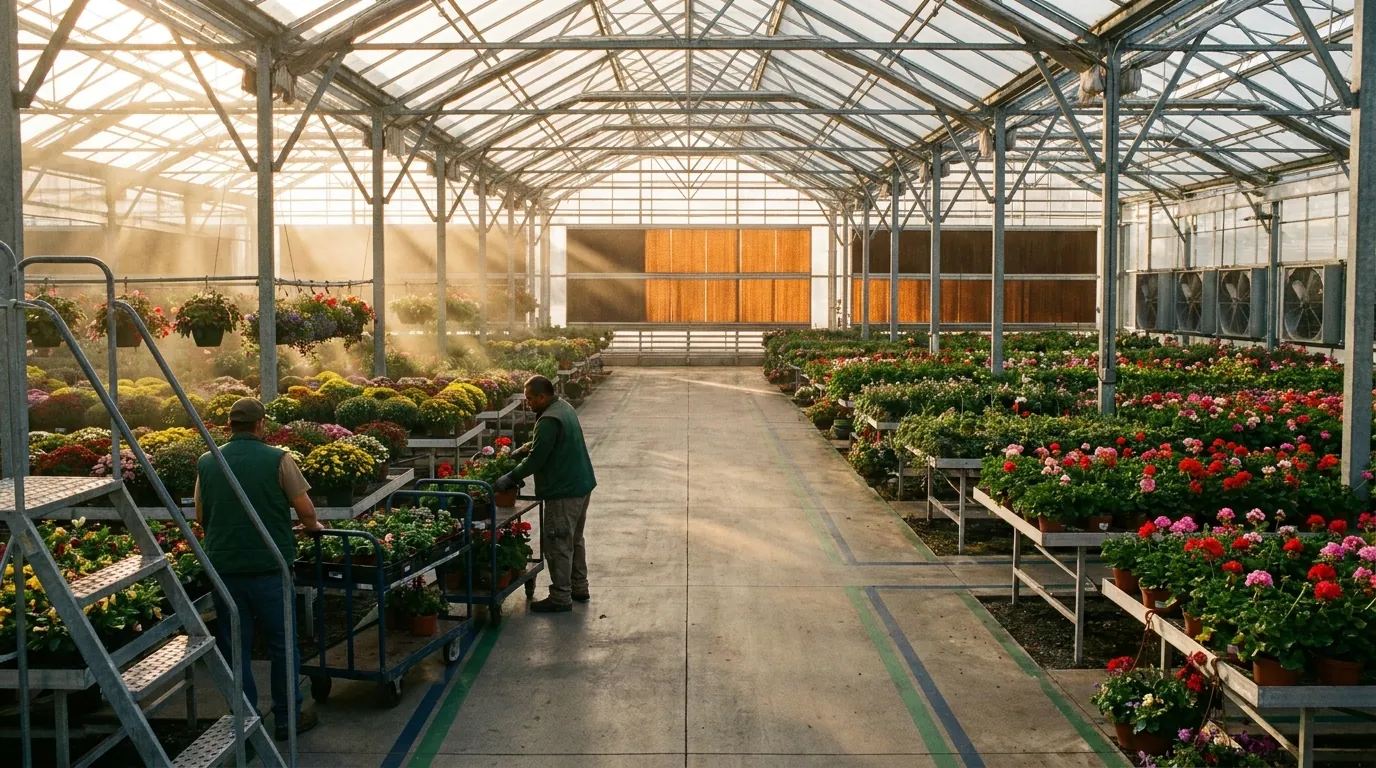
Comparing Greenhouse Solutions: Spreadsheets vs. Generic ERP vs. Greenhouse-Specific ERP
Most growers weighing their options end up choosing among three paths: stretch the spreadsheets through another season, buy a general-purpose ERP and customize it, or move to software built for horticulture. Each path has its place. The trade-offs only become obvious once order volume, SKU count, and retailer demands start climbing.
Spreadsheets are flexible and cheap until they are not. One person usually owns the master file, and when that person is out sick in April, nobody else can trust the numbers. Generic ERP brings strong accounting but tends to treat plants like boxed widgets. It misses crop timing, grading, shrink, and the way availability changes week to week. Horticulture-specific software starts from the opposite assumption: inventory is alive, it changes daily, and it gets sold against future ship dates.
Side-by-Side Comparison Table
Here is how the three paths stack up on the nine capabilities that tend to separate a smooth spring from a chaotic one:
- Crop scheduling by ship week. Spreadsheets depend on manual formulas that one person maintains. A generic ERP rarely includes it without a custom build. Horticulture-specific software has it built in and plans backward from the ship date.
- Ready inventory accuracy. Spreadsheet operations rely on weekly paper counts. General-purpose platforms hold static stock figures with no grading. Purpose-built systems update in real time from mobile counts and grading in the bays.
- Availability lists. With spreadsheets, someone builds and emails them by hand. Generic ERP offers standard stock reports. Grower-focused software produces them on demand for each customer and week.
- Big-box EDI and tagging. Spreadsheets cannot support it at all. Generic packages typically need an add-on or third-party service. Horticultural systems handle EDI, UPC tags and pre-pricing natively.
- Mobile barcode picking. Spreadsheets offer nothing here. Generic ERP provides warehouse-style scanning that does not understand houses and benches. Specialized platforms guide picking and loading by house and bench location.
- Spring-rush scalability. Spreadsheets break under volume. Generic ERP scales technically, but its workflows do not match how growers ship. Industry-specific software is designed around seasonal peaks.
- Cost per unit by crop. Spreadsheets amount to guesswork. Generic ERP can get there, but only with heavy configuration. Greenhouse-built systems calculate cost at the crop and lot level.
- Multi-site visibility. Spreadsheets mean separate files for every site. Generic ERP does provide consolidated views. Horticulture-focused platforms add site-level crop data on top of that visibility.
- Vendor industry expertise. This is not applicable for spreadsheets. Generic vendors bring broad, cross-industry knowledge. Specialized vendors concentrate on horticulture and its seasonal rhythms.
If counting and grading accuracy is your biggest headache today, the companion article on greenhouse inventory management software covers that side of the decision in more depth.
Greenhouse ERP Requirements Checklist
Bring this list to every vendor demo. Ask to see each item working on screen rather than hearing it described:
- Spring-rush scalability: Can the system absorb several times your normal order and pick volume without slowing down or forcing you to hire temporary office help?
- Seasonality: Does it handle ship-week selling, seasonal price levels, and program-based retail orders?
- Mobile/barcode inventory: Can growers count, grade, and dump product from handhelds in the bays, with availability updating immediately?
- Big-box retailer EDI and tagging: Are EDI documents, ASNs, UPC tags, and store-level labels handled natively?
- Multi-site visibility: Can managers see production, stock, and orders across every location, and move product between sites?
- Climate and automation controls: How do production events and readiness data from your physical environment reach the software? What import or API options exist?
- Accounting integration: Is financial accounting built in, or will you keep running a separate package?
- Reporting: Can controllers pull cost per unit, margin by customer, and shrink by crop without exporting anything?
- Vendor industry expertise: Does the implementation team understand crop cycles, retailer tagging rules, and what April looks like on a loading dock?
A vendor that answers all nine with a live demonstration is offering a true greenhouse ERP. One that answers with slides and promises of future customization is offering a generic package with a horticulture label.
Implementation and ROI: What a Realistic Greenhouse ERP Rollout Looks Like
The best software still fails if it goes live the week Easter orders peak. A realistic greenhouse ERP implementation is phased, timed around the growing calendar, and judged against a short list of operational metrics everyone agrees on at kickoff.
Timelines depend on the number of sites, modules and integrations, plus how clean your current data is. Treat any estimate as a planning range rather than a commitment. Sequencing matters more than speed: stabilize the core first, then add mobile scanning, EDI and advanced costing.
Phased Rollout Timed Around the Growing Season
A typical sequence looks like this:
- Discovery and design: map current workflows against the eight steps listed earlier, and define success metrics.
- Core setup: items, customers, price levels, locations and accounting.
- Production and inventory: crop schedules, lots and mobile counting.
- Sales, EDI and shipping: order entry, retailer EDI testing, pick/load and routing.
- Go-live and optimization: refine reports, costing and integrations.
Plan go-live and heavy training for the quieter summer or late-fall window. That way, crews learn scanners well before spring rush instead of in the middle of it. If you are still comparing platforms, this roundup of the best software for greenhouse management covers what to look for before you commit to a schedule.
Data Migration Without Losing Your History
Start with clean master data: item and variety lists, customer and ship-to records, price levels and open orders. Weekly sales history is valuable for forecasting, so decide early how many seasons to bring across. Resist importing every old spreadsheet. The project is a good excuse to retire duplicate SKUs and inconsistent naming before they follow you into the new system.
Measurable ROI Levers
Keep ROI conversations focused on levers you can measure before and after go-live. These are illustrative scenarios, not guaranteed outcomes:
- Labor hours: Scan-guided picking and automated tag printing can reduce the time it takes to build a spring load.
- Shrink: Accurate availability helps you sell plants at peak quality rather than dumping them.
- Order accuracy: Fewer mis-picks mean fewer credits, re-deliveries and retailer chargebacks.
- Cash flow: Invoices go out the day a truck leaves, not after someone reconciles load sheets.
- Cost per unit: Crop-level costing shows which programs to grow, reprice or drop.
For example, a grower that already tracks credits issued per thousand units shipped has a clear, auditable baseline for gauging progress after launch.
How Argos Software Supports Greenhouse and Nursery Operations
Whichever vendors end up on your shortlist, hold each one to the same standard: walk every candidate through the workflow map from earlier and watch where data stops flowing. A platform designed for growers can connect production planning, lot records, ready inventory, orders, picking, shipping and accounting so that each step feeds the next. The demo you sit through should show that happening with your own crops, customers and retail programs rather than polished sample data.
Software built with agriculture in mind also changes the tone of an evaluation. Conversations can center on ship weeks, retailer labeling requirements and spring capacity, and you do not have to translate your operation into generic warehouse terms before the first meeting. Bring real numbers to that conversation: last spring's peak-week order count, how many houses and sites you run, and the EDI documents your largest retail program requires. Those details reveal quickly whether a system was designed for living inventory or adapted to it after the fact.
Request a Demo to see how Argos Software fits your production calendar.