
Why Item-Only Tracking Falls Short
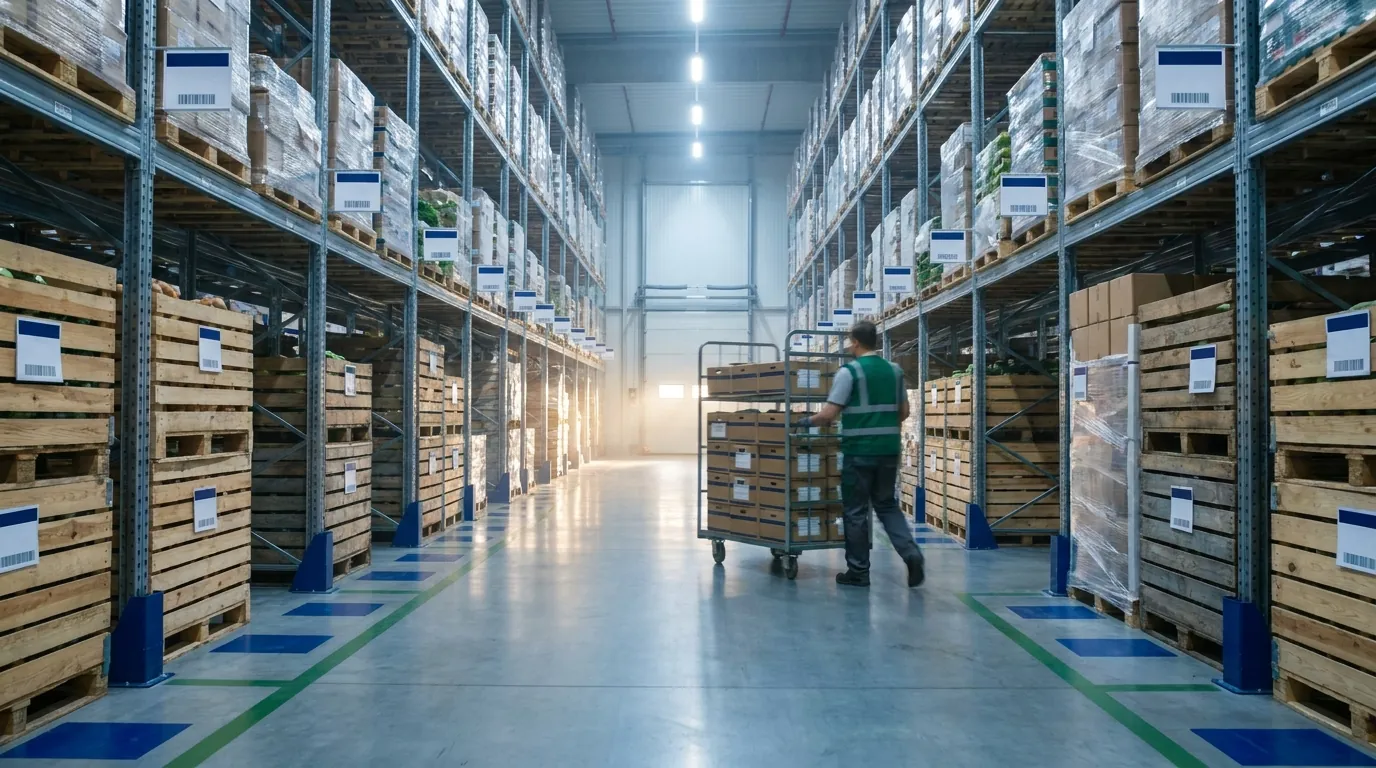
Most warehouses begin by counting inventory at the item or SKU level. That approach holds up until someone asks a sharper question, and it stops well short of item level visibility, where each case is tied to a lot and a storage location. A single on-hand figure conceals the details that drive daily decisions: which lot the stock came from, whether any of it is on hold, and where it physically sits.
Those gaps carry real costs. Pickers walk aisle after aisle hunting for product. Sales commits stock that is sitting in quarantine. A supplier recall forces you to pull far more inventory than necessary because there is no way to isolate the affected lots, so good product goes back on the truck with the bad.
The Questions Item-Only Tracking Cannot Answer
Three questions surface every week in most operations. Where is it? Which lot is it? Can we promise it? When all you have is a SKU total, each answer depends on a phone call, a trip to the floor or a side spreadsheet that one person maintains.
Picture a crowded receiving dock on a Monday morning. The product is physically on site, yet nobody can say which pallets are cleared for sale and which are still waiting on inspection. In this hypothetical, the system reports 400 cases on hand, and customer service quotes 400 cases to a buyer. Some of those cases may not be shippable for days, and the buyer finds out only when the delivery arrives short.
A Working Definition of Item-Level Visibility
For this guide, the term means knowing three things about any item at the same time:
- The item itself, identified by a unique item ID and described by an item label.
- Its lots and any sublots, each with a status and a quantity.
- The locations where each lot is stored.
Put simply: item plus lot or sublot plus location. Remove any layer and the picture blurs again. Knowing you have a lot without knowing its bin sends people searching. Knowing a bin without knowing its contents by lot leaves you guessing during a recall.
Where This Fits in Broader Supply Chain Visibility
Tracking inside the four walls is one piece of a larger view that reaches out to suppliers, carriers and customers. For that wider perspective, read our overview of supply chain visibility. The rest of this article stays focused on what happens within your own facility, where lot status and storage location decide whether an order ships correctly.

The Foundation: Item ID vs Item Label
Lot and location detail only works if the product record underneath is clean. Two fields carry most of that weight: the item ID and the item label. Teams often blur them together, and that confusion is where duplicate records, mislabeled pallets and reports that don't reconcile tend to start.
A simple way to separate them: the ID is what the system uses, and the label is what people read. Each needs written rules and a named owner.
What an Item ID Is
An item ID is the unique, stable identifier your WMS or ERP assigns to a product. Once assigned, it should never change, and it should never be handed to a different product, even years after the original is discontinued. Every lot, transaction and location record points back to this code, so a single duplicate or recycled ID can corrupt history, skew reports and send a recall search to the wrong stock. Operations that follow product from origin to sale, as covered in this overview of seed-to-sale tracking, depend on that stability.
What an Item Label Is
The label is the human-readable side: the description on screens and reports, plus the printed tag on cases and pallets. A good one tells a receiver or picker what the product is at a glance (variety, pack size, grade) without decoding a number. If someone on the dock has to look up a code to know what is on a pallet, the label is not doing its job. Descriptions can be refined over time; identifiers should not.
Numbering and Naming Best Practices
Put these rules in place before adding lot or location detail:
- Uniqueness: one ID per distinct product, with no duplicates across sites.
- No reuse: retire old codes instead of reassigning them.
- Consistent conventions: choose purely numeric or structured IDs, then apply that choice everywhere.
- Standard label order: for example, product, variety or grade, pack size, unit of measure.
- Variants: decide up front whether a new pack size or grade gets its own ID or becomes an attribute, and document the decision.
The GS1 identification keys are a helpful reference when setting these conventions.
Comparison Table: Item ID, Item Label, Lot/Sublot and Location
| Element | What it is | Who uses it | Example decision it supports |
|---|---|---|---|
| Item ID | Unique, stable system identifier for a product | Systems, reports, integrations | Linking every transaction to the right product |
| Item label | Human-readable description and printed tag | Receivers, pickers, customers | Confirming the correct product at a glance |
| Lot / sublot | A specific batch (and subdivision) of that item, with its own status and quantities | Quality, inventory control, sales | Placing a hold or scoping a recall |
| Location | The physical place in the warehouse where a lot is stored | Warehouse staff, planners | Picking the right stock and choosing put-away spots |
Lot and Sublot Visibility in Practice
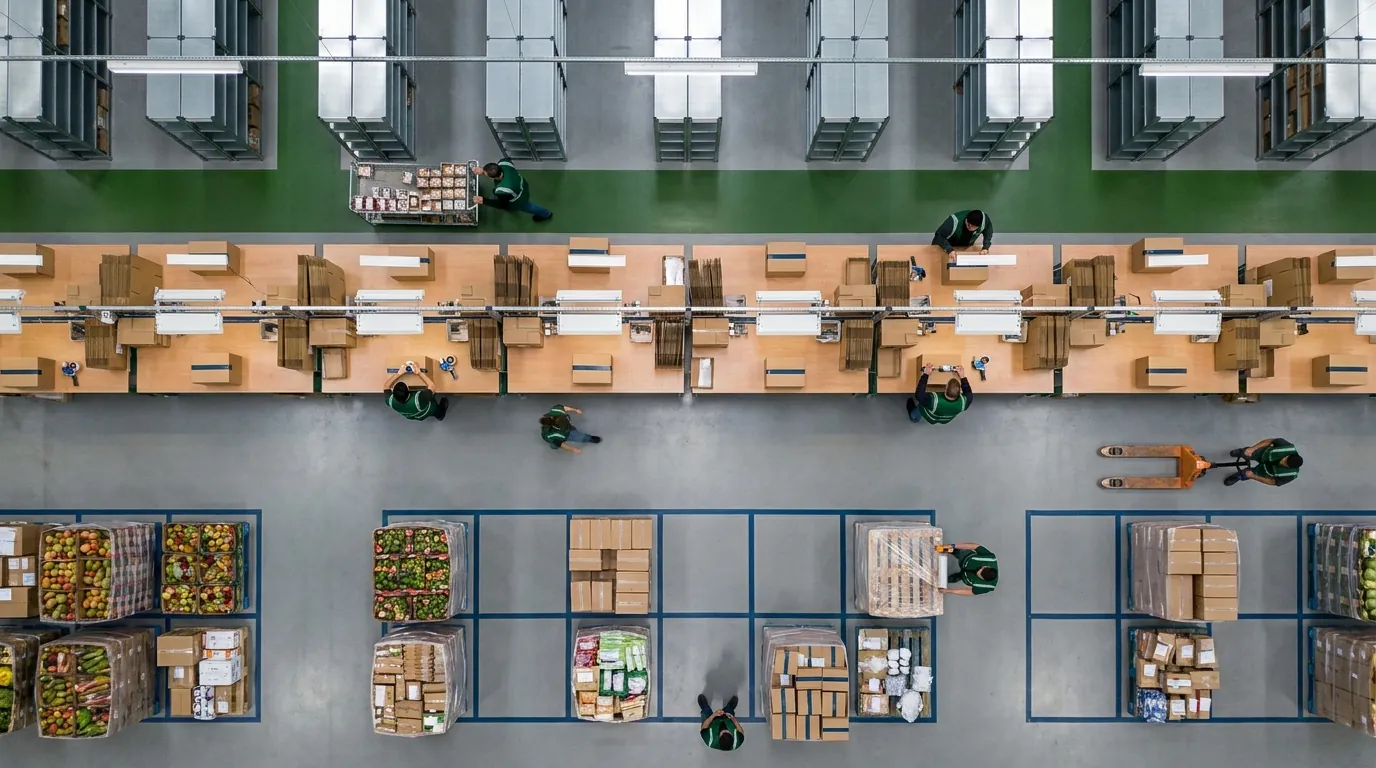
A lot is a group of units of the same item received or produced together: one harvest, one production run, one inbound shipment. A sublot divides that lot further, for instance a portion that was repacked, regraded or split between customers. This layer is where tracking beyond the SKU pays off in daily operations.
Three situations show why: a lot that needs quarantine, a supplier recall and a promise-date question from sales.
From Gross On-Hand to Net Available
Gross on-hand counts every unit on site. Net available is what you can actually sell. Getting from one to the other takes several figures per lot: quantity on hand, quantity in receiving (arrived but not yet put away or cleared), quantity out shipped, quantity unavailable (on hold or otherwise blocked) and quantity on order. When a sales rep asks whether 300 cases can leave Friday, net available gives the honest answer.
Holds and Quarantine With Reason Codes
Suppose a quality check flags a lot of produce for temperature abuse. Pickers must not touch it, yet you still need to know where it sits. Placing the lot on hold with a reason code such as "QA inspection" or "customer complaint" shifts its quantity to unavailable. Logging who applied the hold, and why, creates an audit trail for customers and inspectors. That same record helps when you investigate unexplained stock movement, one of the warehouse security threats worth watching. Once the issue clears, the lot is released back to sellable stock.
Scoping a Recall to Specific Lots
When a supplier announces a recall, item-only records leave two poor choices: pull every case of the item or guess. Lot-level records let you pinpoint the affected lots, compare what remains on site with what has already shipped, and block only those lots. Less product goes to waste and the response moves faster. That carries more weight as rules like the FDA Food Traceability Rule raise expectations for tracing food through the supply chain.
How a WMS Shows Lot Detail
A warehouse management system designed for lot tracking can let users drill from any item down to its lots and sublots and see six figures for each: on hand, in receiving, out shipped, unavailable, on order and net available. In a capable WMS, a lot can be placed on hold or released using a reason code, with the user who made each change recorded alongside it. When you evaluate a platform, check that these figures sit together on one screen rather than across separate reports, since a buyer waiting on a promise date rarely has patience for a second lookup. For an example of how this layer can be presented, see the lot visibility page.
Location Visibility: Knowing Where Every Lot Sits
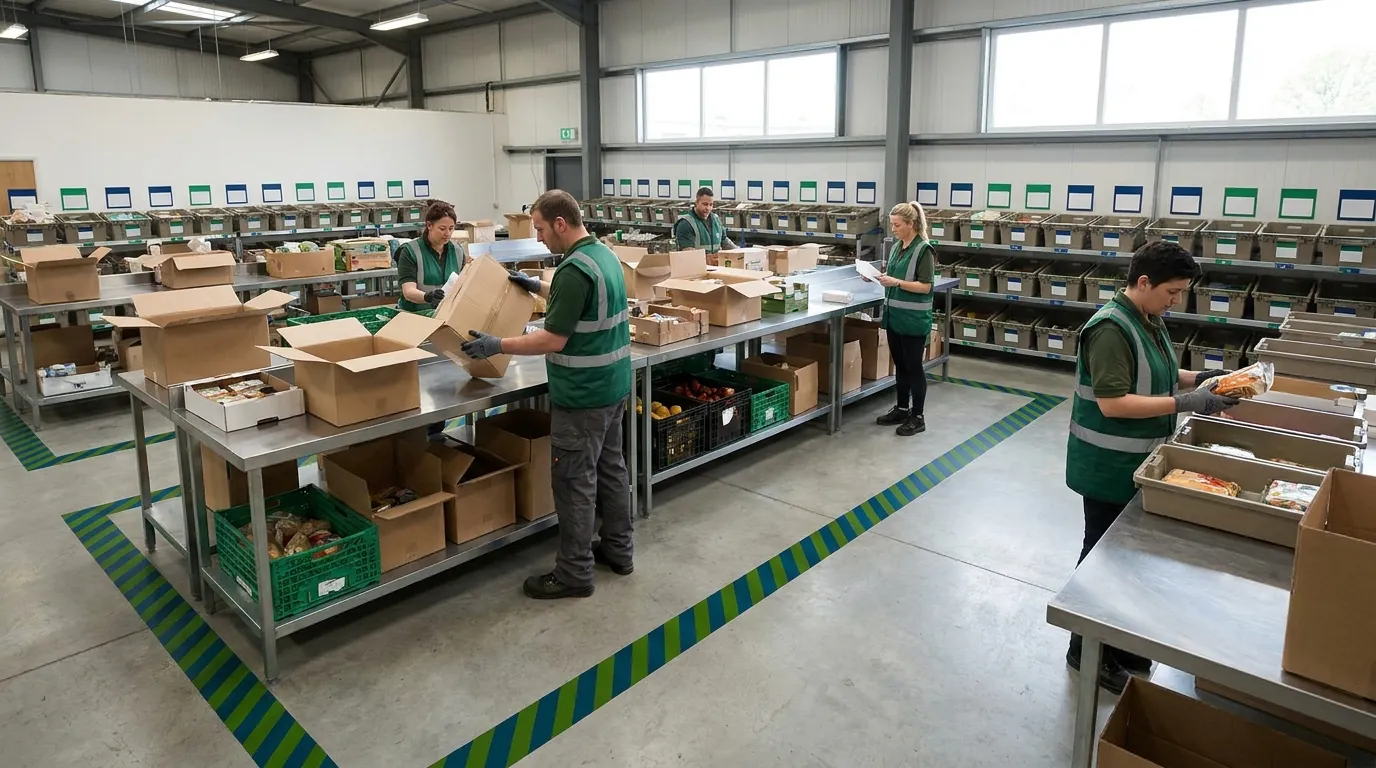
Knowing a lot exists is only half the job. The other half is knowing exactly where it is. Location visibility ties each lot and sublot to a specific place in the facility, so pickers walk straight to the right stock and supervisors can see how space is being used. Without this layer, visibility stops at the record and never reaches the rack.
It also changes put-away. Rather than dropping pallets into whatever gap appears first, staff can choose a slot based on how much room it actually has. If you are still comparing approaches, our overview of a warehouse inventory tracking system covers the basics.
Lookup by Item, Lot, Sublot or Location
Different people start from different questions. A sales rep asks about an item because a customer wants to order it. The quality team asks about a lot because a supplier flagged a problem. A supervisor standing in an aisle asks what is sitting on the shelf in front of them. A useful system answers all of these. Argos Software lets users search stock from any of those four starting points, so each person begins with the detail already in hand instead of translating it into something the system understands.
Smarter Put-Away With Free Volume and Percent Available
Back to that Monday dock. Pallets stack up because nobody is sure where they will fit, and the forklift driver ends up guessing. When each location shows its free volume and percent available, staff can send an inbound lot to a spot with real space rather than splitting it across half-full bins or parking it in an aisle. The Argos location screens display both figures for every slot, giving receivers a number to work from instead of a hunch.
The Visual Warehouse Map
Lists and grids have their place, but a picture is often quicker to read. Argos Software includes a map of the warehouse, and clicking a location lists the inventory stored there. More generally, a map view in a warehouse management system can make it easier to see how space is used across zones, check a spot before sending a picker to it and show new hires which area handles which product. For more detail, see the location visibility feature page.
How to Get There: A Phased Roadmap From Item-Only to Lot and Location Tracking
Moving from SKU totals to full tracking by lot and bin does not have to happen in one weekend cutover. A phased approach limits disruption on the floor and gives each layer time to settle before the next one depends on it.
The five phases below build on each other. Rushing past the first is the most common reason later work stalls.
Phase 1: Clean Up Item IDs and Item Labels
Export your item master and look for duplicate IDs, reused codes and inconsistent label formats. Merge or retire duplicates, apply one naming convention and decide how variants such as pack size or grade are handled. Then assign a single owner for new item creation so the cleanup holds. Packaging and supplies deserve the same attention, and these tips for tracking consumables cover that side.
Phase 2: Define Lot and Sublot Rules
Decide what defines a lot for each product type: a harvest date and field, a production run or an inbound receipt. Next, spell out when a sublot is created, for example during repacking, regrading or splitting a pallet. Put these rules in writing so receiving, production and quality all apply them identically.
Phase 3: Map and Name Locations
Walk the building and give every zone, aisle, rack and position a consistent name, including staging and receiving areas. Record capacity for each spot so free volume can be calculated. Space figures are only as reliable as the names and capacities behind them, so measure rather than estimate wherever you can. A rack position recorded at the wrong size will keep suggesting room that isn't there.
Phase 4: Set Hold Reason Codes
Agree on a short, specific list of hold reasons: QA inspection, temperature excursion, customer complaint, supplier recall and damaged. A tight list keeps reports readable. Also decide who may place a hold and who may release one.
Phase 5: Train Staff and Audit
Train receivers, pickers and supervisors on the new rules, and explain why accurate records for each lot and bin matter for recalls and promising stock. In the first weeks, run cycle counts by location, compare system records to the floor and fix gaps quickly. Keep audits on a regular schedule after go-live.
Inline Readiness Checklist
Use this list to gauge where you stand:
- Every product has one unique item ID, and none are reused.
- Item labels follow a documented, consistent format.
- Variant handling (pack size, grade) is defined.
- Written lot and sublot rules exist for each product type.
- Every storage location has a consistent name and recorded capacity.
- Receiving and staging areas are set up as locations.
- A short list of hold reason codes is agreed, with clear owners.
- Staff know how to record lots and locations at receipt and put-away.
- A cycle count and audit schedule is in place.
- Your WMS or ERP can show stock by lot, sublot and location.
Bringing It Together: Item Level Visibility for Growers, Distributors and 3PLs
This kind of tracking pays off differently depending on the kind of operation you run, but the underlying pattern holds across all of them: fewer surprises, faster answers, and decisions grounded in what can actually ship rather than what simply happens to be sitting on a shelf.
Growers and Packers
When a quality problem shows up on a harvest or packing lot, that lot can go on hold right away with the cause noted, while the rest of the item keeps moving. Picture a packer who finds bruising on one field's Tuesday harvest. Instead of freezing every case of that variety, the team quarantines the single lot and keeps filling orders from clean stock. Because net available figures exclude held and unavailable product, the sales desk stops promising fruit that has not cleared inspection, and nobody has to walk the cooler to confirm what is safe to sell.
Food and Industrial Distributors
For distributors, the biggest gain usually comes during a recall. If you can see which lots were received, including any repacked sublots, where they sit and which ones have already shipped, the response can be limited to the affected product rather than an entire line. That means less good inventory pulled from shelves and a shorter list of customers to contact. Day to day, accurate available-to-promise cuts down on short shipments, along with the frustrated calls and credit requests that tend to follow them.
Third-Party Logistics Providers
A 3PL answers to clients and auditors as well as its own managers. When someone asks which lots are in the facility, where each one is stored and why some are unavailable, the answer comes from a lookup by item, lot, sublot or location instead of a spreadsheet hunt. Every hold carries its reason and the name of the user who set it, so the record speaks for itself. During peak receiving, knowing how much room each location has left helps put-away crews pick a slot quickly, and a supervisor can click any spot on the warehouse map to see what is stored there. The dock stays clear.
Taken together, these are the practical returns of seeing every lot and where it sits: holds that touch only the product in question, recalls with a defined scope, and stock figures your sales team can trust. Request a Demo to see how Argos Software tracks lots and locations in your own workflows.