
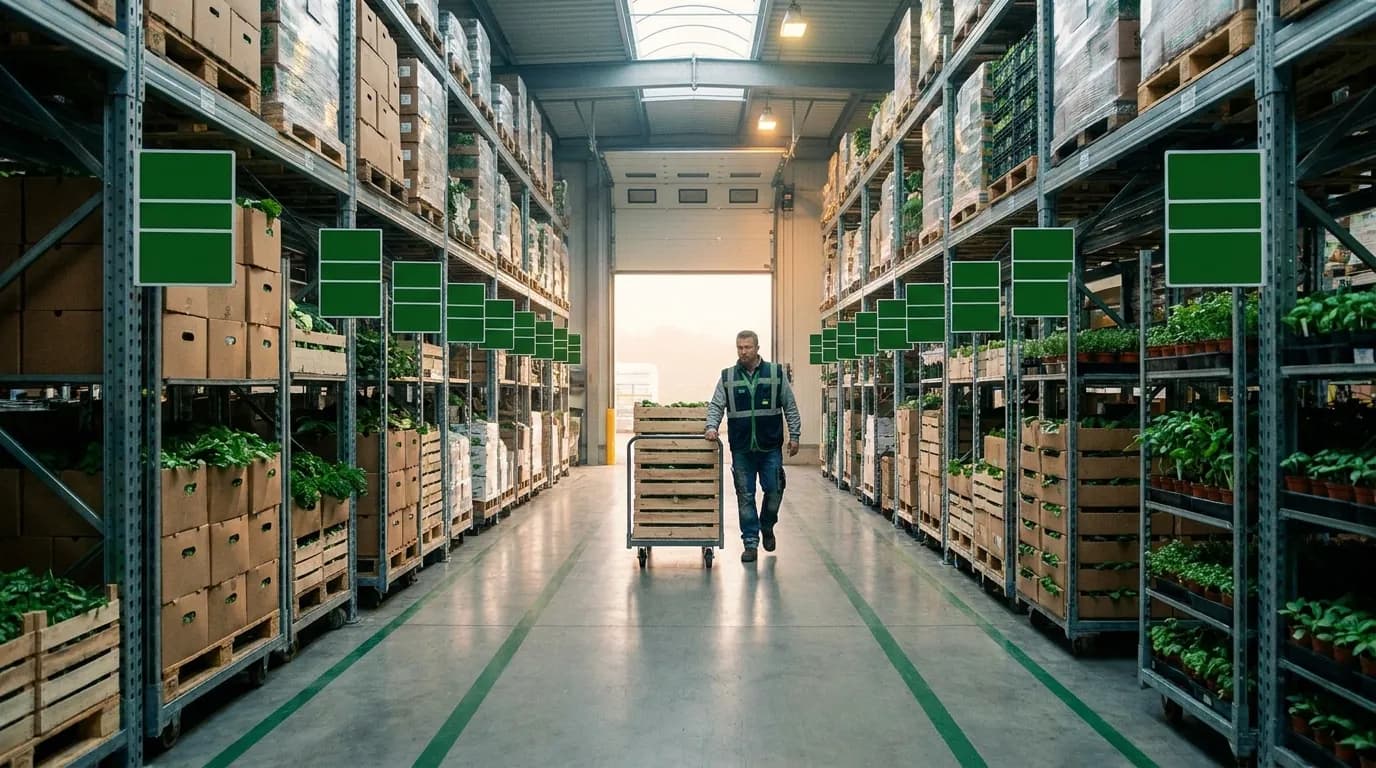
Why Generic CRMs Fall Short for Plants
Most CRM software is built on the assumption that the product is always on hand. A software vendor can sell another license whenever a buyer says yes, and a consulting firm can book one more billable hour. Plants operate under different constraints, which is why a true crm for plants has to look well beyond contacts and pipelines. What you can sell today depends on what was harvested, packed, processed, or received, which lot it came from, how long it will hold quality, and whether a truck can reach the customer on schedule.
When the CRM has no view of those facts, reps fill the gap with calls to the warehouse, spreadsheet lookups, and educated guesses. A rep might confirm a Monday order for product that was fully allocated on Friday afternoon, and nobody finds out until the load comes up short. That leads to missed shipments, credits, and strained accounts, even when salespeople do everything right. For packing, processing, and production operations with 10 to 250 employees, each error hits margin directly, because there is little slack to absorb it.
The Disconnected-Data Problem on the Plant Floor
In a typical small or mid-sized facility, customer details sit in a basic CRM or an email inbox, inventory lives in an accounting or ERP system, and production status is tracked on a whiteboard or shared spreadsheet. Each source may be accurate by itself. Problems begin when someone needs all three at the same moment.
Familiar symptoms include:
- Reps promising loads that haven't been packed or are already allocated to another buyer
- Customers getting different prices depending on who took the order
- Office staff re-keying emailed orders into the ERP and introducing typos
- Slow responses when a buyer asks for lot or origin information
- No clear picture of which accounts are growing, shrinking, or past due
None of these are people problems. They come from data that is split across tools with no connection between them, so customer, inventory, and order records never line up.
What CRM for Plants Really Means
In a plant setting, customer management has to be tied directly to operations. Beyond names, phone numbers, and pipeline stages, it gives sales and customer service staff live visibility into the plant data that decides whether a promise can be kept.
At a minimum, a system designed around plant work should surface:
- Inventory and lot availability, including what is committed versus free to sell
- Order and production status, so reps know exactly where each order stands
- Pricing by customer, commodity, and item
- Shipping and fulfillment details, such as load assignments and delivery status
- Traceability records linking each shipment back to its source lot
A tool that lacks these views can still track relationships, but it cannot help your people make commitments they can rely on. That distinction shapes everything that follows in this article.
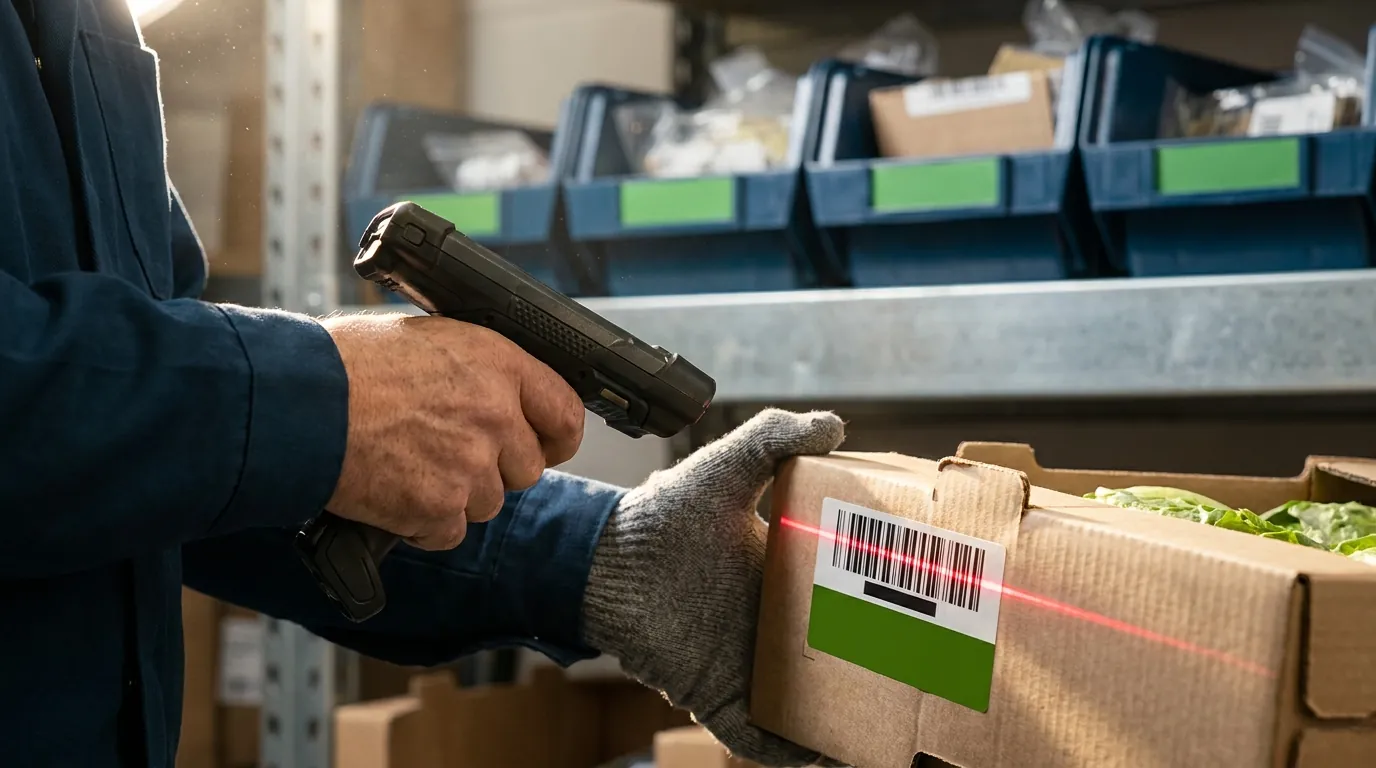
CRM for Small Business vs. CRM for Plants
Generic tools deserve a fair hearing. A good small-business CRM solves real problems: it centralizes contacts, keeps a history of conversations, and gives managers a clear view of the sales pipeline. For plenty of companies, that covers it.
Plant-based businesses have a different center of gravity. Every sales conversation is tied to physical product with limited shelf life, variable quality, and seasonal supply. Reps need to know who the customer is and where the deal stands. They also need to know what is actually available, where it sits, and when it can ship.
What a Typical CRM for Small Business Does Well
Most off-the-shelf CRM products are strong at relationship and activity management. Common strengths include:
- Contact and account records with notes, files, and communication history
- Pipelines with stages, forecasts, and reminders
- Email integration and follow-up templates
- Basic reporting on rep activity and won or lost deals
- Quick setup and modest per-user cost for small teams
A company selling a handful of non-perishable items, with few allocation conflicts and no lot tracking requirements, may find these features sufficient. Trouble starts when sales decisions depend on operational data the system can't reach.
Plant-Specific Capabilities Generic CRMs Lack
Packers, growers, and nurseries usually hit the ceiling in these areas:
- Lot and inventory visibility: reps can't see on-hand, committed, and available quantities by lot, grade, size, or pack type.
- Order and production status: nothing shows whether an order is scheduled, packing, staged, or loaded.
- Shipping details: load assignments, carrier information, and delivery confirmation live in another system.
- Traceability: when a buyer or auditor asks where a shipment came from, there's no lot history to show. Requirements such as the FDA's Food Traceability Rule make that gap harder to ignore.
- Units of measure: cases, bins, pallets, and catch weights rarely map cleanly to a generic product catalog.
Custom fields or third-party connectors can patch some of these gaps. Yet each workaround adds another place for data to go stale, and stale data is what produces the over-promised load.
Seasonal Demand and Commodity Pricing
Growers, nurseries, and produce packers run on the calendar. Volume can multiply during harvest or spring shipping, and prices can shift week to week by commodity, grade, and customer agreement. A generic system usually treats price as a static field on a product record.
The right system shows contract or customer-specific pricing next to current market or list pricing, then carries that price into the order without re-entry. Pricing that flows through correctly also keeps billing clean downstream, which is worth weighing when you compare invoicing software for a plant nursery. During peak season, sales staff also need to confirm that a customer's standing orders can be filled before accepting new business. Without visibility into seasonal supply and dynamic pricing, that work lands back on spreadsheets just when your team has the least time for it.
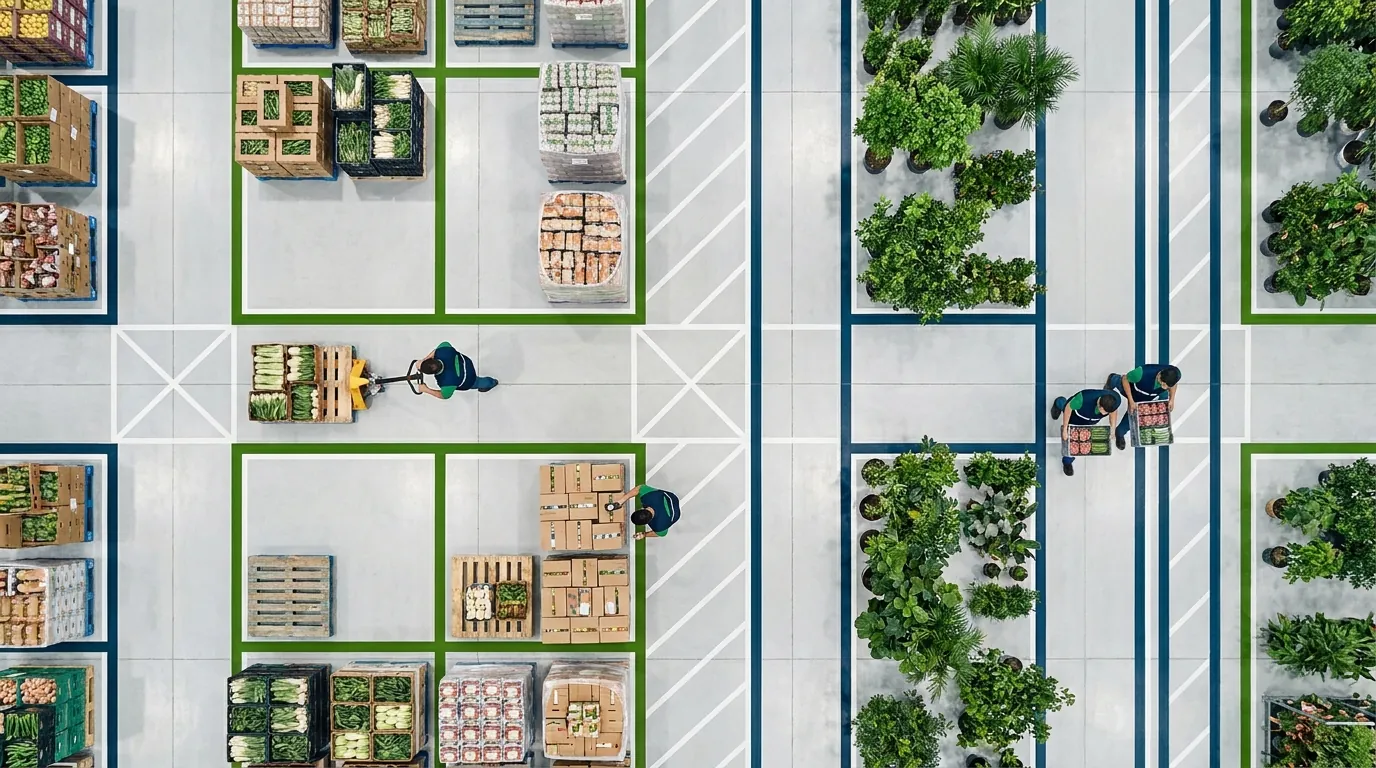
ERP/CRM Explained: How Customer Data Meets Operations
Once operators see where a standalone CRM stops, the next decision is whether to connect it to existing systems or move to a single ERP/CRM platform. Knowing what each system does makes that choice clearer. CRM handles the customer side, ERP handles operations and finance, and an integrated platform shares one data set. That way a customer record, order, inventory lot, shipment and invoice all stay linked.
ERP vs. CRM: Definitions and Differences
Enterprise resource planning software runs the core of the business: inventory, purchasing, production, order processing, shipping, invoicing and accounting. Customer relationship management software tracks contacts, communications, opportunities and service history.
The difference is focus:
- CRM asks who the customer is, what they need and where the relationship is heading.
- ERP asks what you have, what it costs, and what has been ordered, shipped and billed.
An office business can often answer those questions separately. In a plant, nearly every customer question is also an operational one. That's why plant-side customer software has to share data with operations rather than sit off to the side.
How an Integrated ERP/CRM Syncs Your Data
In this setup, customer and operational records live in one database. Nothing waits on a nightly import or manual re-entry. When a rep opens an account, open orders, recent shipments, pricing, credit status and available stock appear on one screen.
In practice:
- A sales order reserves inventory right away and shows up on production or packing schedules
- Lot assignments made in the warehouse appear on the customer's order
- Shipping confirmations update order status for customer service
- Invoices are built from actual shipped quantities and prices, which keeps your plant nursery accounting software accurate
- Every outbound shipment can be traced to the lot it came from
A connector between two separate products can work. It often syncs on a delay, maps fields imperfectly and needs upkeep whenever either system changes.
Spreadsheets vs. Standalone CRM vs. Integrated ERP/CRM
Plant operators usually weigh three approaches. Here is how each one handles the jobs that matter most in a packing or production facility.
Spreadsheets and email
- Customer contacts and history are scattered across files and inboxes
- Inventory and lot availability are tracked manually and are often outdated by mid-morning
- Order progress comes from phone calls and whiteboards
- Price lists sit in separate files, and invoices get re-keyed into another program
- Lot traceability is hard to reconstruct after the fact
- Upfront effort is low, but the fit deteriorates as volume grows
Standalone CRM
- Contact records and communication history are strong
- Live stock and lot data are missing or arrive through a connector
- Packing and fulfillment progress is limited or updated by hand
- Pricing is usually a static field on the product
- Shipping updates and lot history generally aren't available, and billing happens in a separate tool
- Setup is low to moderate in difficulty, and the fit for a plant is partial
Integrated ERP/CRM
- Contacts and history are just as strong as in a standalone tool
- Availability by lot is built in rather than imported
- The order itself shows where it stands in packing and shipping
- Pricing is tied to customer and item records
- Status changes as loads ship, and each shipment links to the lot that filled it
- Invoices are generated from shipped orders
- Implementation takes moderate to higher effort, but the fit for plant work is strongest
Integration asks more of you during implementation. In return you get fewer handoffs and one version of the truth across sales, the warehouse and accounting.
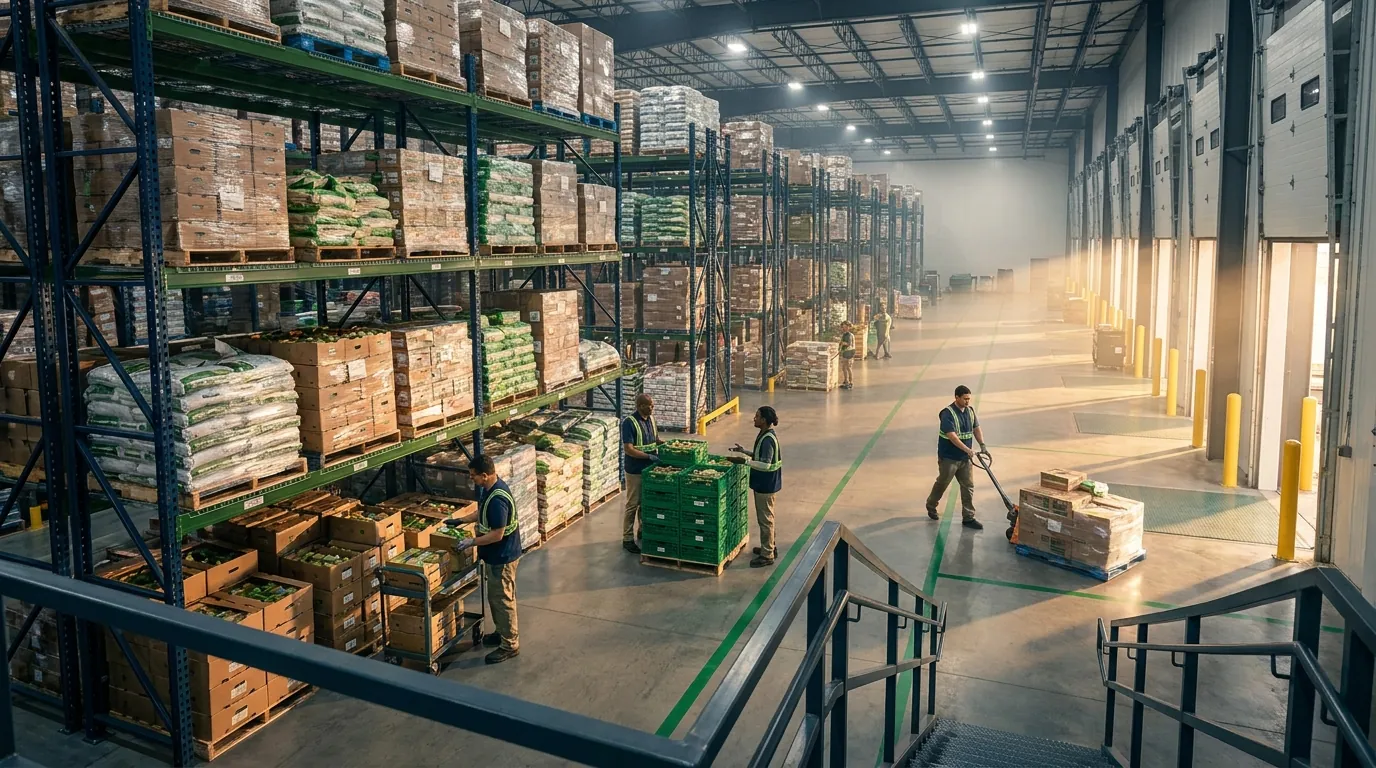
Order-to-Cash in a Plant: Following One Order
Order-to-cash covers everything between a customer's request and the payment landing in your bank account. In a plant, that path runs through sales, inventory, packing or production, the warehouse, shipping, and accounting, so there are plenty of places for it to break.
Picture a hypothetical produce packer. A standing customer calls Tuesday morning wanting 20 pallets of a specific pack size for Thursday delivery, and they need lot information for their food safety records. Here is how each stage plays out with disconnected systems compared with an integrated ERP/CRM.
Step 1: Quote and Order Entry
Disconnected: The sales rep checks a morning inventory spreadsheet. It was accurate at 6 a.m., but two orders have come in since. The rep quotes the customer's usual price from memory, not knowing the contract price changed last week. The order goes to the office by email, and someone retypes it into the accounting system an hour later.
Integrated: The rep opens the customer record and sees the current contract price, any open orders, and live availability for that item and pack size: 14 pallets on hand and 8 more scheduled to pack Wednesday. Twenty pallets for Thursday is a safe promise. The order is keyed in once and reserves inventory immediately, so nobody else can sell the same product.
Step 2: Allocation, Packing, and Lot Assignment
Disconnected: The warehouse has no visibility until the office finishes data entry. By that point, some of the available stock has gone to another account. The packing supervisor learns Wednesday afternoon that the order will come up short, and someone has to make an uncomfortable phone call.
Integrated: The order lands on the packing schedule the moment it's entered, and pickers can group it with other Thursday shipments using methods like wave and batch picking. Staff assign specific lots as pallets are built, and those lot numbers attach to the order automatically. If a quality problem cuts Wednesday's pack, the shortfall appears right away, giving the rep time to call early with options rather than apologies. Customer service can answer status questions without walking out to the dock.
Step 3: Shipping, Invoicing, and Traceability
Disconnected: The driver leaves with a bill of lading that someone filled out by hand. Lot numbers live on a clipboard in the packing room. Accounting waits for paperwork before invoicing, so the bill goes out days late. When the customer's food safety auditor later asks for lot records, someone digs through files to reconstruct them.
Integrated: Shipping documents print with lot numbers already on them. Confirming the shipment triggers the invoice at the contract price quoted Tuesday, so there's no pricing dispute to slow payment. If a recall ever touches one of those lots, a single search shows which customers received it, when, and on which truck. This is where plant-focused customer software earns its keep: the customer relationship and the product history live in one record instead of five.
How to Choose a CRM for Your Plant
Picking a CRM for a plant has less to do with feature counts than with fit: how product, orders and information actually move through your operation. A polished demo of contact management says little about whether a sales rep will see accurate lot availability in the middle of harvest week.
Apply the checklist below to any option you consider, whether that is a standalone CRM, one connected to your current ERP, or a fully integrated ERP/CRM. After that, look over the mistakes plant operators commonly make so you can sidestep them. If you also run a nursery, our overview of the best software for plant nursery management covers related requirements for growing operations.
The Plant-Specific Selection Checklist
- Integration depth: Does customer data live alongside inventory, orders and invoicing, or does it arrive through a sync? How often does it update, and who keeps that connection working?
- Real-time inventory: Can reps view on-hand, committed and available quantities by item, lot, grade and pack type?
- Traceability: Can you follow a shipment upstream to its originating lot, and forward from a lot to every buyer who received it, fast enough for audits and recalls?
- Pricing: Does it handle customer-specific, contract and commodity pricing without manual overrides?
- User adoption: Will reps, warehouse staff and office staff find it practical? Ask to see the screens they would use every day, not only the dashboards.
- Data migration: How will customer lists, price lists and open orders move out of spreadsheets and legacy systems? Who is responsible for cleaning that data?
- Implementation planning: What is a realistic timeline, and can go-live fall outside your busiest months?
- Scalability: Can it absorb more users, additional locations and seasonal volume spikes as the business grows?
- Industry fit: Does the vendor understand agribusiness, packing, processing or distribution workflows?
A strong candidate should give clear, specific answers to every item here. Vague replies usually point to gaps you will discover after signing.
Common Mistakes to Avoid
- Buying on price alone: A low per-user fee can hide ongoing costs for connectors, manual re-entry and order errors.
- Leaving the warehouse out: When the people who pack and ship skip the evaluation, the software ends up reflecting sales assumptions rather than plant reality.
- Going live during peak season: Switching systems in the middle of harvest or the spring rush invites trouble. Schedule the cutover around your calendar.
- Migrating messy data: Duplicate customer records and outdated price lists will follow you into the new platform unless you clean them up first.
- Over-customizing a generic tool: Dozens of custom fields can imitate plant features, but they tend to break easily and become hard to maintain.
- Skipping traceability requirements: Food safety rules and buyer expectations keep changing. Confirm lot-level record keeping is supported before an auditor or customer asks for it.
How an Integrated Platform Connects CRM and ERP in a Plant
When customer management lives in the same platform that runs inventory, orders, shipping, and accounting, operators don't have to bolt a generic contact manager onto a separate back office and hope the two stay in sync. A warehouse management system paired with ERP and CRM functions can put customer data and operational data on one foundation from the start. That shared foundation is the core idea to test with any vendor you evaluate.
For growers, nurseries, produce packers, and processors, this means the sales desk and customer service can see the same numbers that warehouse and accounting staff see. The aim is simple: fewer orders typed twice, fewer surprises at the dock door, and quicker answers that people can stand behind when a buyer calls.
One Customer Record Tied to Inventory, Orders, and Lots
In an integrated platform, each customer account can link to the operational details a plant actually depends on. From that record, sales and service staff can work with:
- Inventory visibility, so commitments reflect real stock before an order is confirmed
- Order status from entry through picking, packing, and fulfillment
- Customer-specific pricing applied consistently every time an order is entered
- Shipping documents and invoices generated from the order instead of re-keyed
- Lot details that help answer traceability requests from buyers and auditors
When these records share one environment, the order-to-cash flow described earlier can become routine rather than something the team aspires to. Specific capabilities vary by vendor, by configuration, and by how your operation runs, so it pays to see any platform you evaluate against your own processes. This is where a purpose-built system differs most from a standalone tool: the customer view and the operational view are one and the same.
What to Expect from a Demo
A demo is the most practical way to judge fit. Arrive with a handful of real situations from your operation, for example:
- A rep checking availability for a rush order at the height of the season
- A buyer asking for lot information on last week's shipment
- An order that changes after packing has already begun
- Contract pricing that needs to apply to a key account
For each one, ask to see what the screens look like for sales, warehouse, and office users. Invite the people who will use the system daily, not only the managers signing off on the purchase. Their questions tend to surface the gaps that matter, and you end up evaluating the software against how your plant really works instead of a scripted pitch.
Request a Demo and bring these scenarios with you to see Argos Software in the context of your facility.