
Crew Work Orders
Give growing crews clear work orders
Build crew work orders from crop lots, from growing locations or from activities already planned, and plan the days ahead from on screen planting and transplanting worksheets.
Connect and insight
Crop Lot and Activity Import from Excel
Create crop lots, import growing activities and update conversion factors from Excel sheets instead of keying each record, and correct bin quantities when a count is off.


Also in grow and sell.
Crew Work Orders
Build crew work orders from crop lots, from growing locations or from activities already planned, and plan the days ahead from on screen planting and transplanting worksheets.
Crop Lots
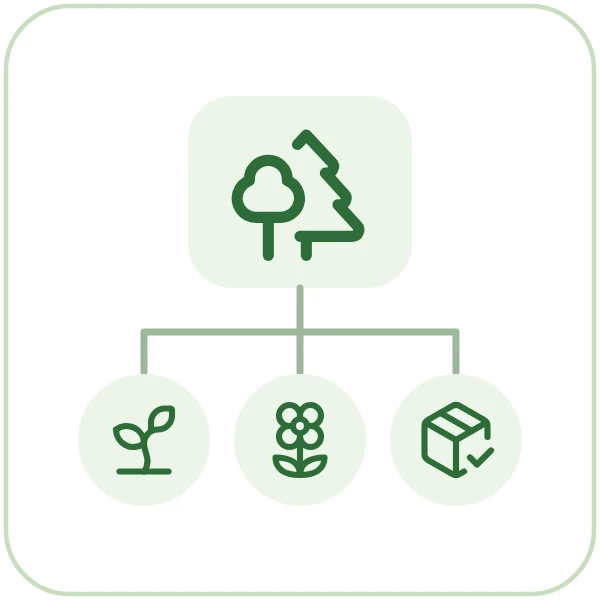
Create each planting as a crop lot from its program in one screen, with its stages, inputs, outputs, dates and quantities built for you, then run it from a single management view.

Crop Programs
Set up each crop and variety once as a growing program with its stages, timing, expected loss, inputs and outputs, then start every new planting from it instead of from a blank sheet.
Book a guided walkthrough with the Argos team.