
ERP and accounting integration
Argos ERP and accounting integration
Run the operation with control in Argos and keep the books in the accounting system you already run. The Argos team has connected customers' warehouse, order and billing records to their accounting and ERP software, and builds the connection around your system.
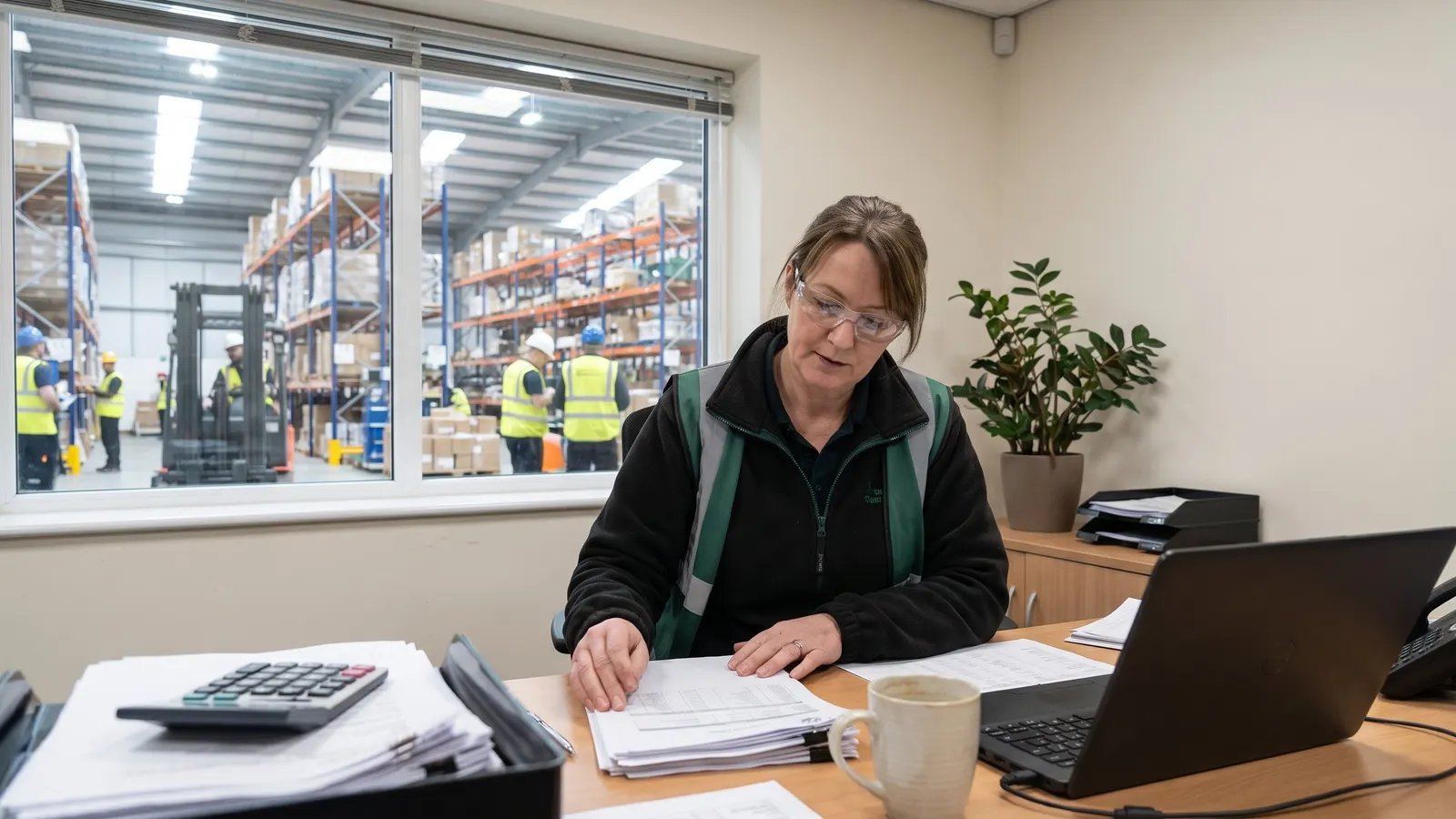
The problem
An accounting system knows what was invoiced and paid, but not what sits on the shelf, the dock or the truck, so operations run on spreadsheets beside it.
With Argos
Argos runs the operation from live records, up to goods on the shelf at a known cost and invoices to your clients. Your accounting system keeps the books from there.
How Argos connects to your accounting system
- Receivables integration endpoints let your accounting or ERP system create invoices in Argos, post and apply customer payments, and create or update customers.
- Your other systems can read open receivables and payables items in Argos, with their GL distribution lines.
- Each connected system signs in to Argos with its own OAuth client login.
- Flat file and XML import and export maps, run on a schedule over FTP or SFTP, carry any other records your ERP needs.

How an accounting integration project runs
Four steps, from your chart of accounts to a tested connection.
Scope the records
Agree which records move between Argos and your accounting system, and in which direction.
Configure the connection
The Argos team sets up the export files, integration endpoints or mapped files your system needs.
Map your data
Accounts, customers, vendors and codes are mapped from Argos values to yours.
Test with your data
The connection is tested against your own records for accuracy before go-live.
Experience with the accounting systems you run
Every accounting and ERP integration is fitted to the customer's system and processes, so the Argos team scopes yours with you during implementation instead of offering a fixed list of packages.
Tell us which accounting software you run, and we will show you how Argos connects to it.

Argos accounting modules, and HR for existing customers
For customers who keep their books in Argos, Argos has its own accounting modules: general ledger, receivables and payables, with bank deposits and bank reconciliation. Invoices entered in Argos receivables book to the ledger when they are committed.
Customers already running the Argos human resources (HR, HRM) and payroll modules produce W-2 and W-3 forms from payroll, and payables produces 1099 forms for vendors and settlement participants.

Argos ERP and accounting integration questions
Straight answers, drawn from what the software does today.
Do you work with my accounting software?
Argos gives you control of the operation: live stock, orders, receipts and client billing. Your accounting system keeps the books, and the Argos team connects the two around your system.
Which accounting systems does Argos integrate with?
Argos has integrated with the accounting and ERP software its customers run. Each connection is scoped and built for your system during implementation, so bring your package to a demo and the Argos team will show you how it connects.
Can another system send cash receipts to Argos?
Yes. The AR integration endpoints create a cash receipt with its applications and payments, or apply a customer payment to open invoices oldest first. An applied payment commits only when the caller asks; otherwise receipts stay uncommitted.
How does Argos connect to our ERP software?
As an implementation project. The Argos team builds the connection with export files, integration endpoints and mapped files, then tests it with your data.
Is Argos an ERP?
Argos runs warehouse, inventory, order, freight and grower operations, and has its own accounting modules. If your books live in a separate ERP, Argos connects to it by export file, integration endpoints or mapped files.
More integration pages
Plan your accounting integration
Walk through your ERP, your data and the Argos connection options with the Argos team.