Skip to content
Argos Software

Argos for 3PL Warehouses

Store, ship and bill your clients from one system

Receipts, shipments, lots and each client's rates share one system, so storage charges are run, checked against stock on hand and invoiced to every client in one batch.

Tall pallet racking in a 3PL warehouse

The problemA 3PL stores and ships stock for many clients at once, each on its own rates, so month-end billing often means rebuilding charges by hand from receiving and shipping records.

From workaround to one record

Where 3PL warehouses lose time today, and what changes.

  • Today

    A 3PL bills many clients, each on its own rates, so month-end billing often means rebuilding storage and handling charges by hand from receiving and shipping records.

    Warehouse billing

    Each client's rates are set once, storage billing runs by cycle with a preview of every proposed charge, and every client is invoiced in one batch.

  • Today

    When receiving, shipping, dock times and paperwork sit in separate tools, clerks key the same transaction more than once and supervisors cannot see what is ready to commit.

    Receiving and shipping

    Receipts, shipments and adjustments move through clear stages on one screen, with lots, serials, dock times and shipping documents on the same record.

  • Today

    When stock records lag behind the floor, staff walk the racks to find a lot, put inbound loads wherever there seems to be room, and count by hand without a clear record of the variances.

    Inventory

    Look up stock by item, lot, sublot or location and the free space in every location, so lots are found, held, moved and counted against one record.

  • Today

    When every report has to be requested from someone else, managers wait for the numbers they need, and the same questions get asked again every week.

    Insight and AI

    Standard warehouse and order reports run from the browser with your own filters, and dashboards your team builds put the daily numbers on one screen.

What Argos does for 3PL warehouses

Each client's rates, receipts, shipments, lots and invoices sit on one shared record, so the charges your team captures during the month are the charges you bill.

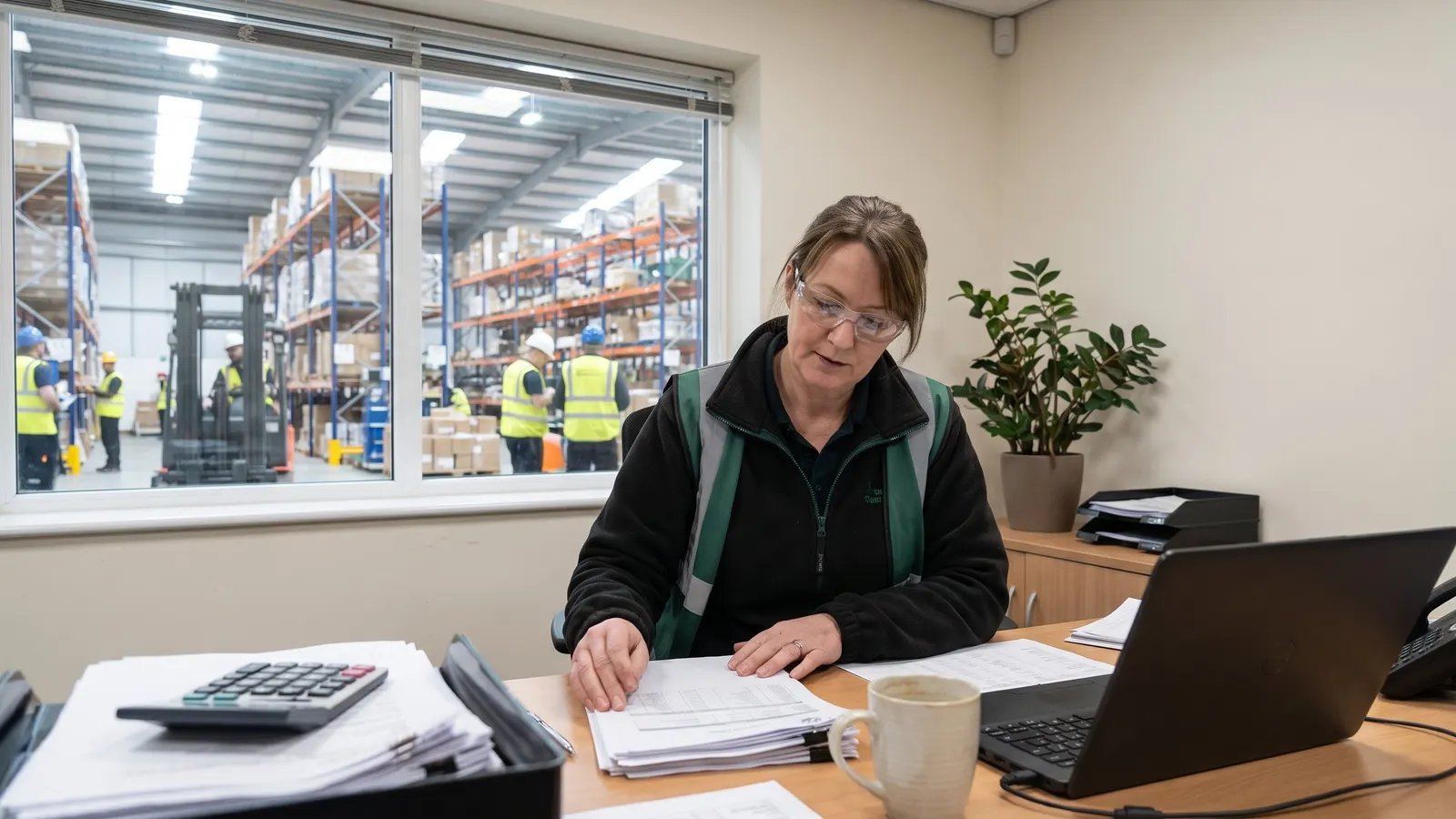
An operations manager reviewing printed reports at a desk

Bill every client from rates set once

Warehouse Activity Charges

Capture one-off service charges for any client

Record the extra work you do for a client, such as labeling, rework or special handling, as a charge against that client, starting from a saved charge profile, so it is ready to bill when you run invoicing.
A warehouse worker counting stock in a rack aisle

Show each client their lots, report on the rest

Warehouse Reports

Report on stock, locations and activity

Run standard reports on what you hold, where it sits and what moved, from on-hand and availability by lot to location capacity, open orders and monthly activity.

Trucks backed into the loading dock doors of a distribution center

Orders and trucks arrive already planned

EDI and Web Order Conversion

Turn EDI and web orders into warehouse work

Orders that arrive by EDI or as web orders land in one management screen, where a clerk reviews them and converts each into a warehouse receipt or shipment with one action.

From client rates to client invoices

Six steps on one shared record, from each client's rates to each client's invoice.

  1. Set each client's rates once

    Each client's charge codes and rate schedule are set once, with a new effective date when prices change.

  2. Orders and trucks arrive already planned

    Orders that arrive by EDI or as web orders are reviewed and converted into warehouse receipts and shipments with one action.

  3. Every receipt and shipment on one record

    Every receipt, shipment and adjustment is handled on one record, from planning through completion.

  4. Show each client the lots you hold for them

    Any item drills down to its lots and sublots with on hand and available quantities, and a whole lot can be put on hold.

  5. Report on stock and activity, filed by role

    Standard reports show what you hold, where it sits and what moved.

  6. Invoice every client from the charges captured

    Invoices for every client on a billing cycle are generated from the charges captured and previewed before you commit them.

Proof, point by point

Each point is traced to the software and links to the capability behind it.

Questions 3PL warehouses ask

Straight answers, drawn from what the software does today.

Can one system bill many 3PL clients on different rates?

Yes. Each client's charges and dated rate periods are set once in a rate schedule, storage billing runs by cycle with a preview of every proposed charge, and invoices for every client are generated in a batch.

How are value-added services such as labeling or rework billed?

Record the extra work as a charge record that starts from a saved charge profile, with a charge code, quantity, rate and amount on each line, so it is ready to bill when you run invoicing.

Can we record lots and serial numbers on every receipt and shipment?

Yes. Receipts and shipments record which lots, sublots and serial numbers moved on each line, and any item can be drilled down to its lots and sublots with on hand, unavailable and net available quantities.

How do client orders sent by EDI reach the warehouse floor?

Incoming EDI transactions and web orders land on their own tabs in one management screen, where a clerk reviews each one and converts it into a warehouse receipt or shipment in one step.

Can we schedule inbound and outbound trucks at the dock?

Yes. A receipt or shipment is scheduled into an offered time slot, and Argos assigns the first free dock door for the chosen start time, following each warehouse's own hours, breaks and blocked-out times.

What reporting does a 3PL get?

Standard reports on on-hand and availability by lot and location, location capacity, open receipts and shipments and monthly activity, plus dashboards your own team designs in the browser and places on the menus of the roles that use them.

Next step: book a guided walkthrough

See the whole flow with the Argos team, step by step, from each client's rates to each client's invoice.