Skip to content
Argos Software

Argos for Trucking Carriers

One system from freight order to driver pay

Orders, loads, trips, driver messages, freight bills and settlements share one record, so every load is rated, billed and paid from the data dispatch already entered.

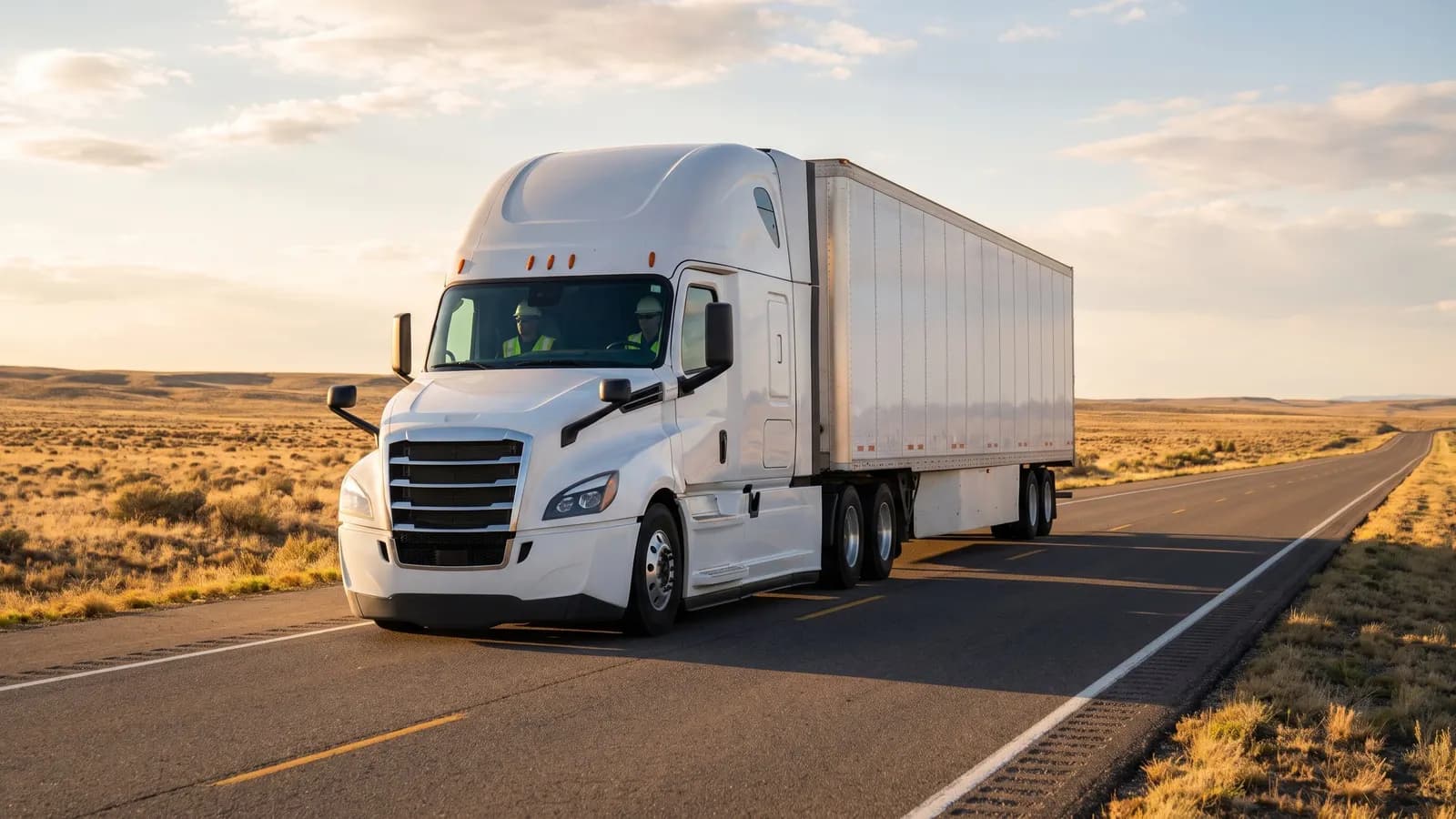
A semi-truck on an open highway at golden hour

The problemWhen dispatch, rating, billing and driver pay live in separate tools, the same load is keyed again at every step, and the margin on a trip shows up long after the truck is back.

From workaround to one record

Where trucking carriers lose time today, and what changes.

  • Today

    A carrier keys the same load into dispatch, rating, billing and driver pay, so errors creep in at every handoff and nobody sees the margin on a trip until long after it ends.

    Freight and dispatch

    Orders become loads, loads become trips, and every trip is rated, billed and settled from the data dispatch already entered.

What Argos does for trucking carriers

Orders, loads, trips, driver messages, freight bills and settlements share one record, so every load is rated, billed and paid from the data dispatch already entered.

Rate, bill and pay from the trip record
Freight Billing and Consolidated Invoices

Bill freight and consolidate invoices by customer

Create freight bills with charges and totals, find any current or past bill in one place, then commit them and group each customer's bills into consolidated invoices.
Driver and Carrier Settlements

Pay drivers, owner operators and carriers per trip

Record what each driver, owner operator and carrier is owed on a trip by charge code, compare carriers by recent activity and pay, then commit trip payments and freight bill settlements so everyone gets paid.
See revenue, cost and margin by trip

Trip and Shipment Profitability Reporting

Know the revenue, cost and margin on every trip

Analyze revenue, participant cost and margin by shipment, trip and broker, and print the freight documents drivers and shippers need: delivery receipts, manifests, driver instructions and load confirmations.

Dispatch builds trips from waiting loads

Driver Messaging from Dispatch

Message drivers and trucks from dispatch

Send dispatch and free-form messages to drivers and trucks through your in-cab messaging service, read every reply, and let incoming messages update trips and loads by rules you set.

Track every shipment through proof of delivery

Shipment Tracking and Proof of Delivery

Track every shipment and prove delivery

Record carrier tracking numbers, pull in rail and terminal container events, and know whether proof of delivery is required, missing or received on every trip.

Orders and shipper requests become loads

Shipper Load Entry and Tracking Portal

Let shippers enter and track loads online

Give shippers a web portal to enter shipment requests and freight orders, follow their loads on a map, search trips, and print labels and reports themselves.

One flow from first order to final payment

Five steps on one shared record, from the first order to the final payment.

  1. Orders and shipper requests become loads

    Every customer move request becomes a freight order, and every order becomes loads ready to dispatch.

  2. Dispatch builds trips from waiting loads

    Dispatch builds trips from waiting loads and assigns drivers, trucks and trailers to every stop.

  3. Track every shipment through proof of delivery

    Every trip shows its tracking events and whether proof of delivery is required, missing or received.

  4. Rate, bill and pay from the trip record

    Freight bills are created with their charges, committed and grouped into consolidated invoices for each customer.

  5. See revenue, cost and margin by trip

    Revenue, participant cost and margin are reported by shipment, trip and broker.

Proof, point by point

Each point is traced to the software and links to the capability behind it.

Next step: book a guided walkthrough